Tekno Portal app logo
Tekno Portal

Screen tour

Every screen in Tekno Portal, with a short sentence on what it is for. The menu has two tabs: Home and Profile.

Captures are from the Android version; iOS and Windows follow the same flow, though module coverage can differ slightly by platform. Real values such as customer names, amounts and tax numbers are blurred.

Home

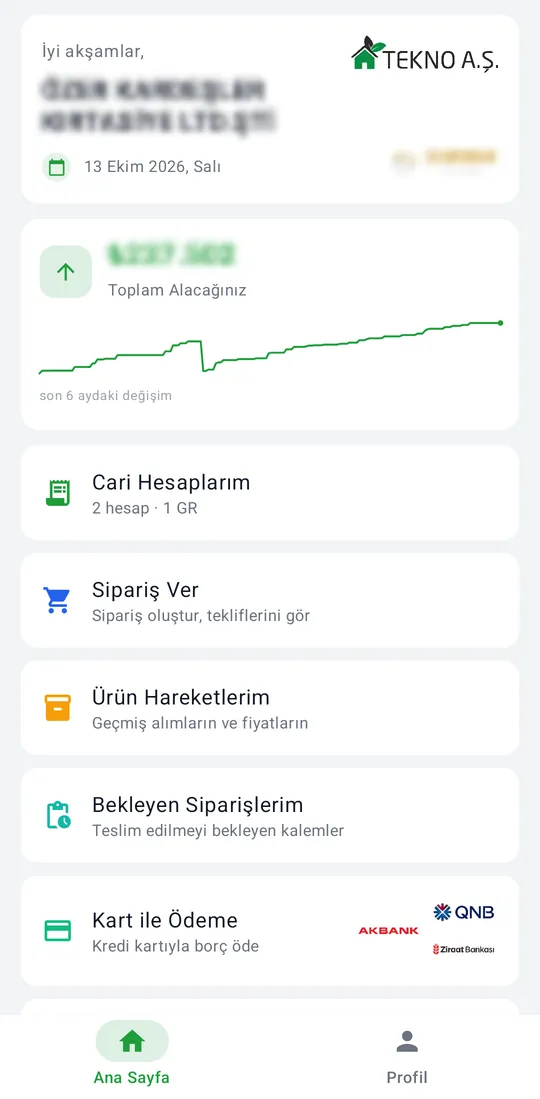
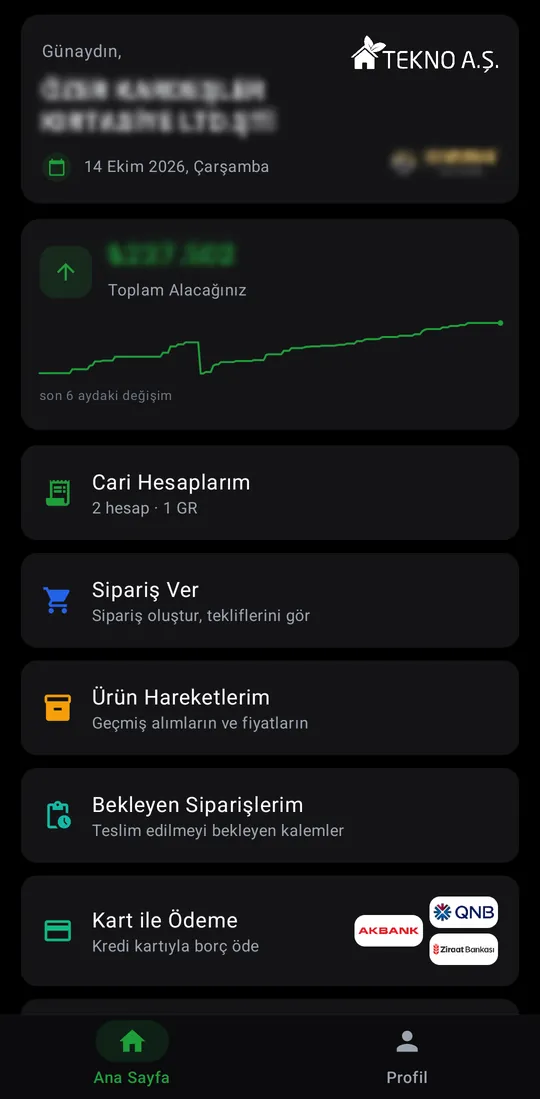
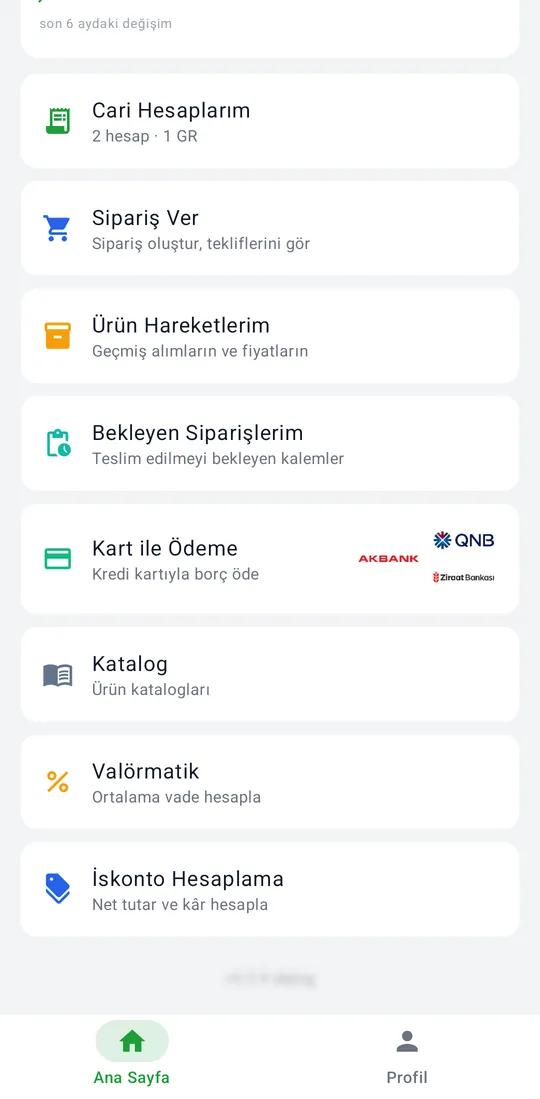
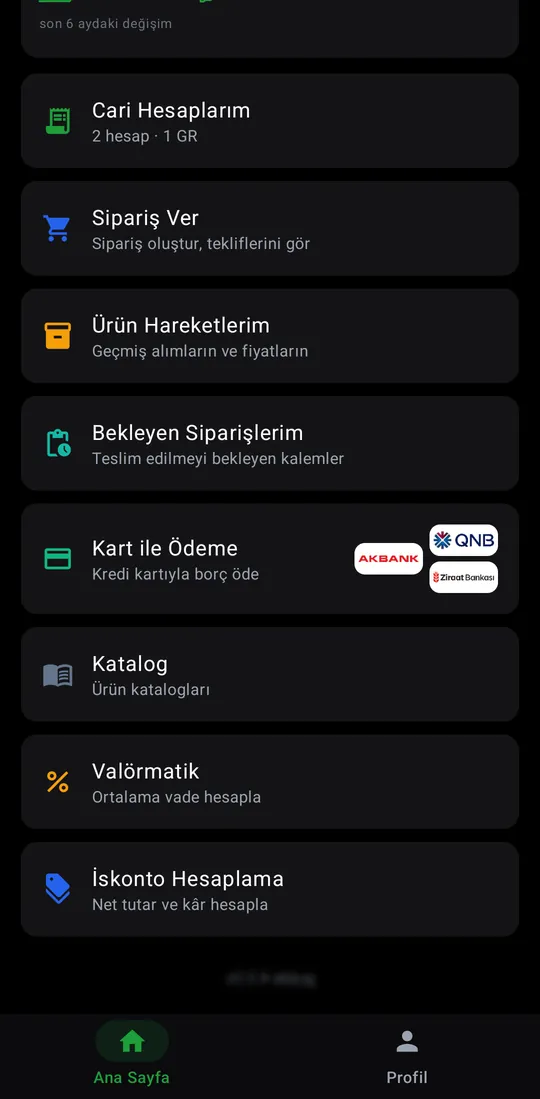
Tekno Portal — Home screen screenshotTekno Portal — Home screen screenshotTekno Portal — Home screen screenshotTekno Portal — Home screen screenshot

Home screen

The customer's own company: total receivable, a six-month change chart, and the action cards below.

Account and payments

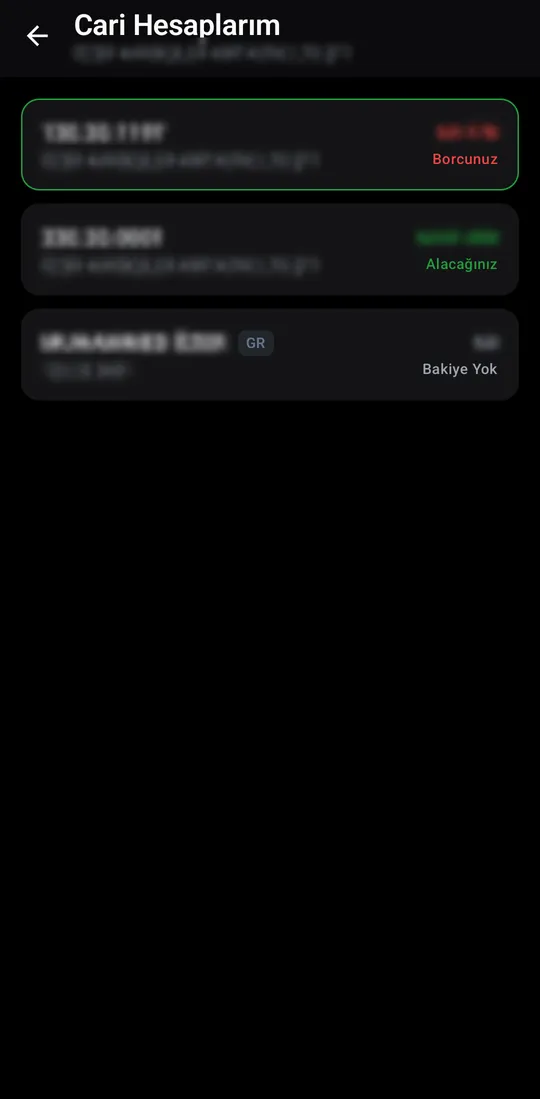
Tekno Portal — My Accounts screenshotTekno Portal — My Accounts screenshot

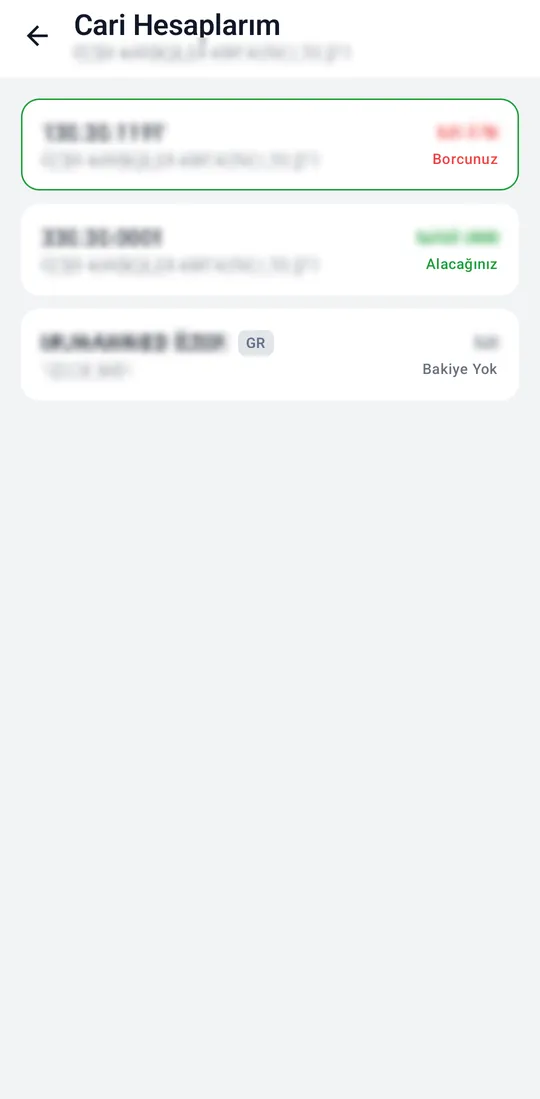
My Accounts

The accounts linked to the customer, with balances; group (GR) accounts carry a badge.
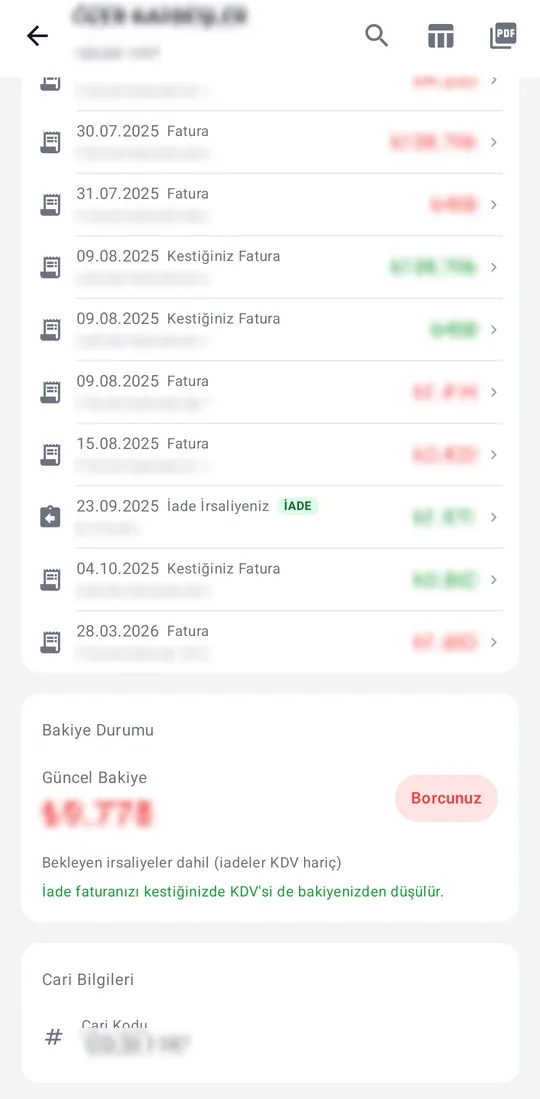
Tekno Portal — Account statement screenshotTekno Portal — Account statement screenshot

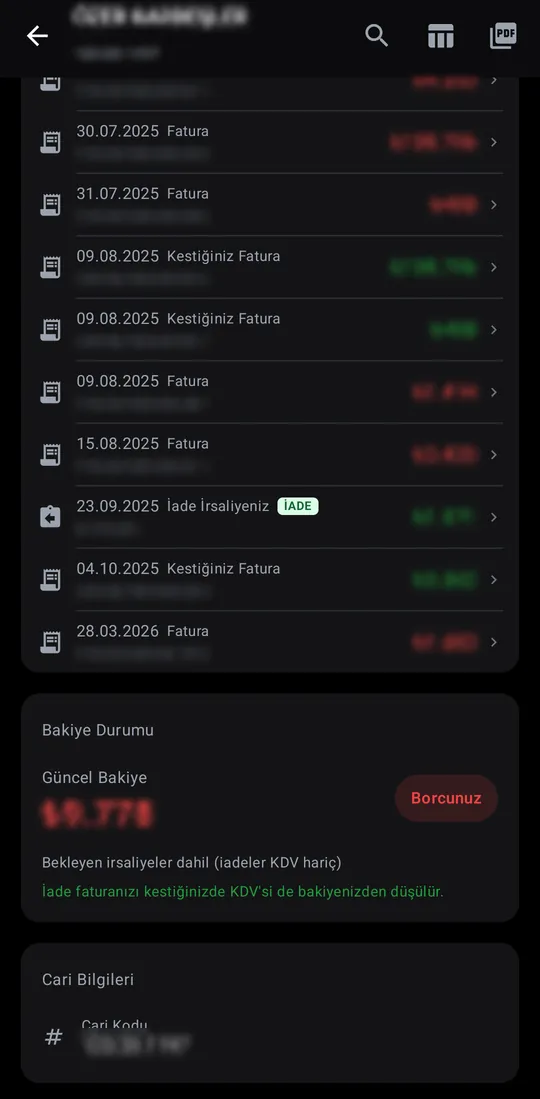
Account statement

Open an account for its invoices, returns and payments by date, with the current balance below. Search, table view and PDF.
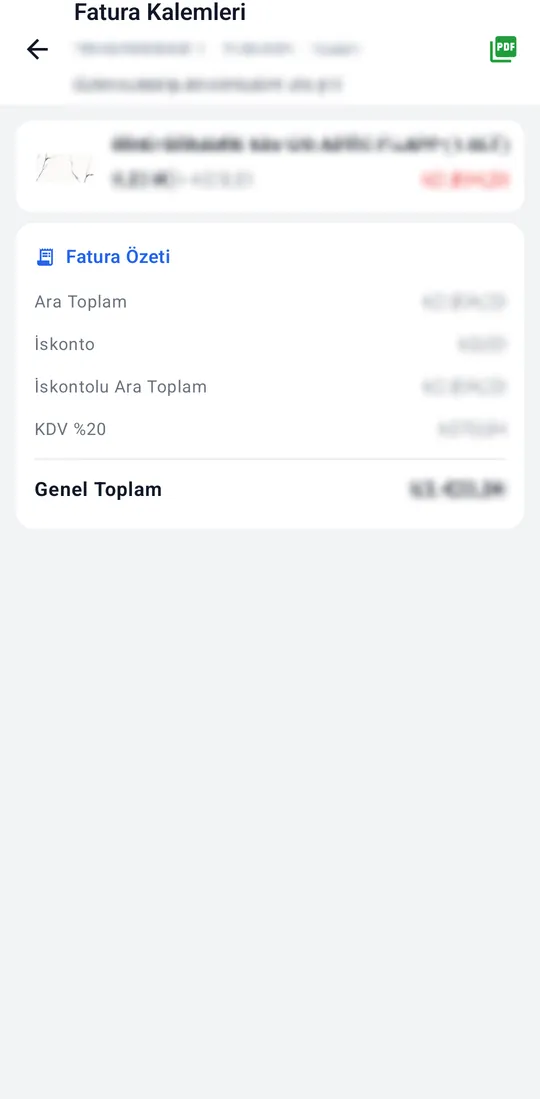
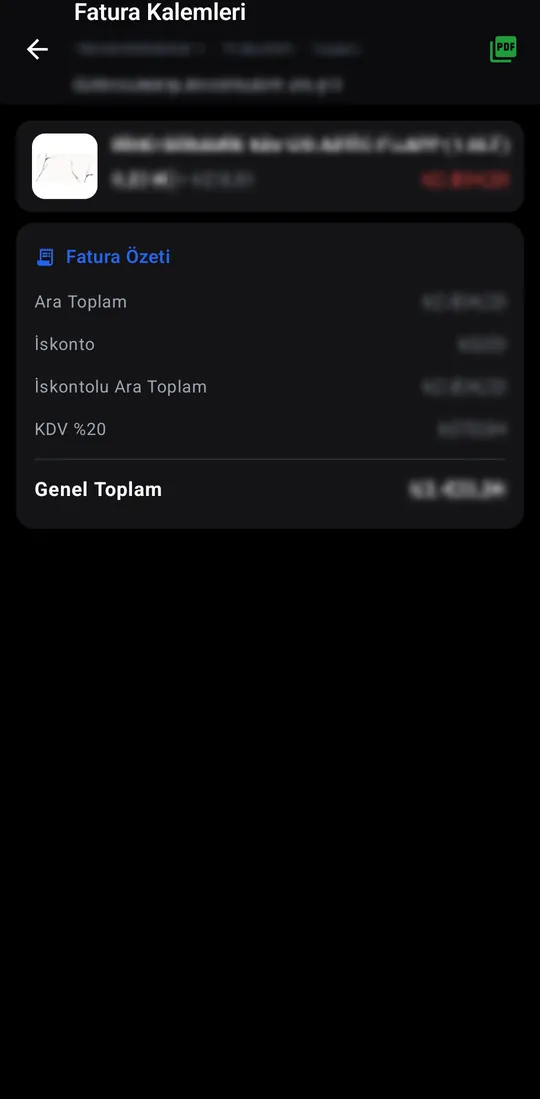
Tekno Portal — Invoice lines screenshotTekno Portal — Invoice lines screenshot

Invoice lines

The invoice's lines, subtotal, discount, VAT and grand total; the invoice opens as PDF.
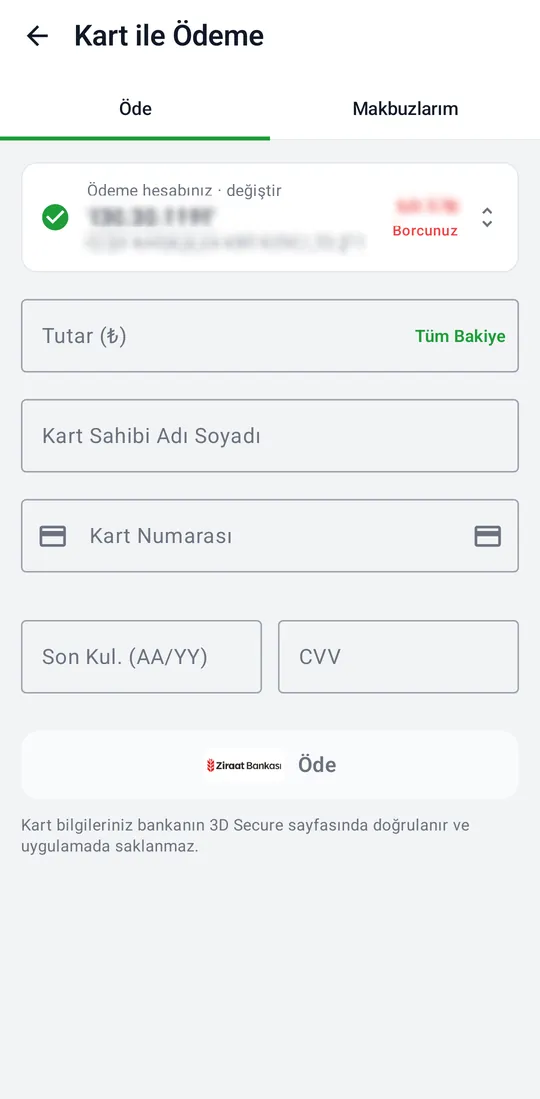
Tekno Portal — Pay by Card screenshotTekno Portal — Pay by Card screenshot

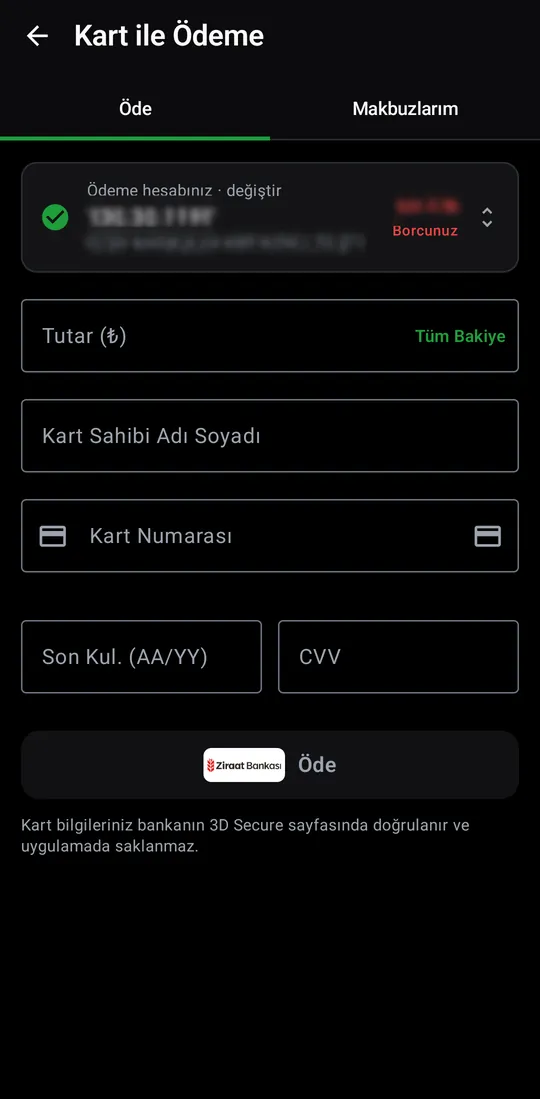
Pay by Card

Pay a balance by card: enter the amount and card details, and the payment completes on the bank's 3D Secure page. Card details are never stored on the device.
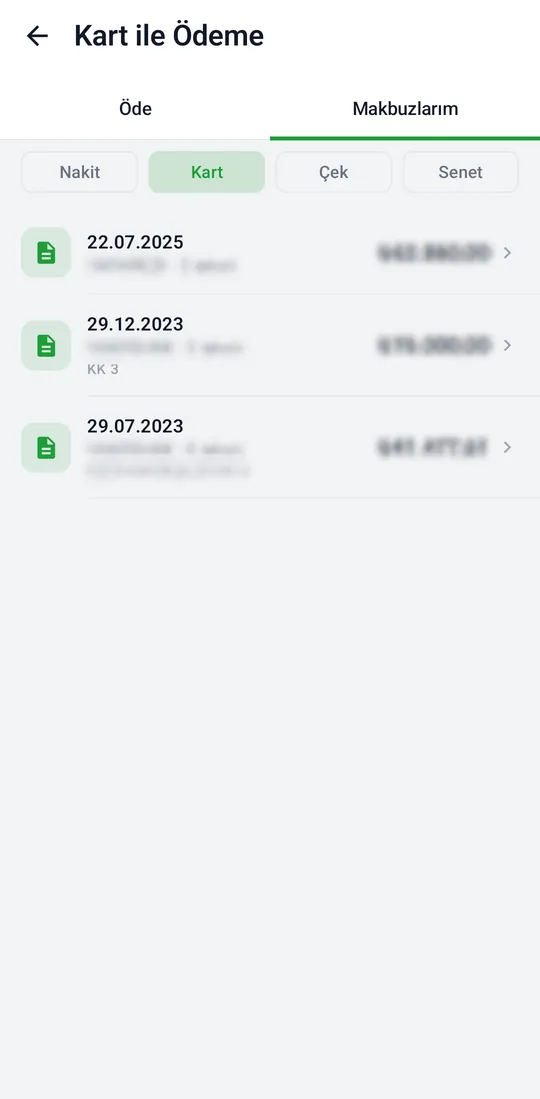
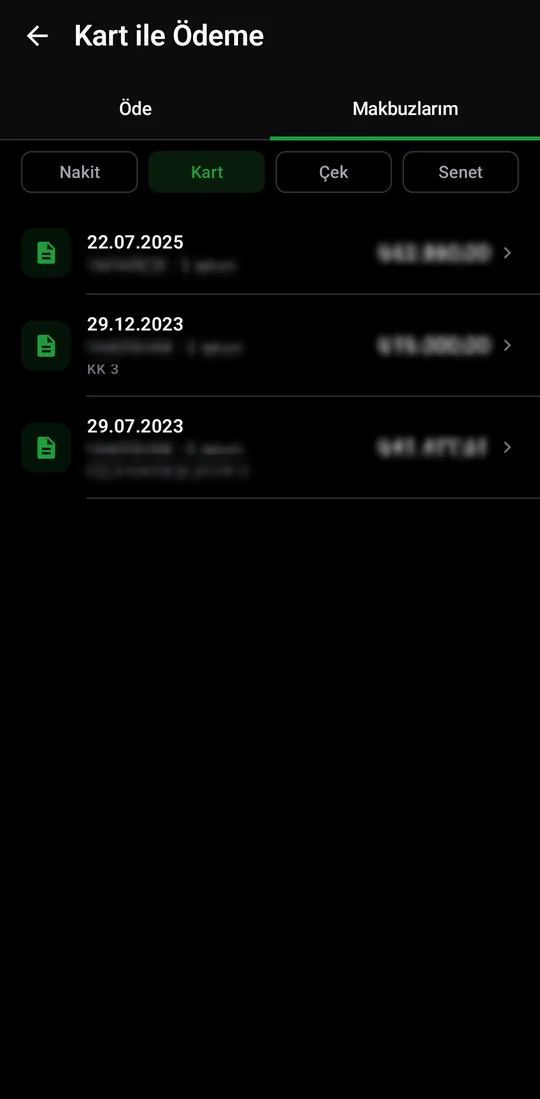
Tekno Portal — My Receipts screenshotTekno Portal — My Receipts screenshot

My Receipts

Receipts for payments made, on cash, card, cheque and note tabs.
Orders

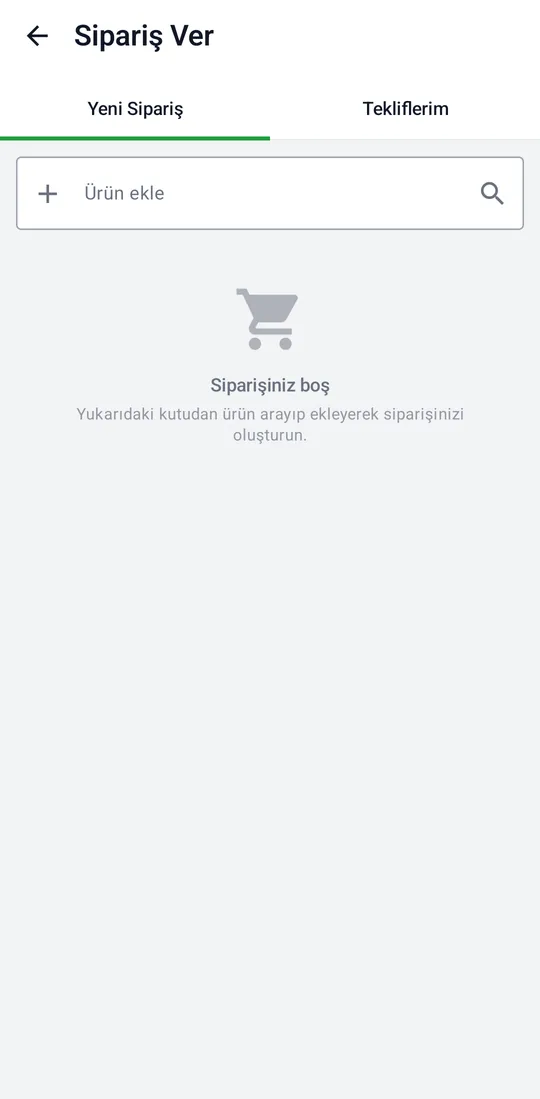
Tekno Portal — Place an Order screenshotTekno Portal — Place an Order screenshot

Place an Order

Search your own catalog and build an order. Price and account code are never sent by the client; the server decides them.
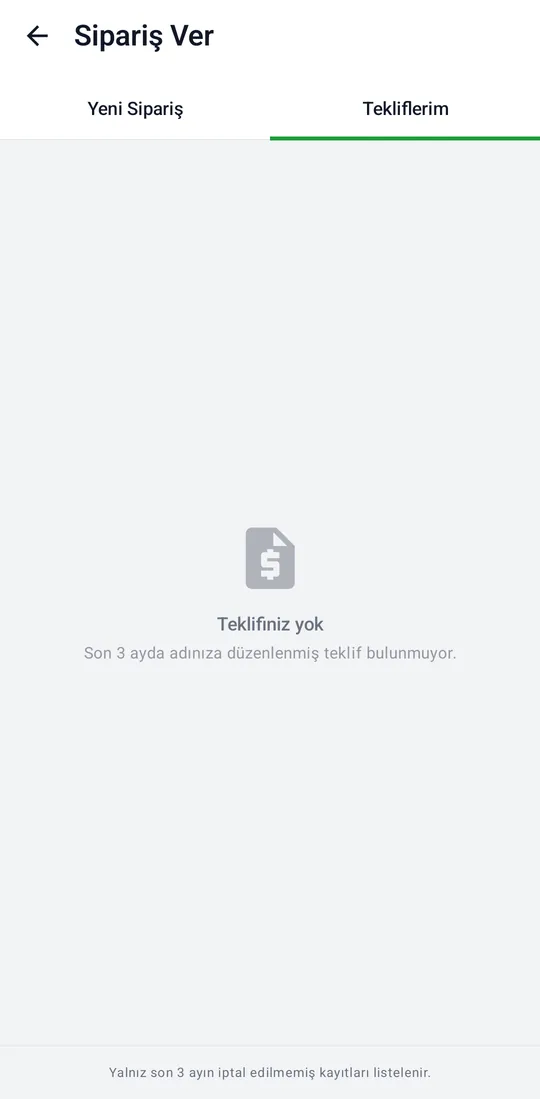
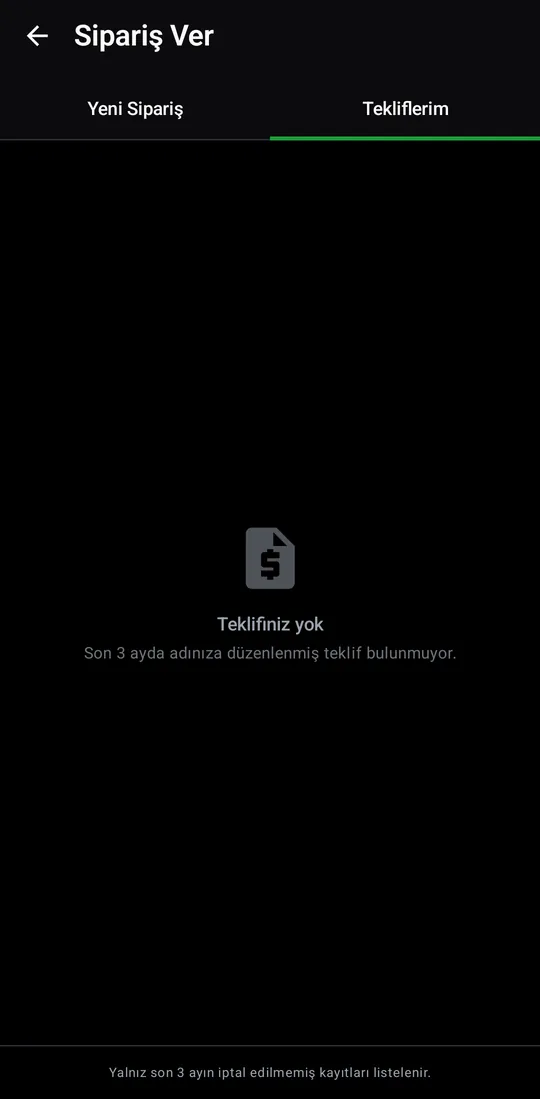
Tekno Portal — My Quotes screenshotTekno Portal — My Quotes screenshot

My Quotes

Quotes issued in the customer's name; non-cancelled records from the last three months are listed.
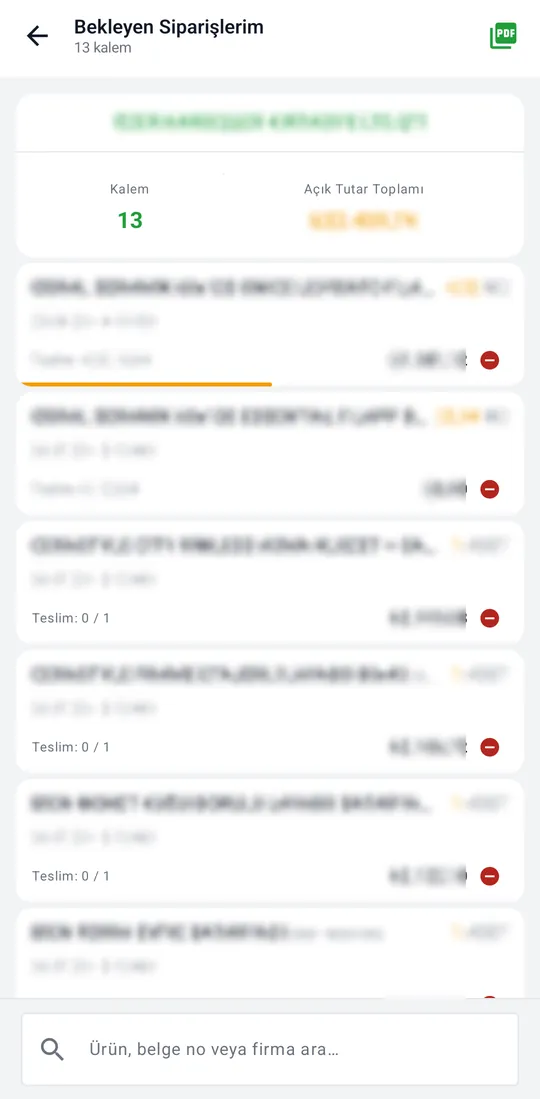
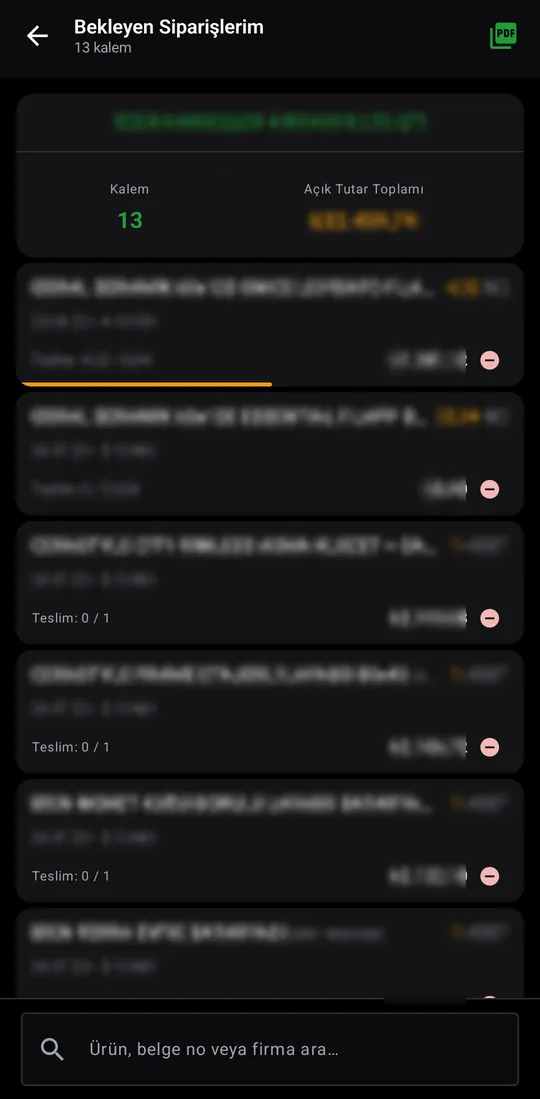
Tekno Portal — My Pending Orders screenshotTekno Portal — My Pending Orders screenshot

My Pending Orders

Items waiting for delivery: quantity, delivered part and open amount. Search and PDF export.
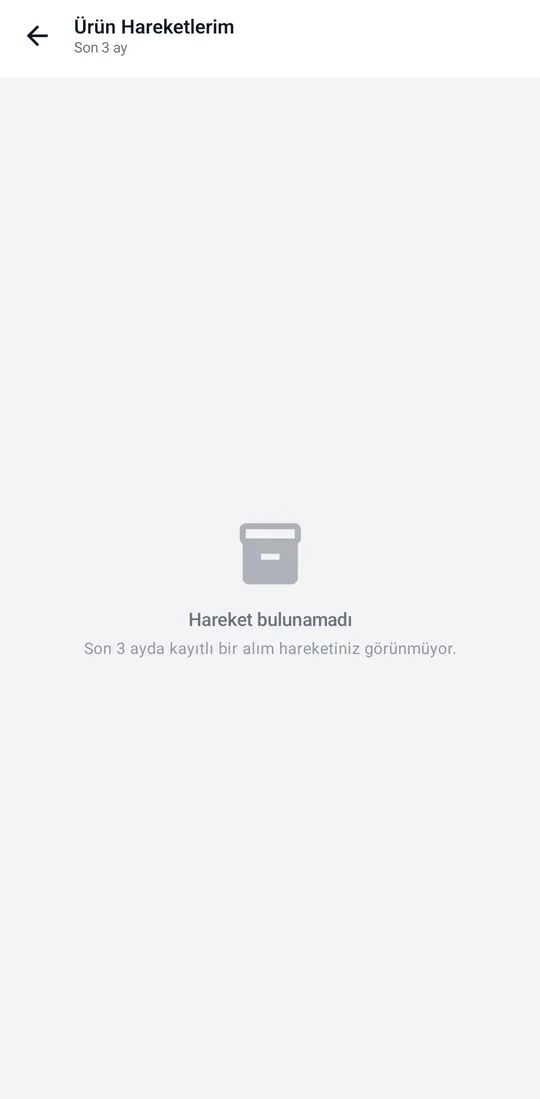
Tekno Portal — My Product Activity screenshotTekno Portal — My Product Activity screenshot

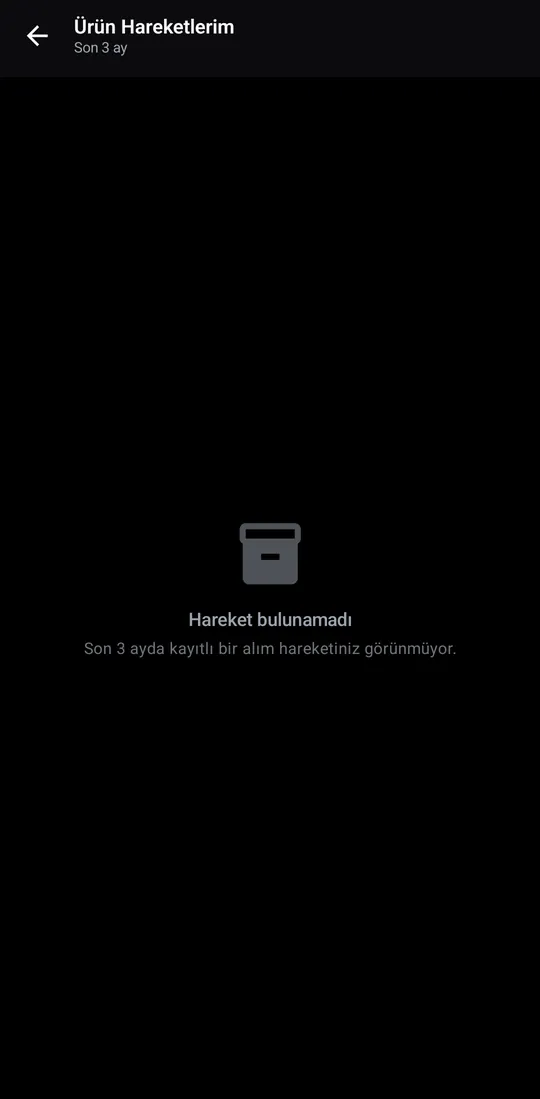
My Product Activity

Which product was bought, when and at what price, with a per-product ledger.
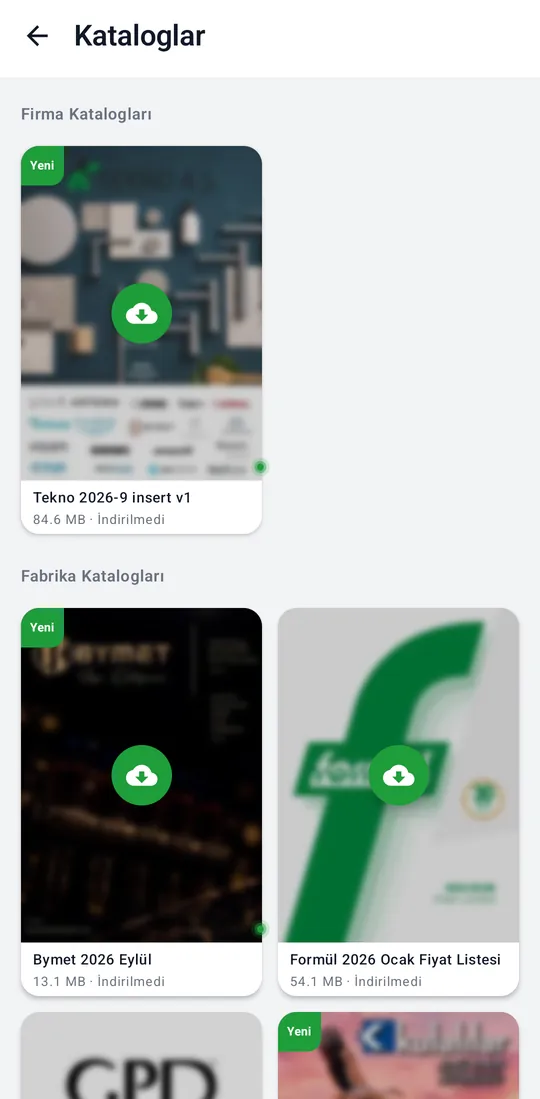
Tools

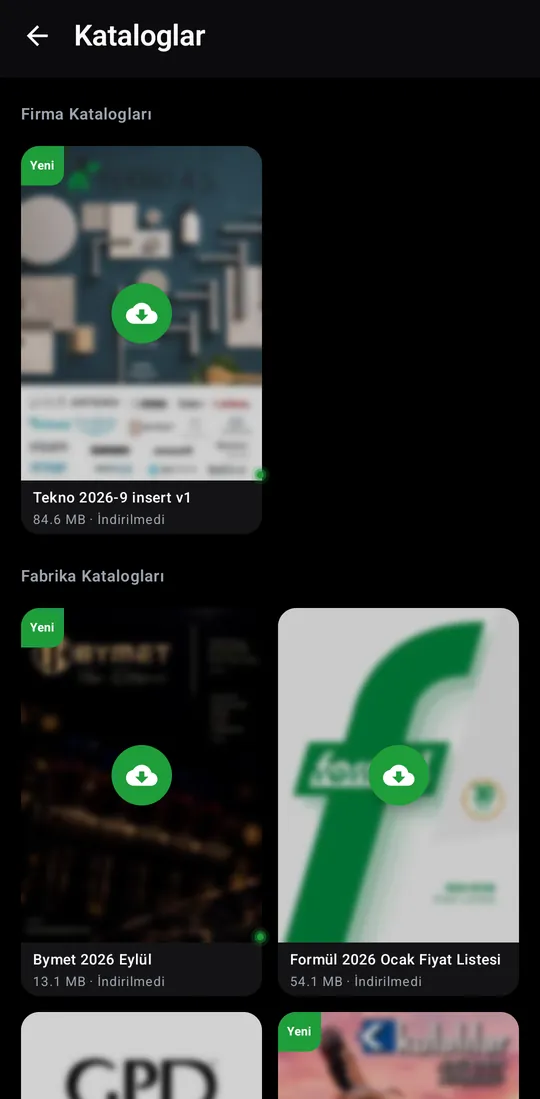
Tekno Portal — Catalog screenshotTekno Portal — Catalog screenshot

Catalog

Company and manufacturer product catalogs; download and open on the phone.
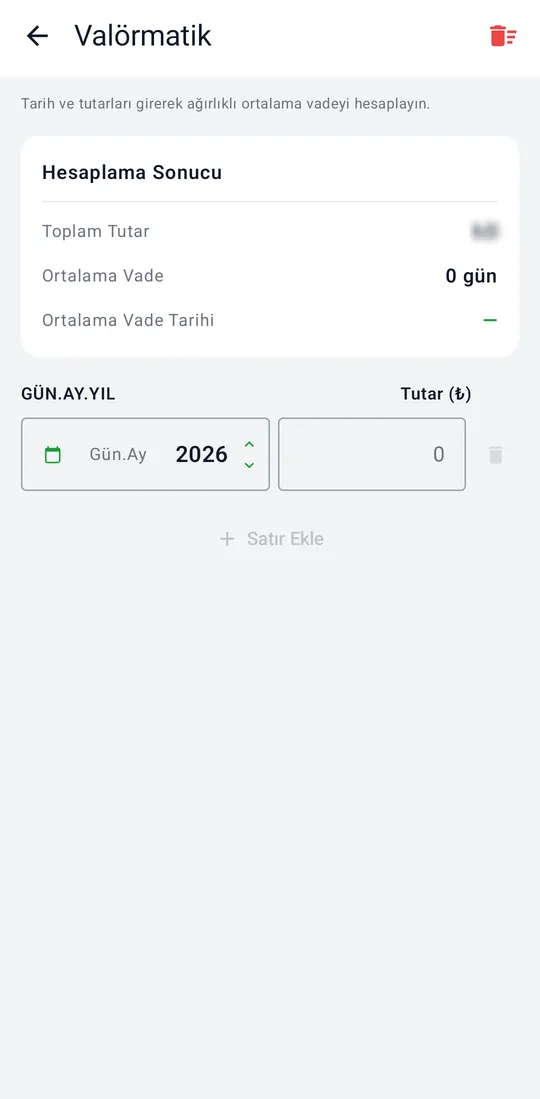
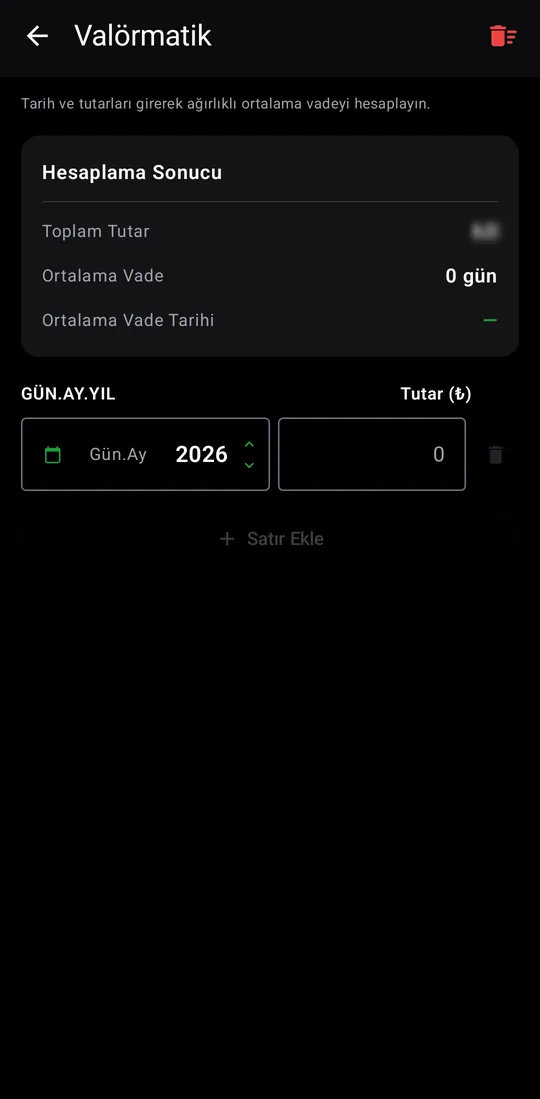
Tekno Portal — Value-date Calculator screenshotTekno Portal — Value-date Calculator screenshot

Value-date Calculator

Enter dates and amounts to work out the average due date.
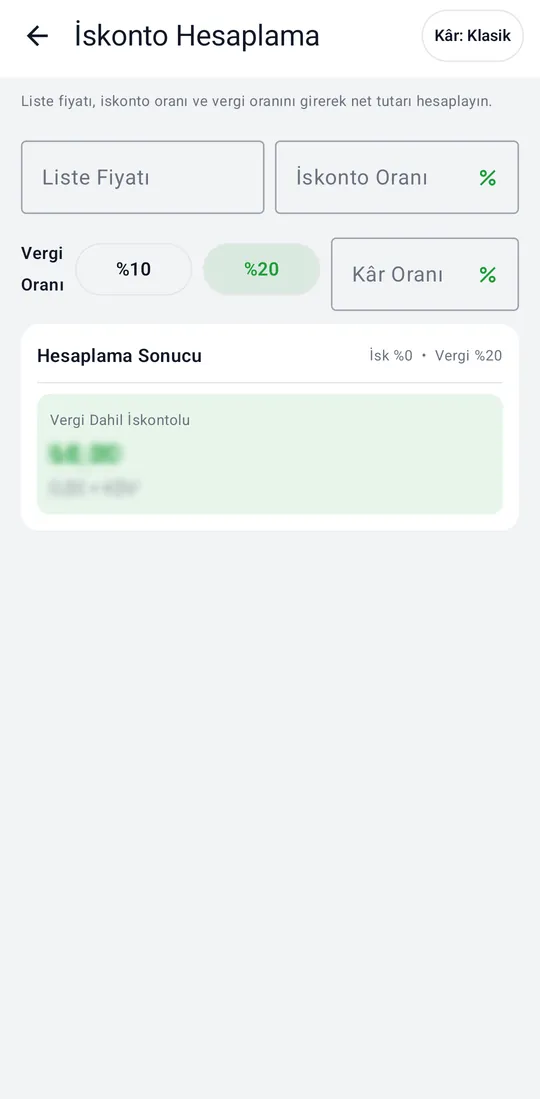
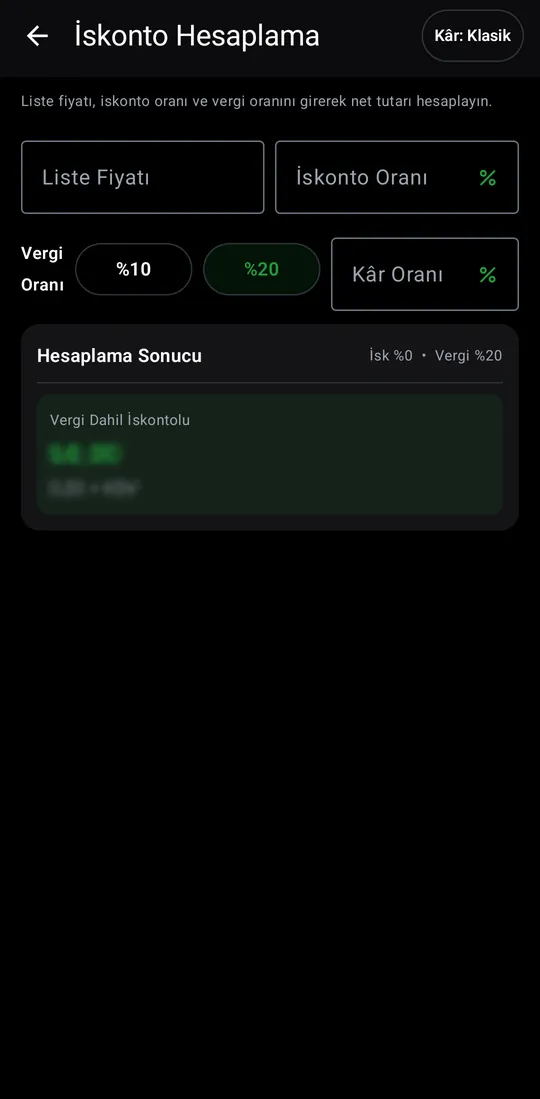
Tekno Portal — Discount Calculator screenshotTekno Portal — Discount Calculator screenshot

Discount Calculator

Works out the net amount and profit from list price, discount and tax rate.
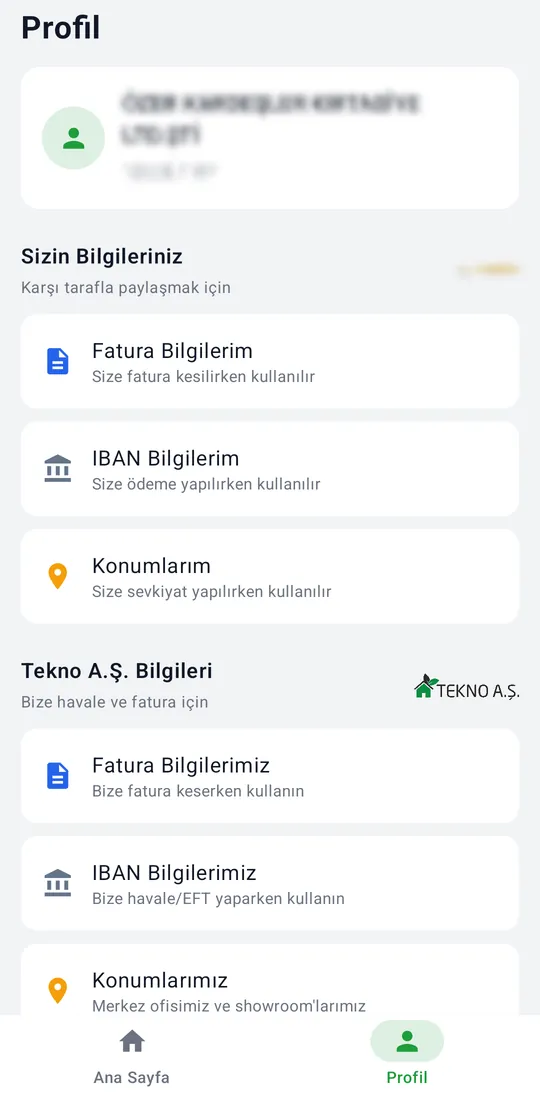
Profile

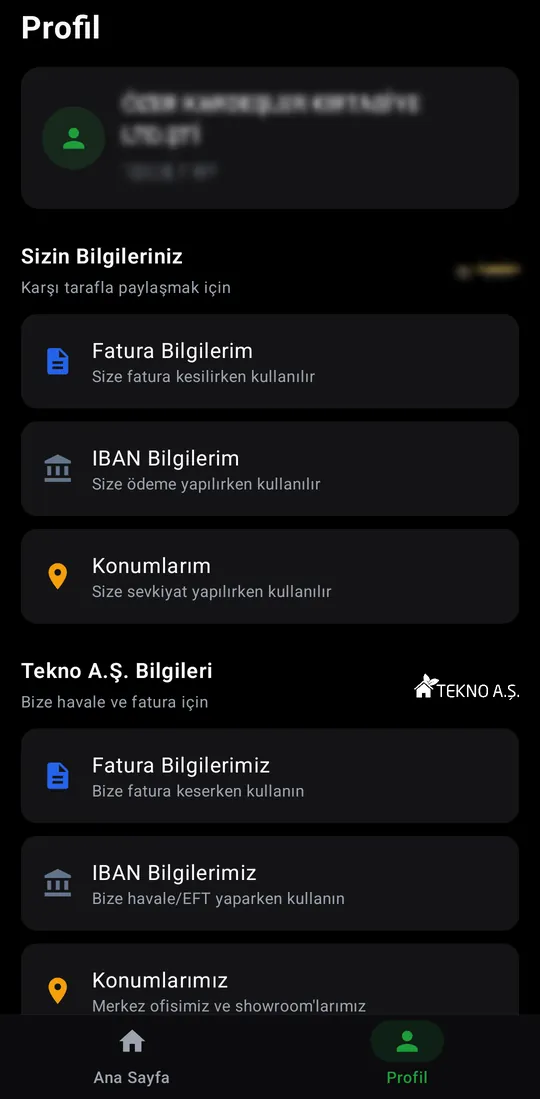
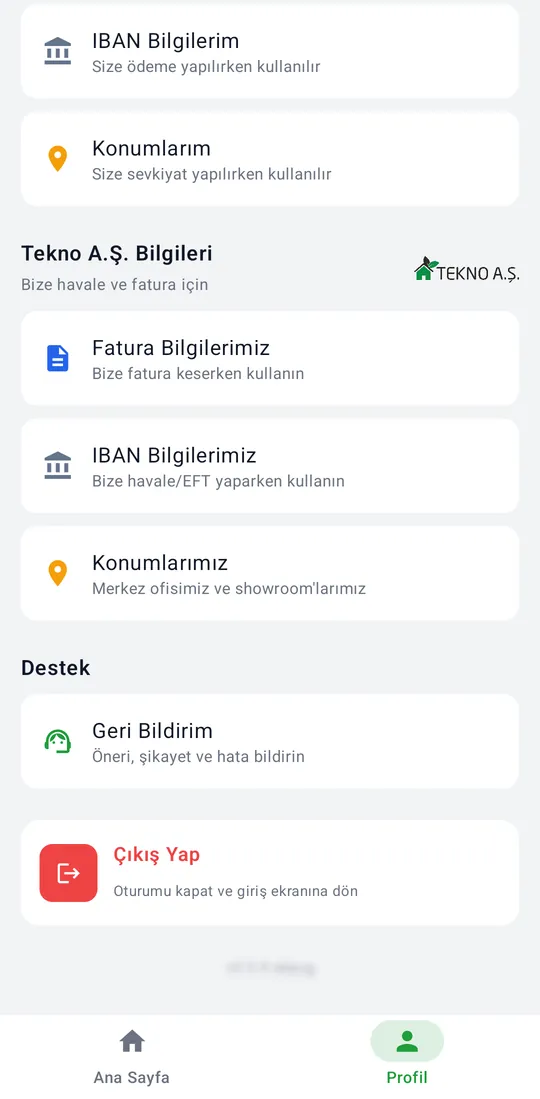
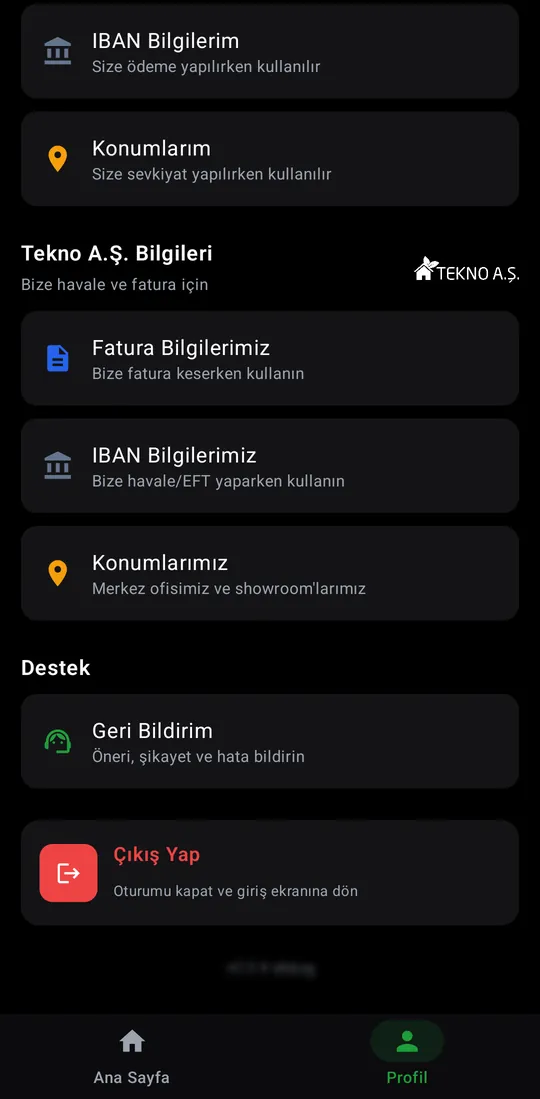
Tekno Portal — Profile tab screenshotTekno Portal — Profile tab screenshotTekno Portal — Profile tab screenshotTekno Portal — Profile tab screenshot

Profile tab

The customer's account, their own details, Tekno A.Ş. details, support and sign-out.
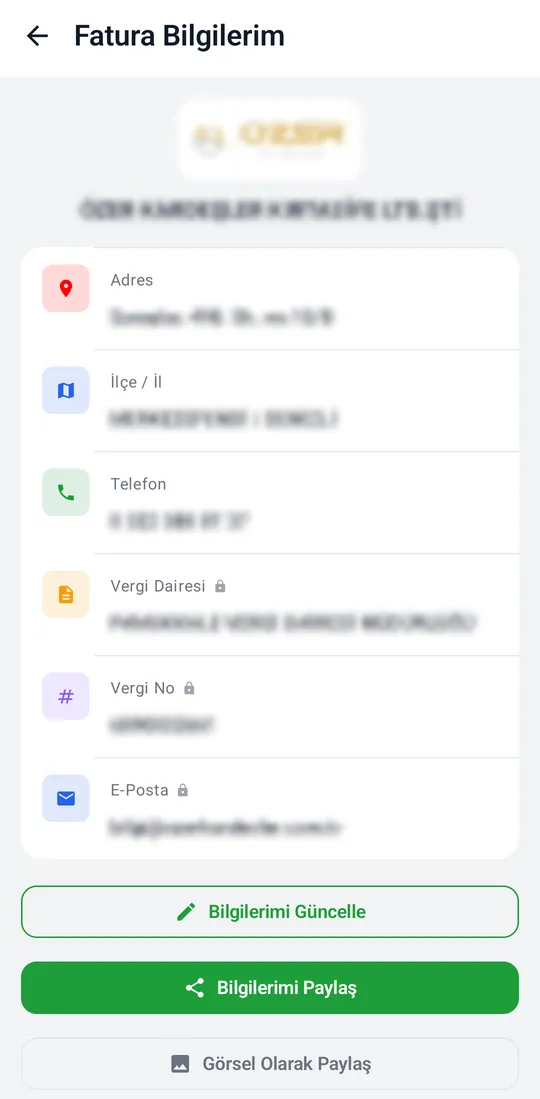
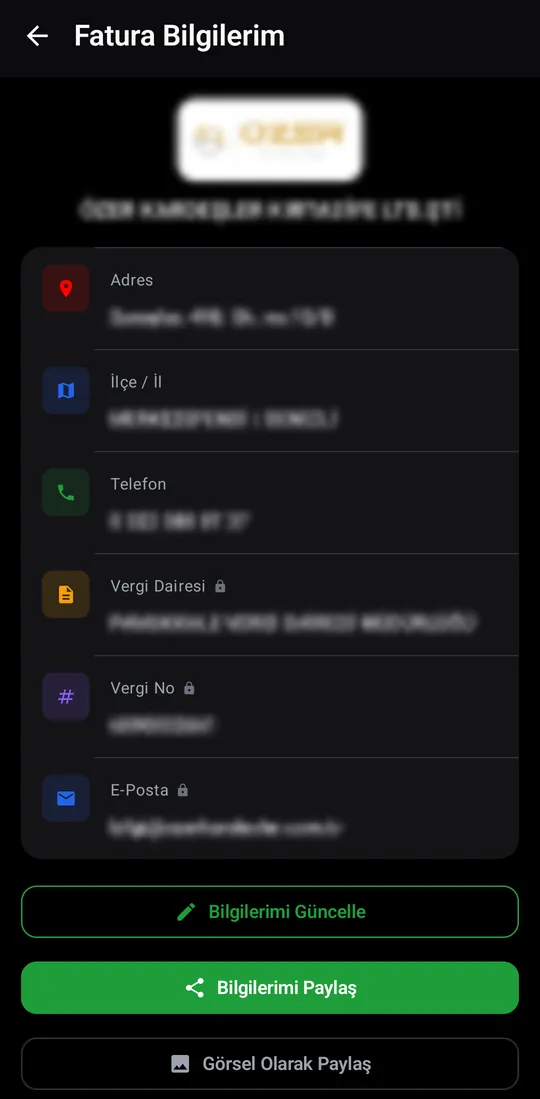
Tekno Portal — My Invoice Details screenshotTekno Portal — My Invoice Details screenshot

My Invoice Details

The details used when invoicing the customer. Update, share, or send as an image.
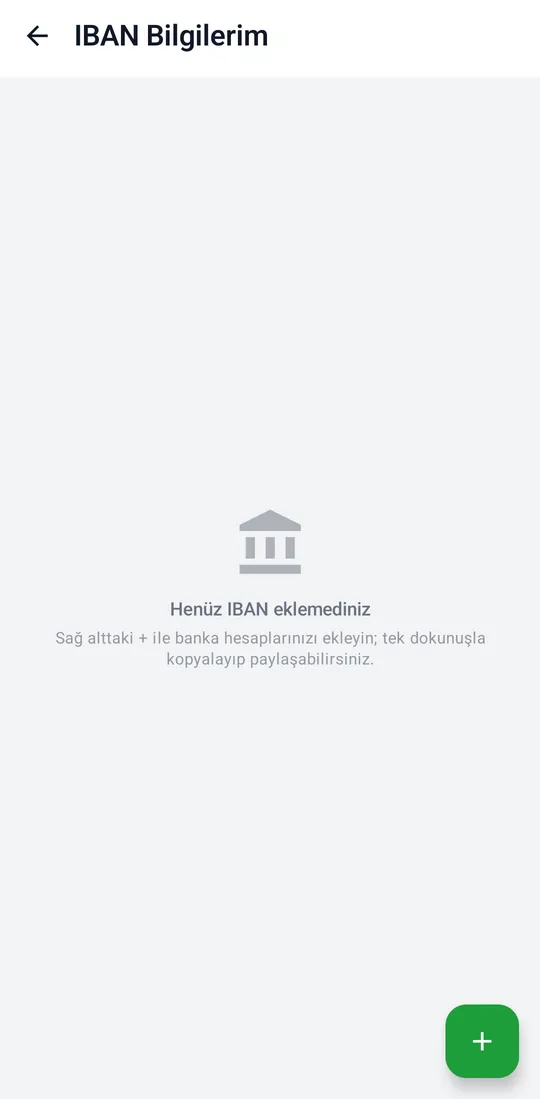
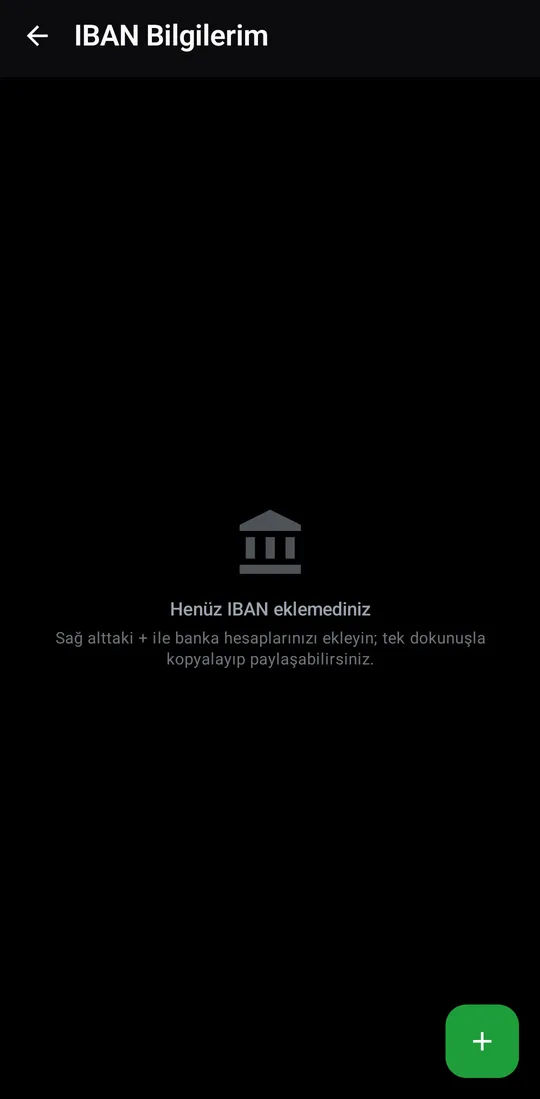
Tekno Portal — My IBANs screenshotTekno Portal — My IBANs screenshot

My IBANs

The IBANs used when paying the customer. They stay on the device and are never sent to the server.
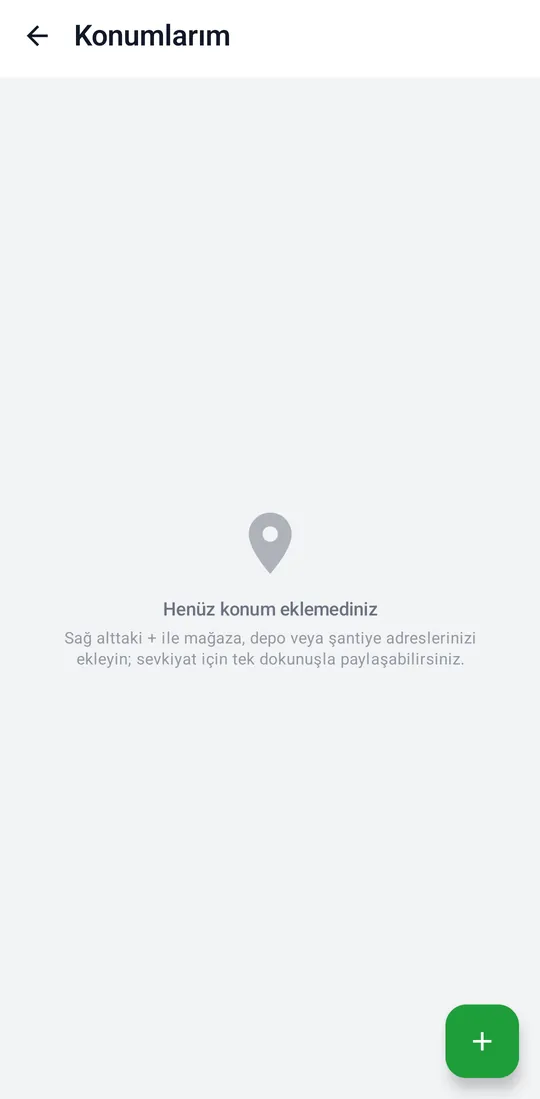
Tekno Portal — My Locations screenshotTekno Portal — My Locations screenshot

My Locations

Shop, warehouse and site addresses used for deliveries; kept on the device only.
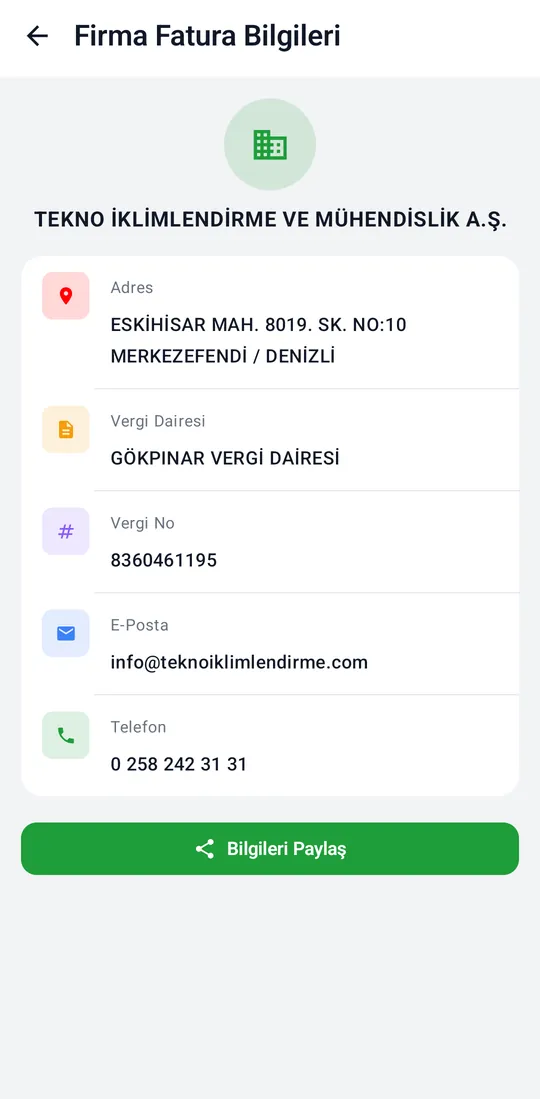
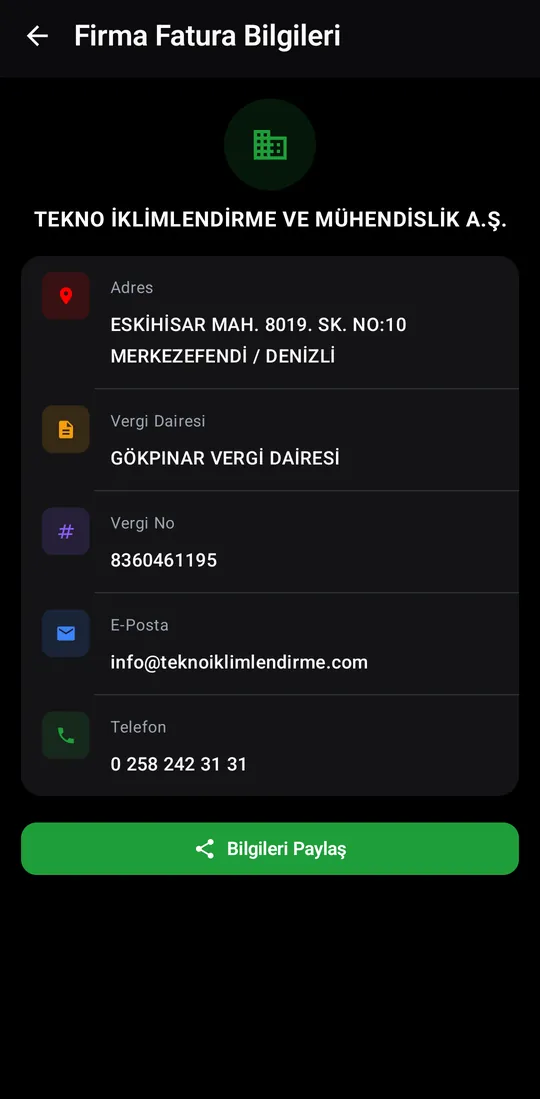
Tekno Portal — Our Invoice Details screenshotTekno Portal — Our Invoice Details screenshot

Our Invoice Details

Tekno's company details, for invoicing Tekno.
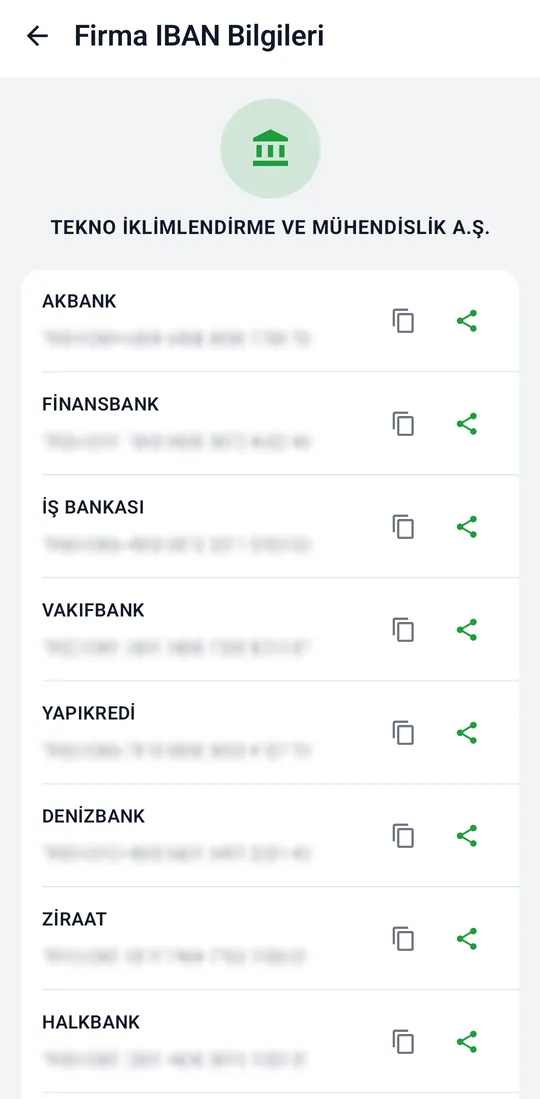
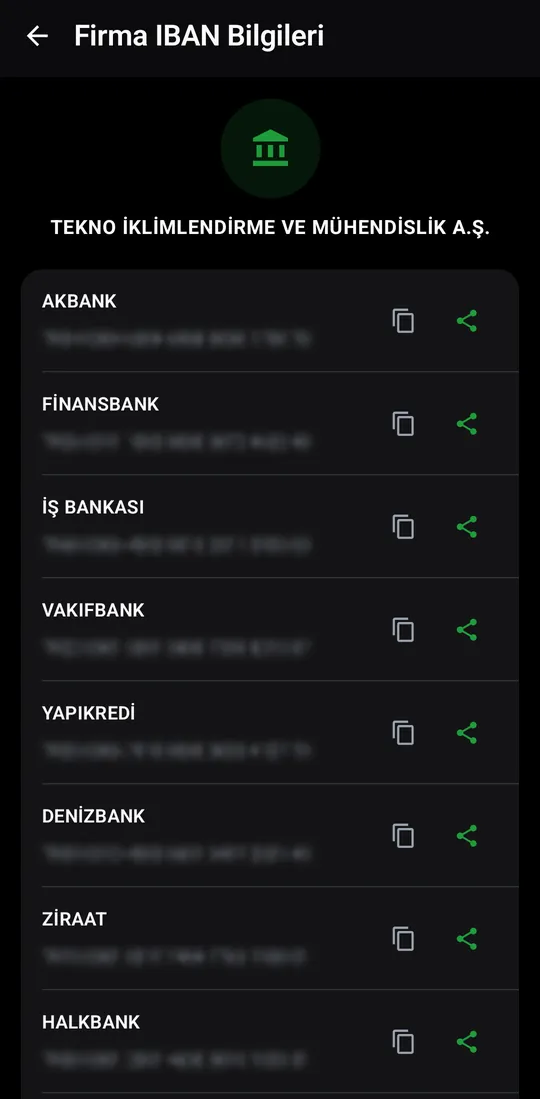
Tekno Portal — Our IBANs screenshotTekno Portal — Our IBANs screenshot

Our IBANs

Tekno's bank accounts for transfers; copy or share.
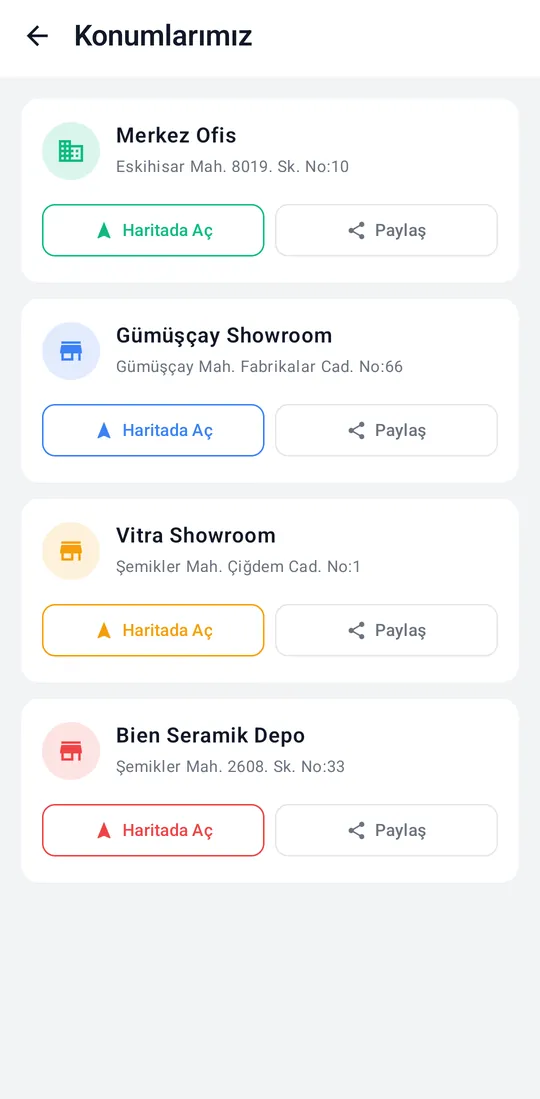
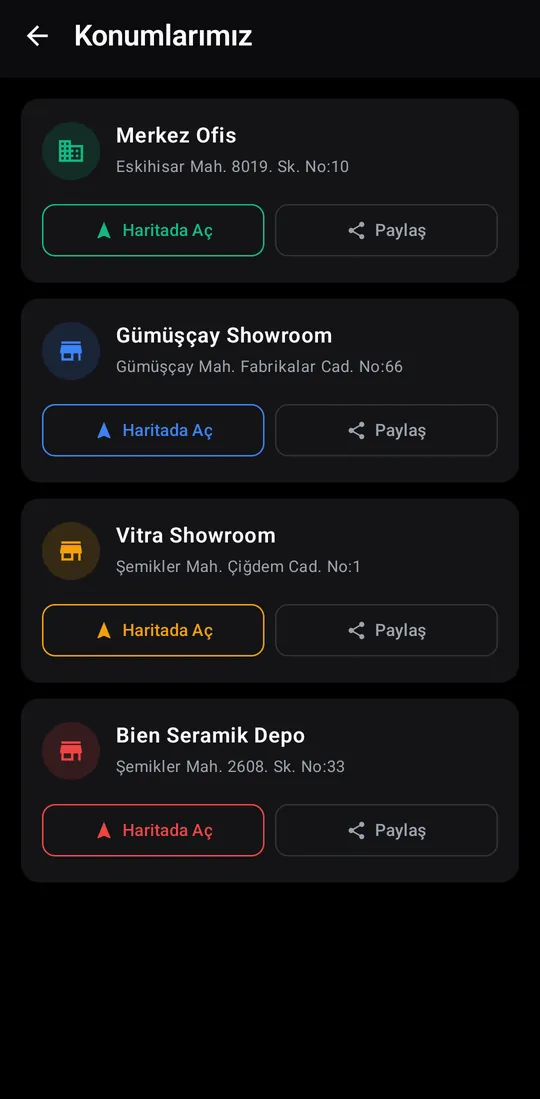
Tekno Portal — Our Locations screenshotTekno Portal — Our Locations screenshot

Our Locations

The head office and showrooms; open on the map or share.
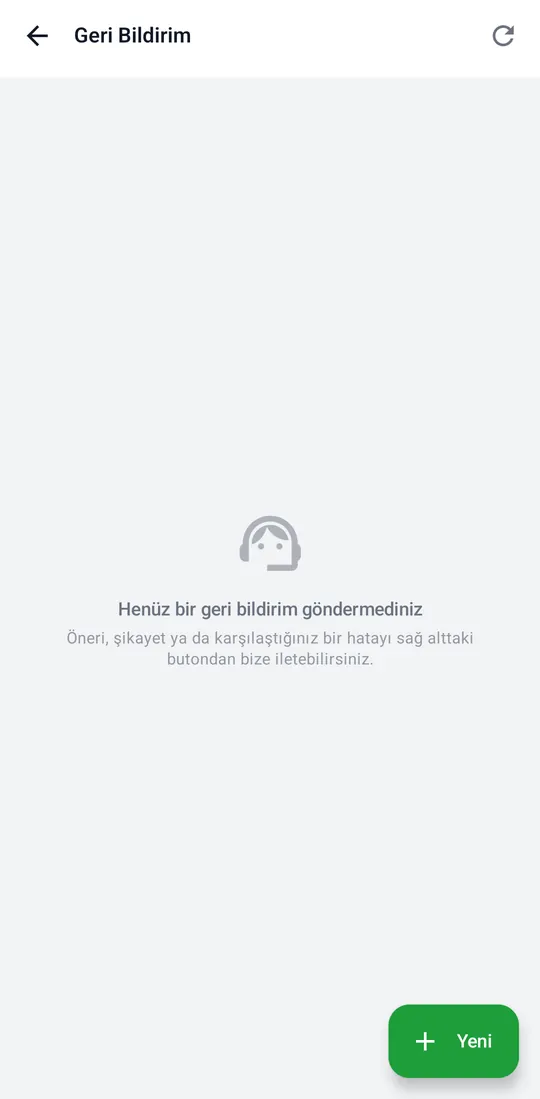
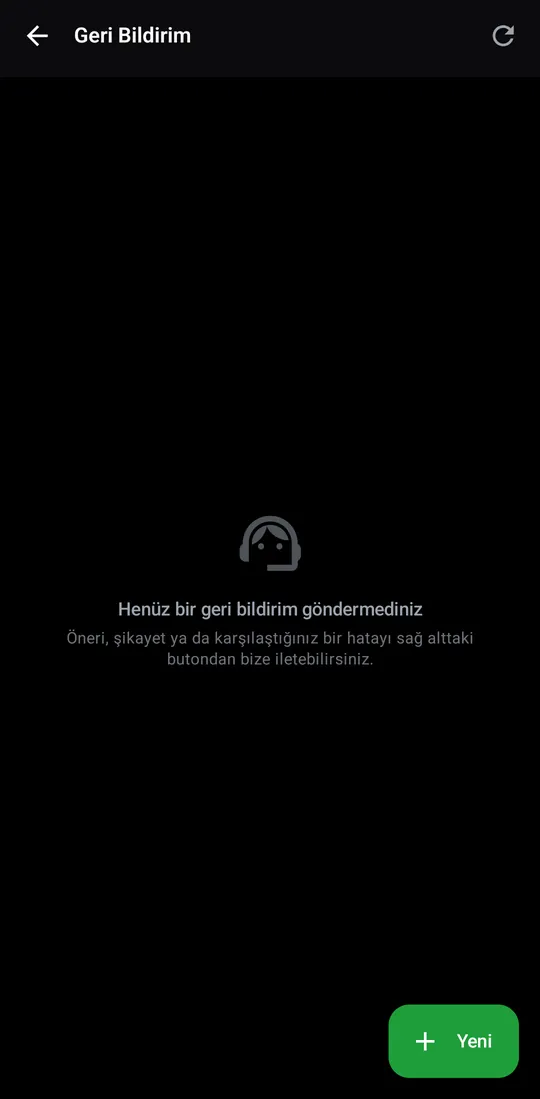
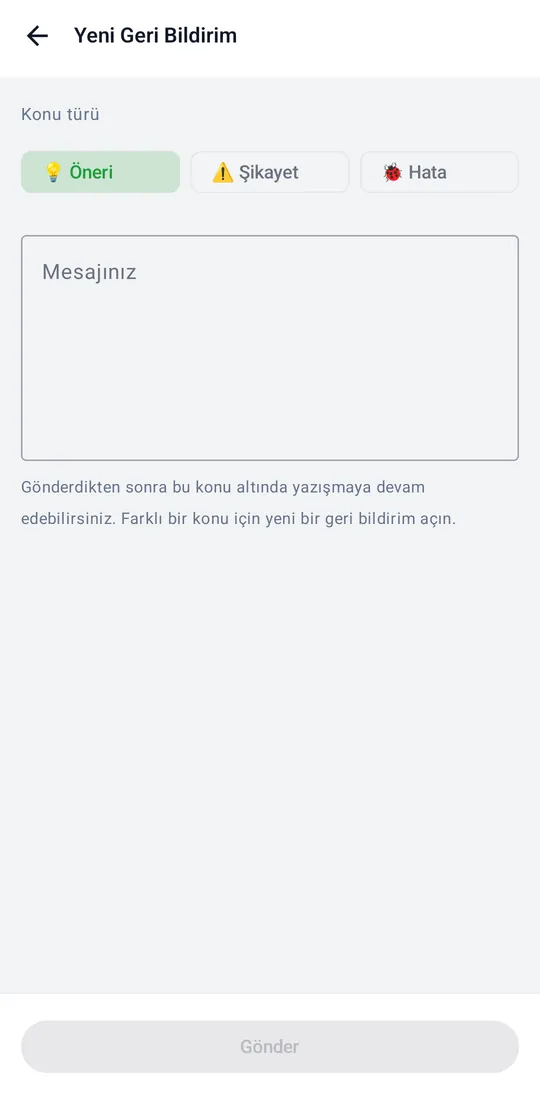
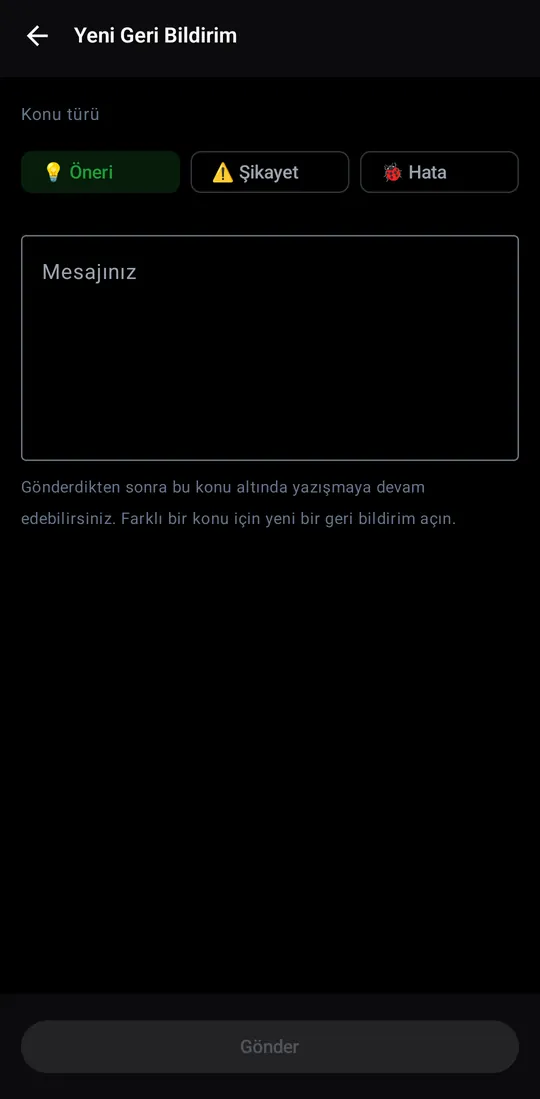
Tekno Portal — Feedback screenshotTekno Portal — Feedback screenshotTekno Portal — Feedback screenshotTekno Portal — Feedback screenshot

Feedback

Send a suggestion, complaint or bug report; replies appear under the same thread.