Home screen
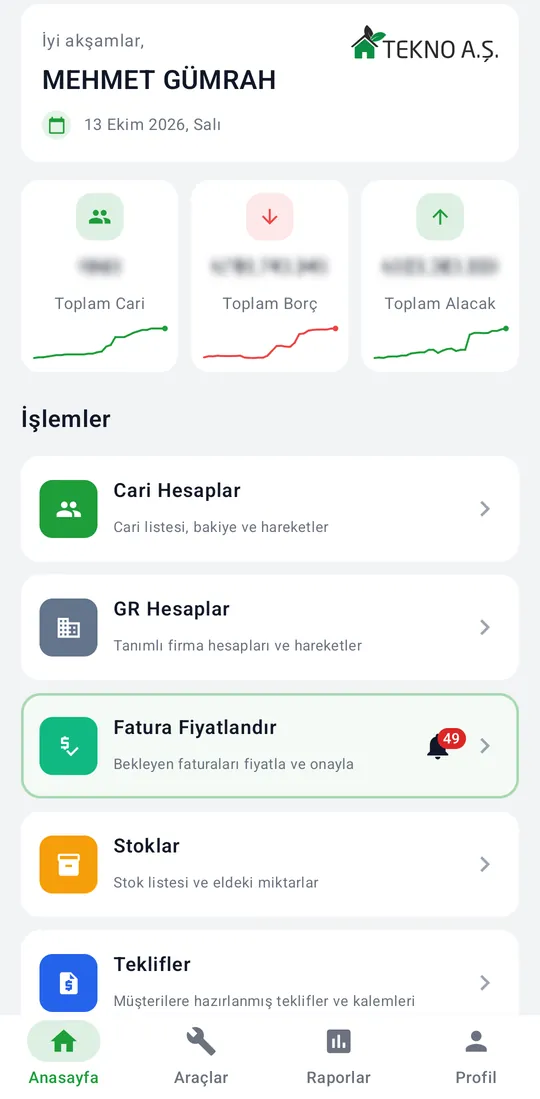
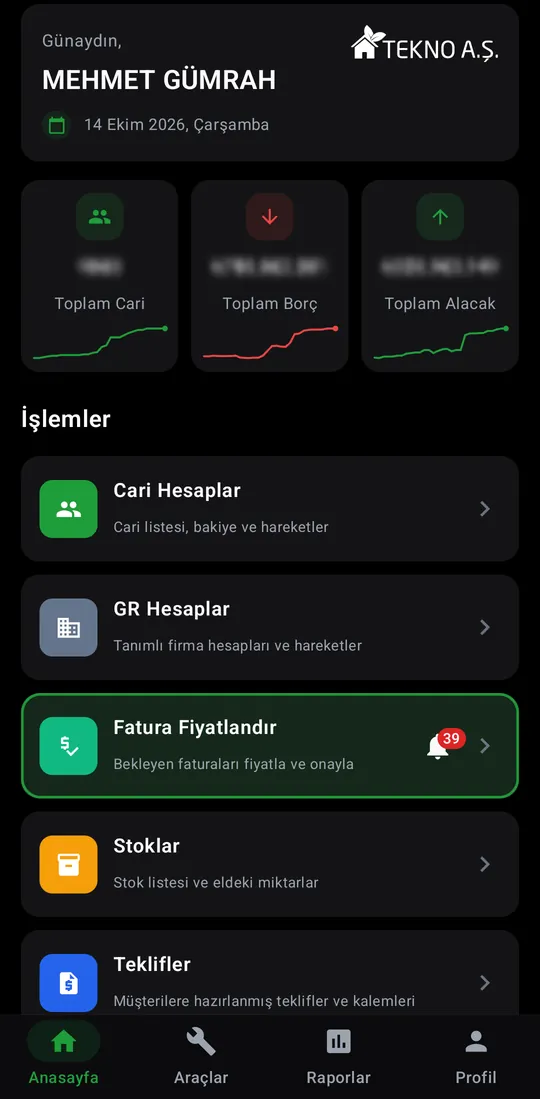
The first screen after sign-in: total accounts, debt and receivables, then the action cards your role allows.

Captures are from the Android version. Which cards appear depends on the user's role. Real values such as customer names, amounts and phone numbers are blurred.
The first screen after sign-in: total accounts, debt and receivables, then the action cards your role allows.
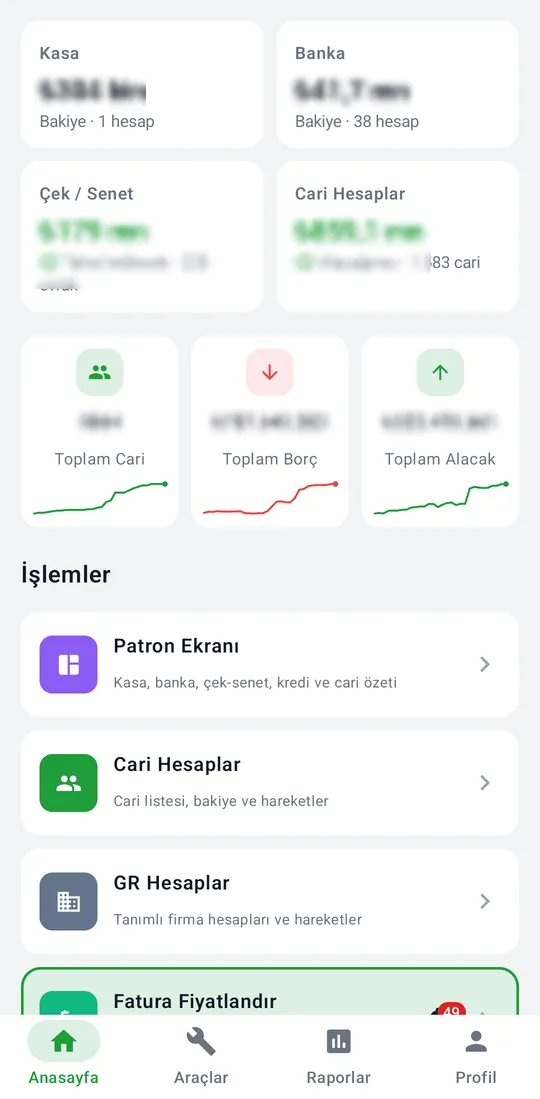
For management roles the top of the home screen shows cash, bank, cheques and notes, and receivables. The Owner dashboard card opens credit and account detail too.
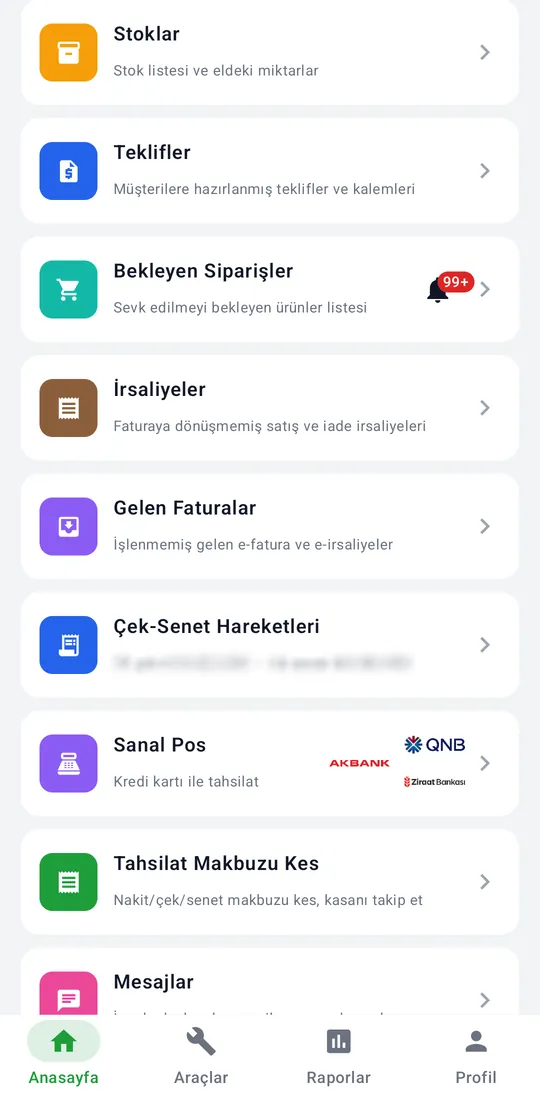
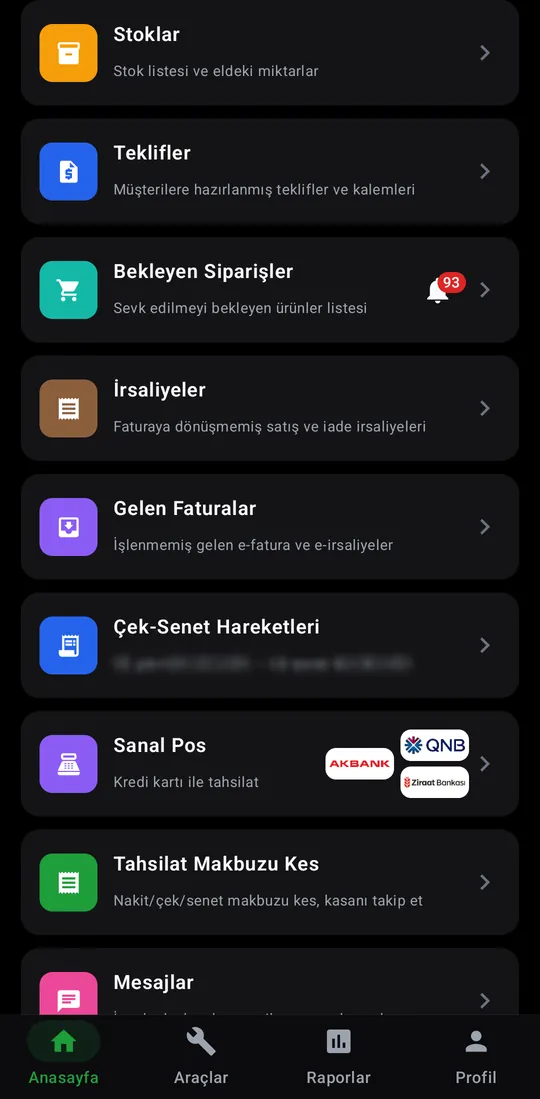
The action cards on the home screen, top to bottom.
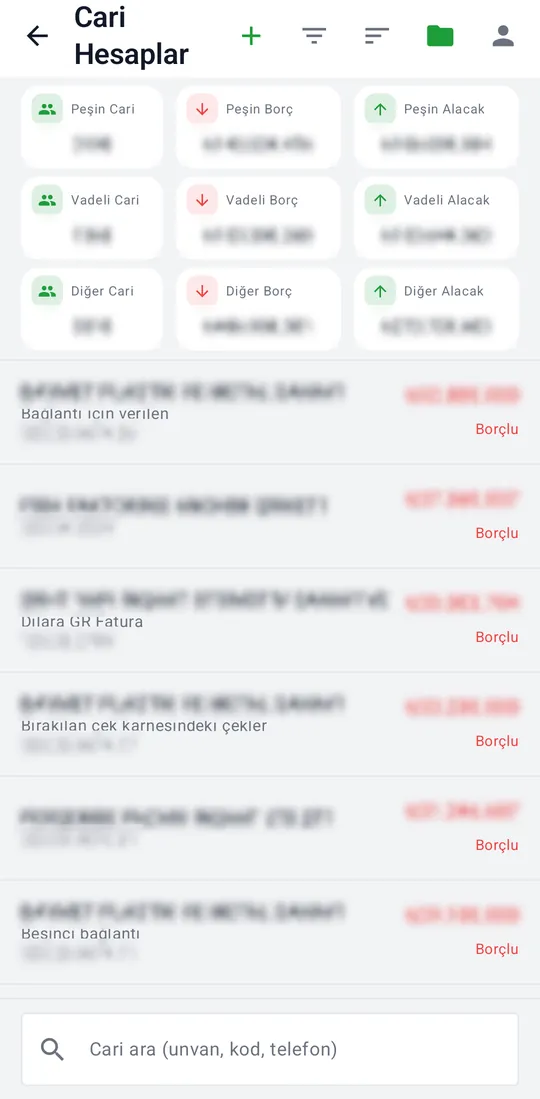
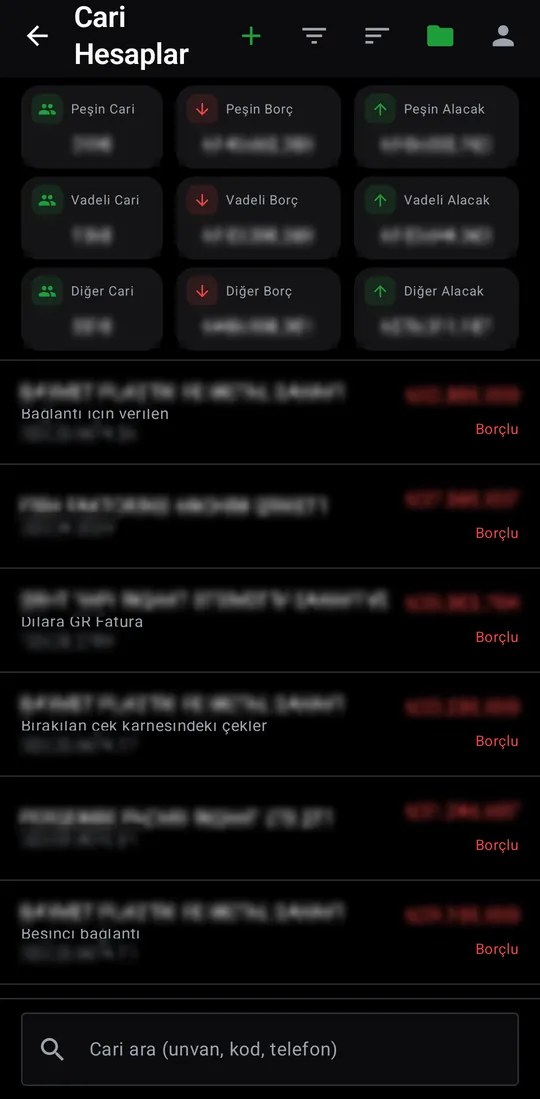
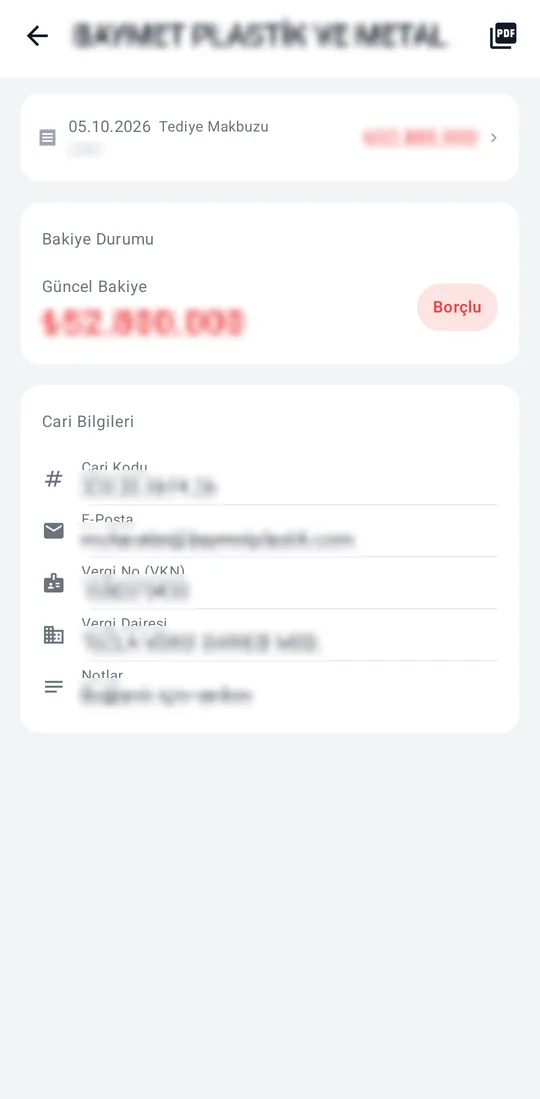
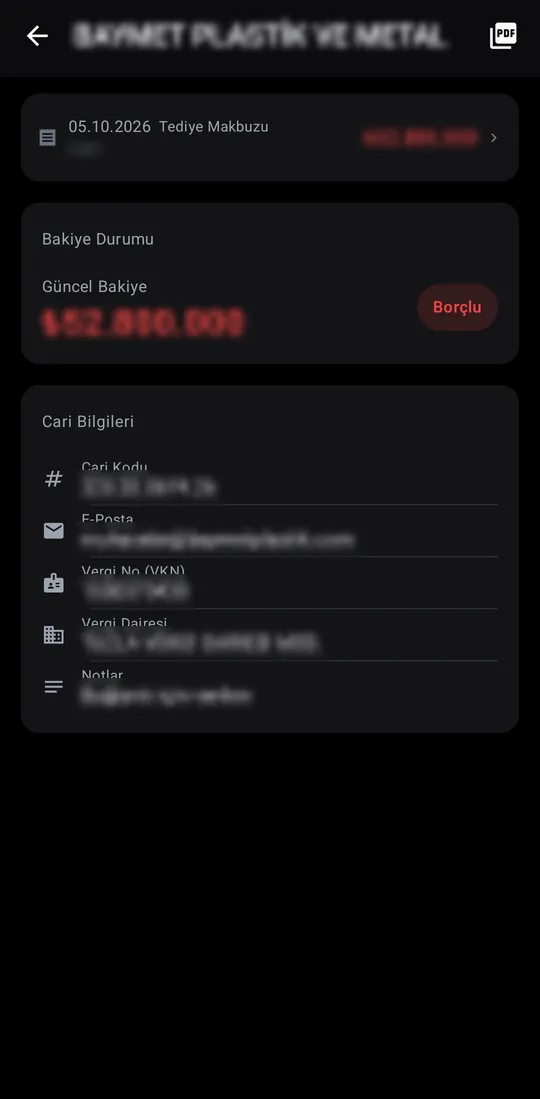
The accounts you are authorised for, with balances and activity. An account shows its statement, balance and contact details; the statement exports as PDF.
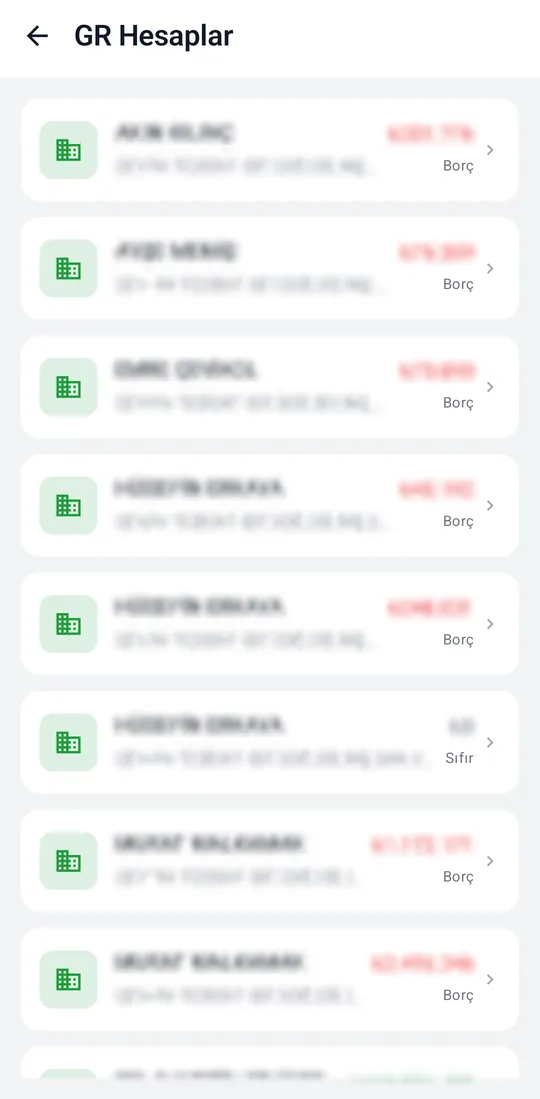
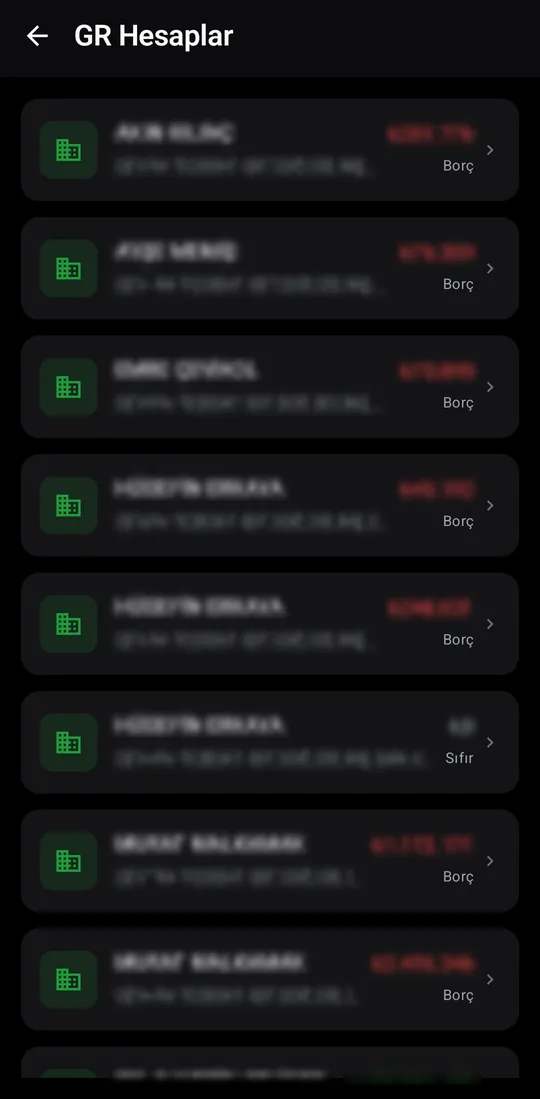
Defined company accounts and their activity, in a list of their own.
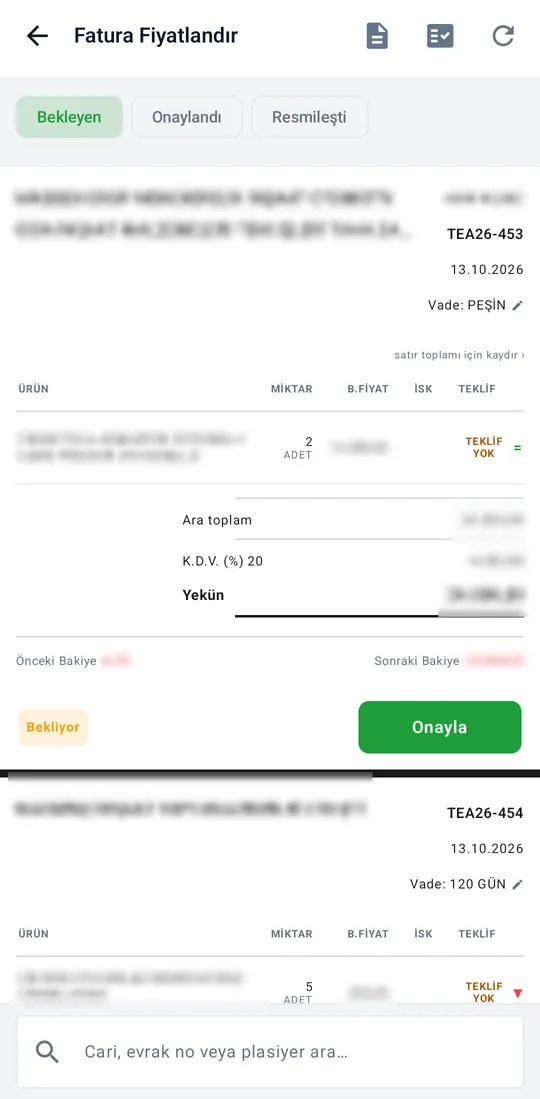
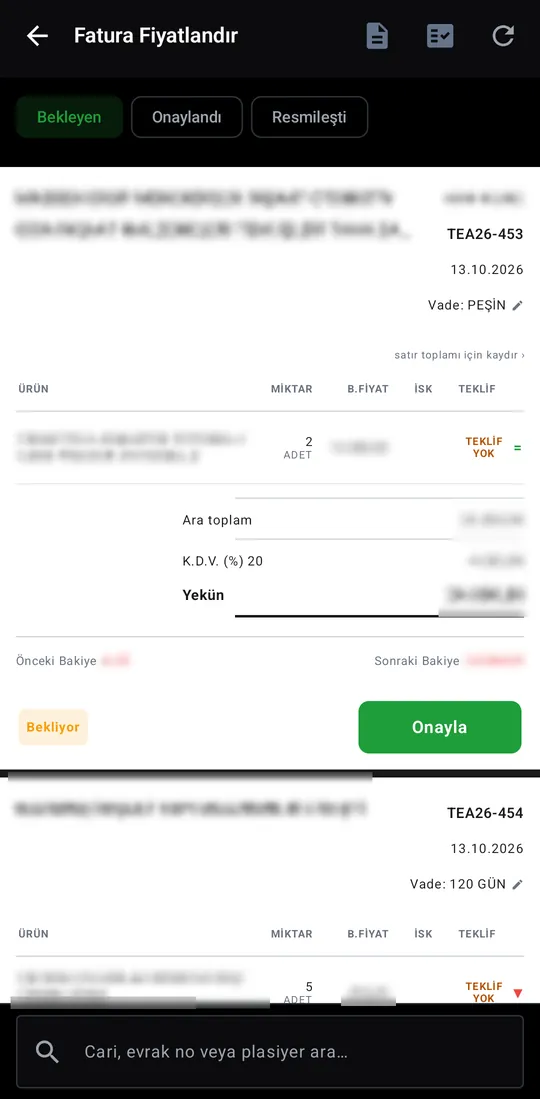
Pending invoices are priced and approved. Tabs for Pending, Approved and Finalised; the badge on the card counts invoices waiting for a price.
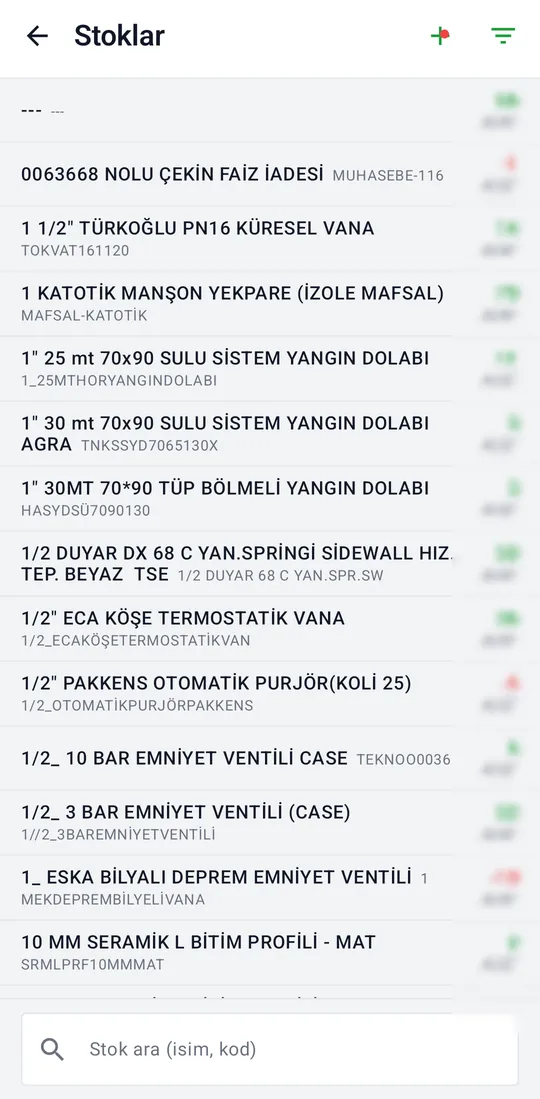
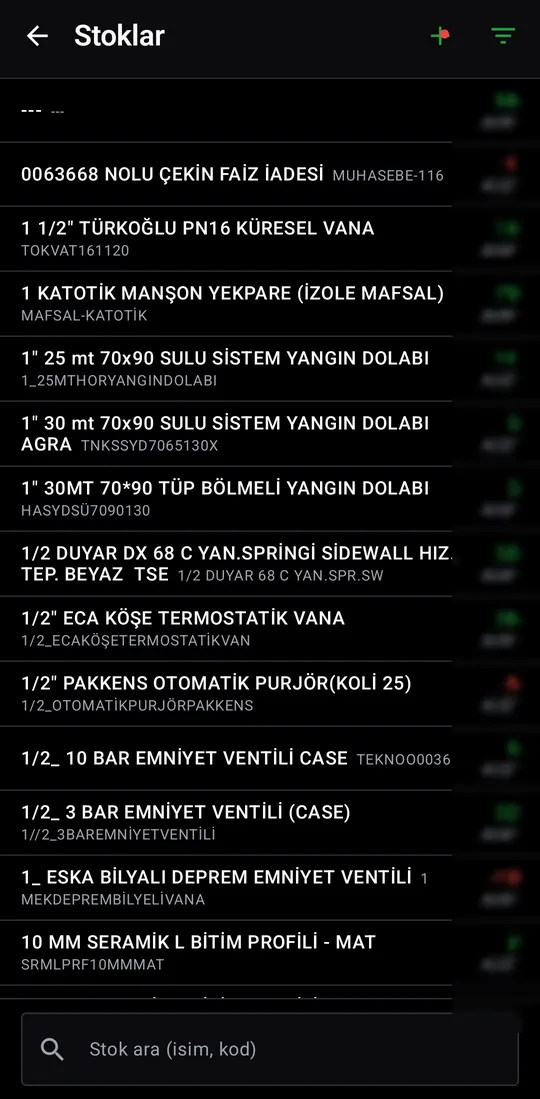
Stock items with codes and quantities on hand. Search by name or code, filter, and open a new stock item.
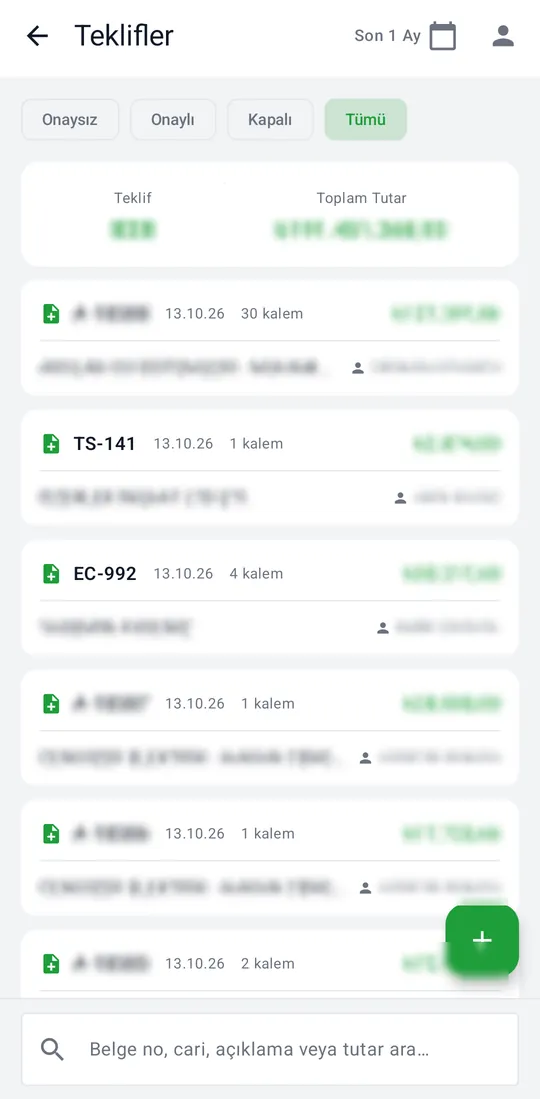
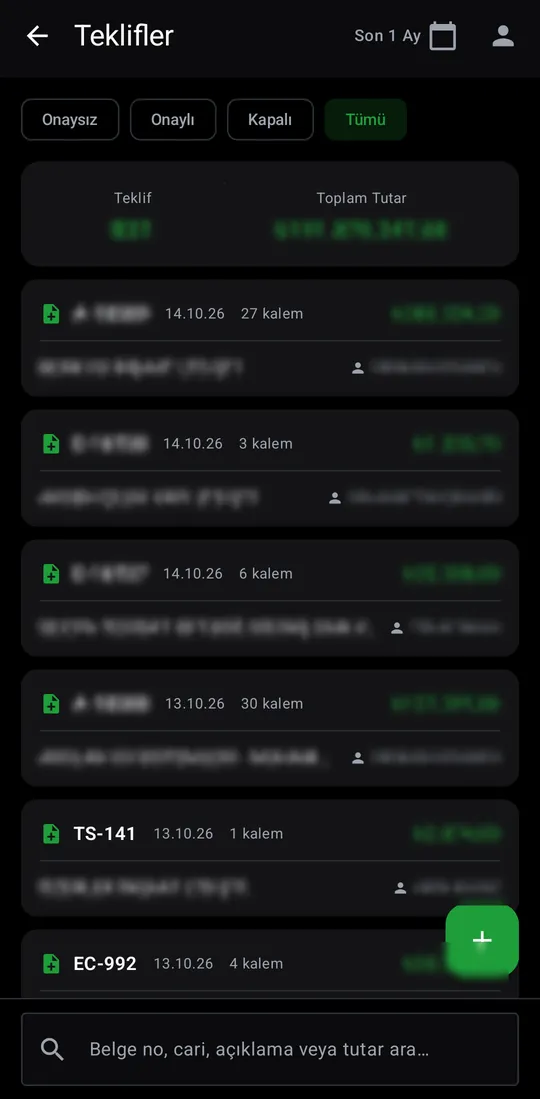
Quotes prepared for customers, with unapproved, approved and closed filters plus count and total. New quotes are drafted and shared as PDF.
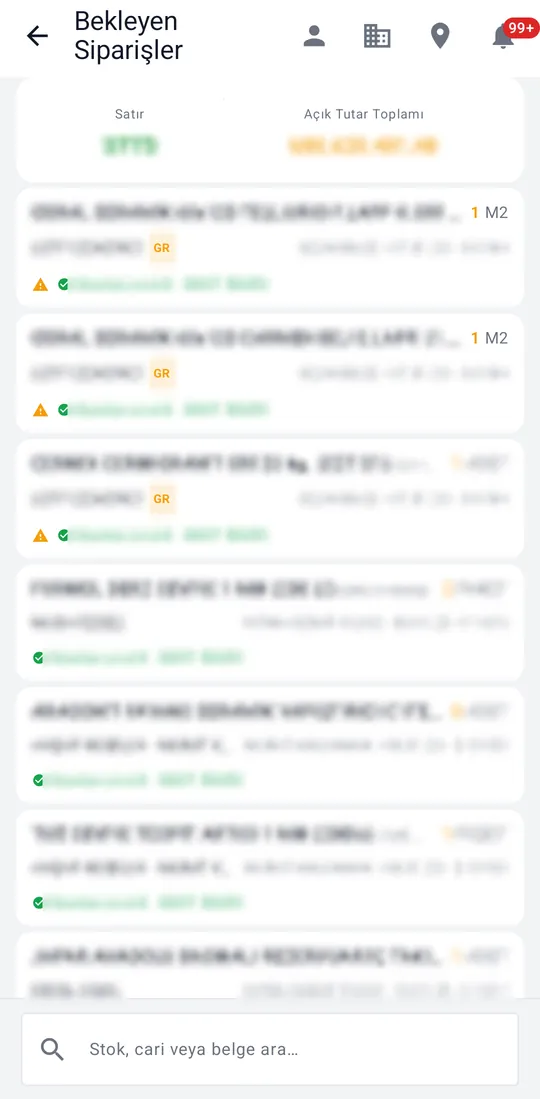
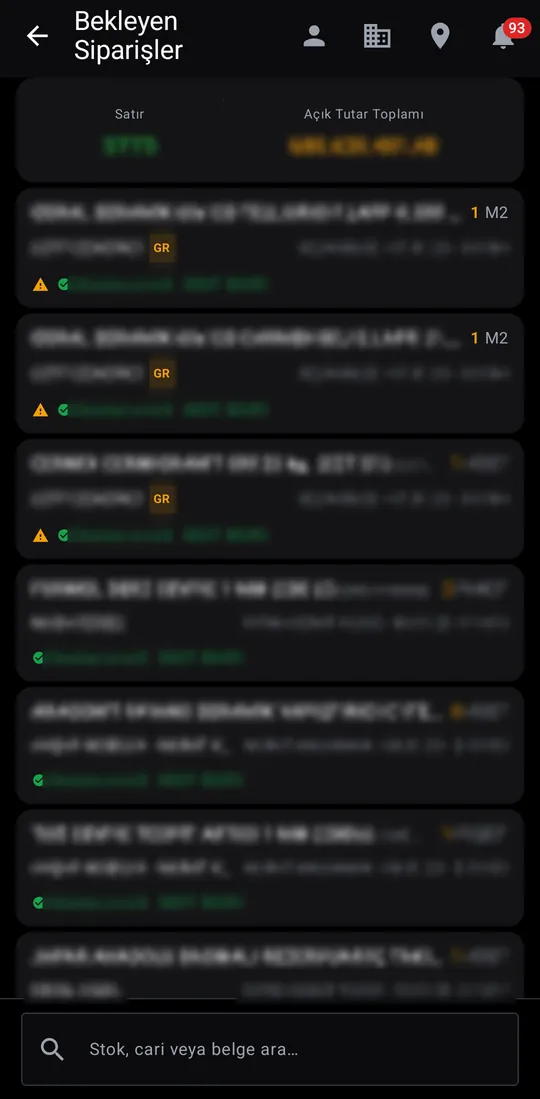
Products waiting to ship, with delivery status and line count. New orders are announced by the counter on the card.
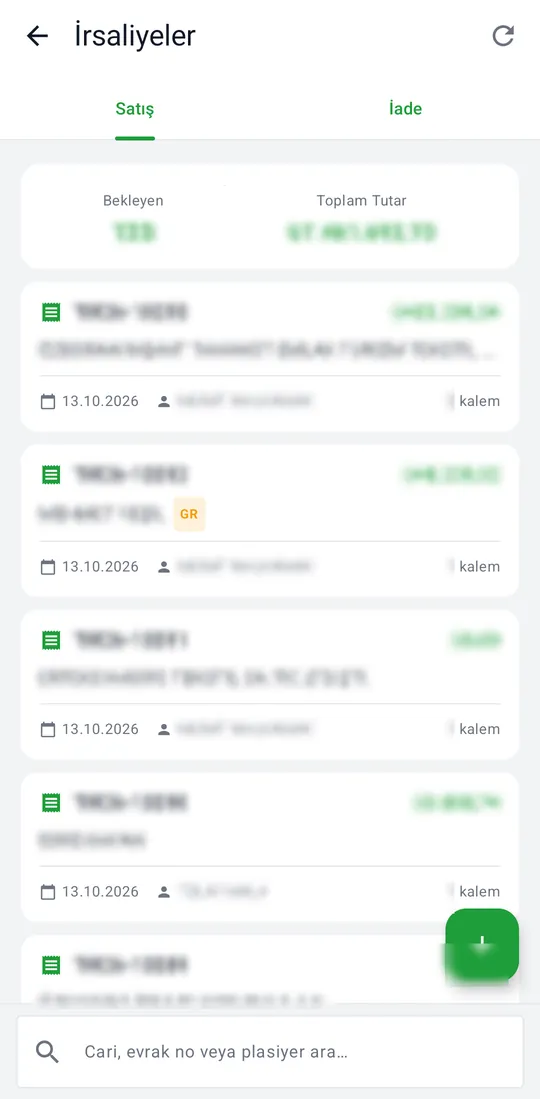
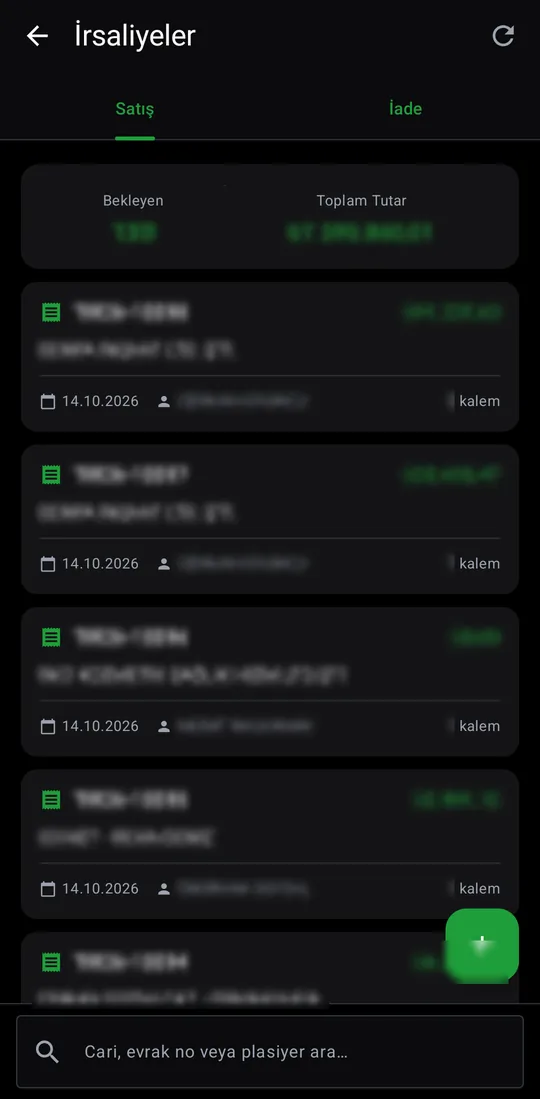
Waybills not yet invoiced, with sales and returns on two tabs. New waybills are issued from here.
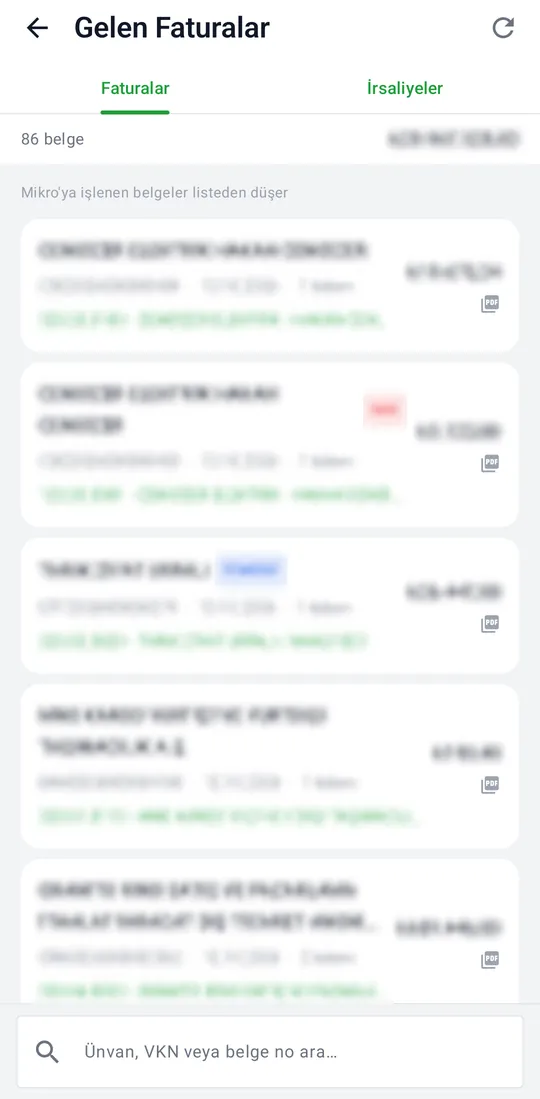
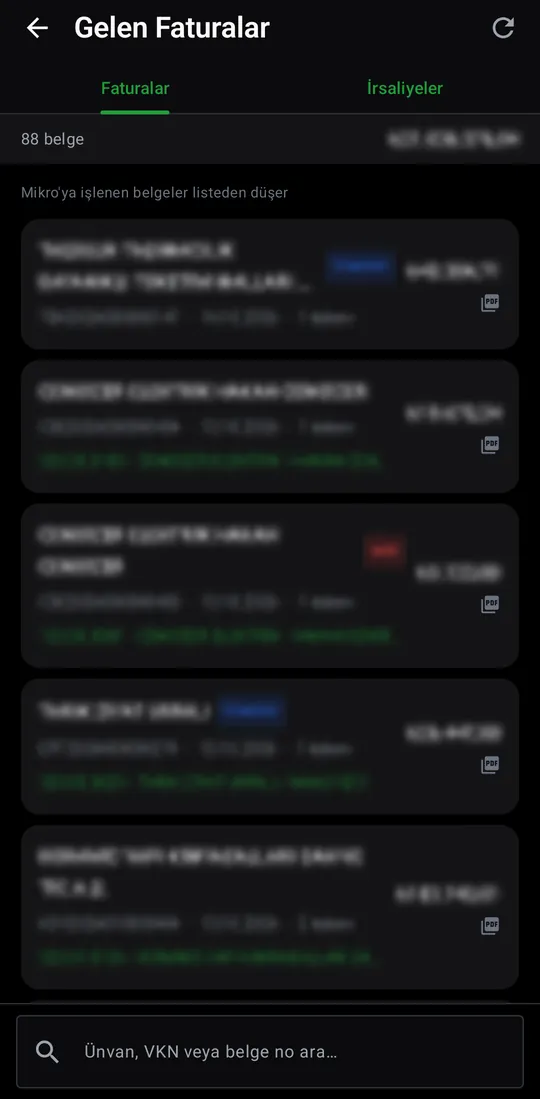
E-invoices and e-waybills from the GİB inbox that have not been processed yet.
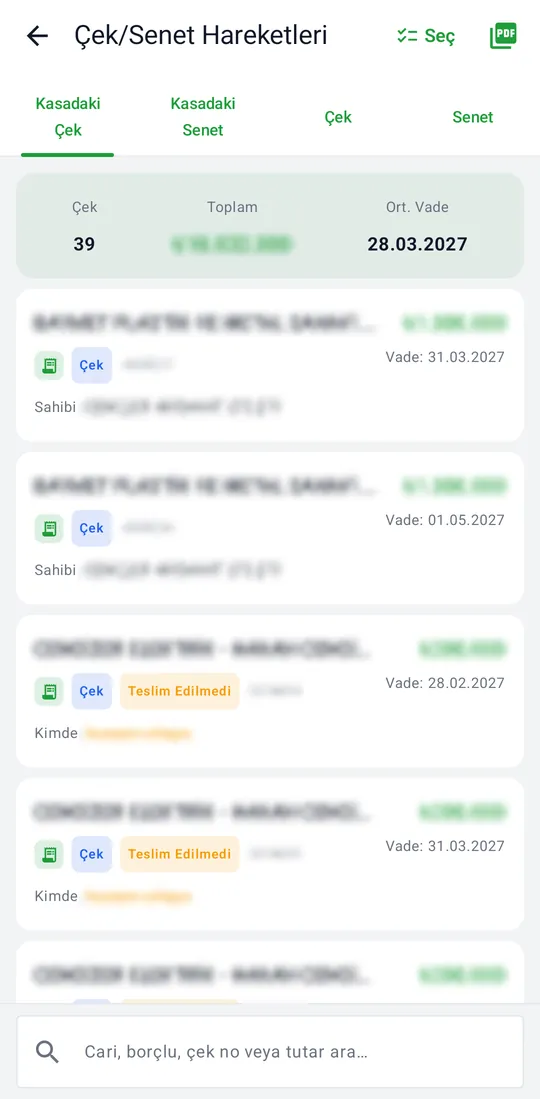
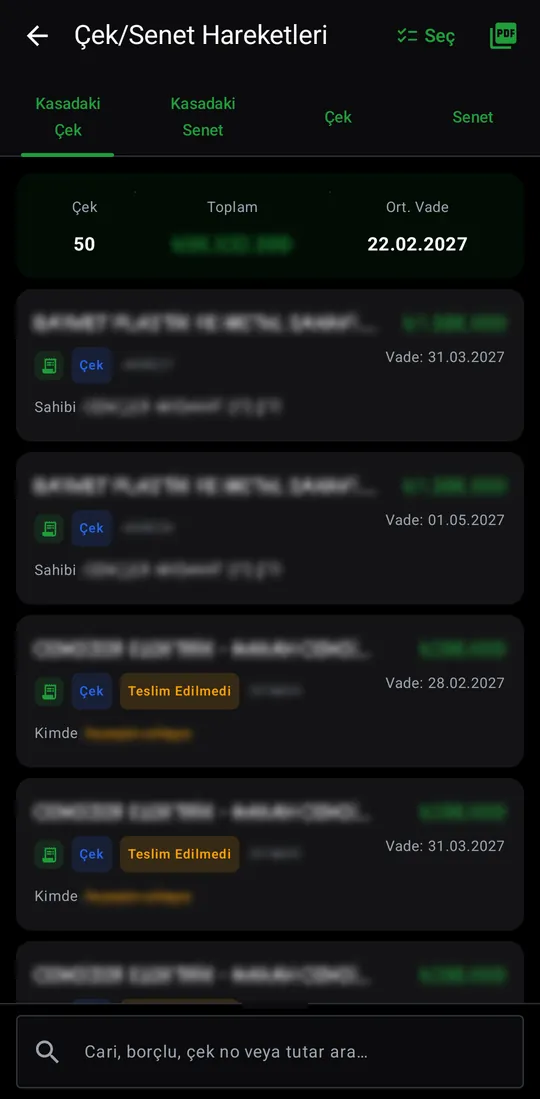
Cheques and notes held and given, with count, total and average due date. Select some to total them; the list exports as PDF.
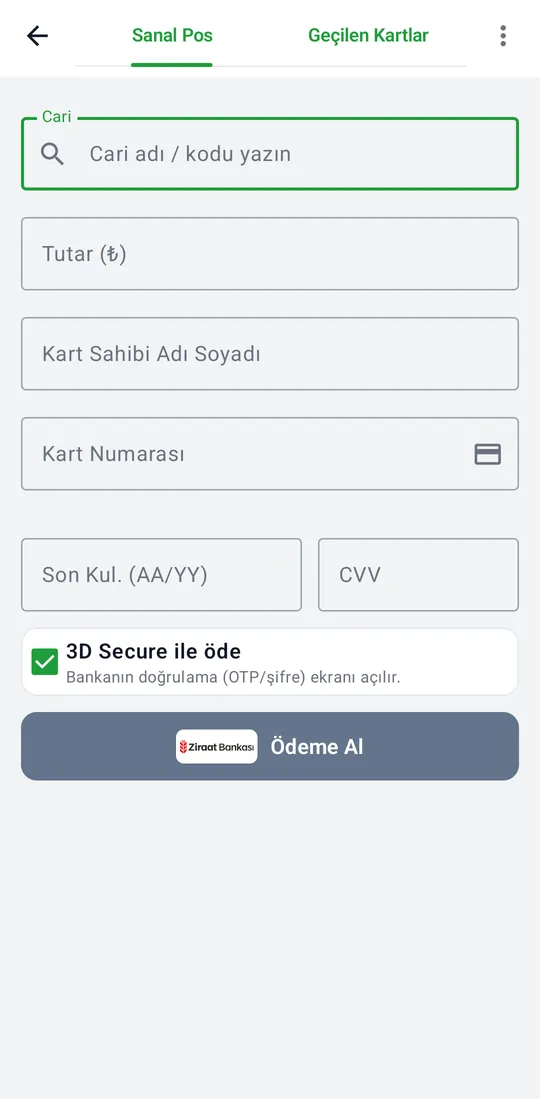
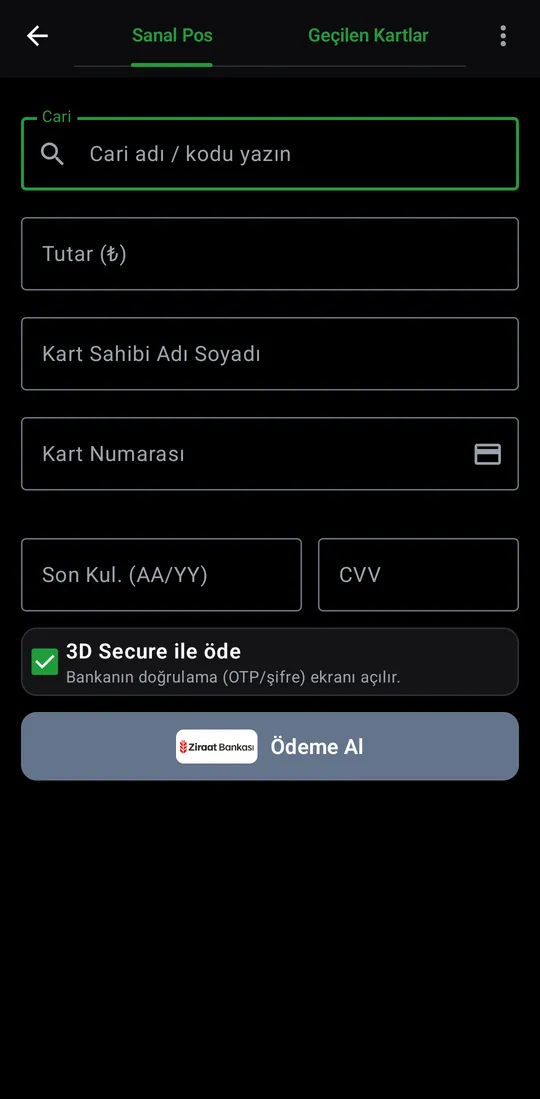
Collect by card: pick the account and amount, and the bank's 3D Secure screen confirms the payment. The Cards Charged tab shows the history.
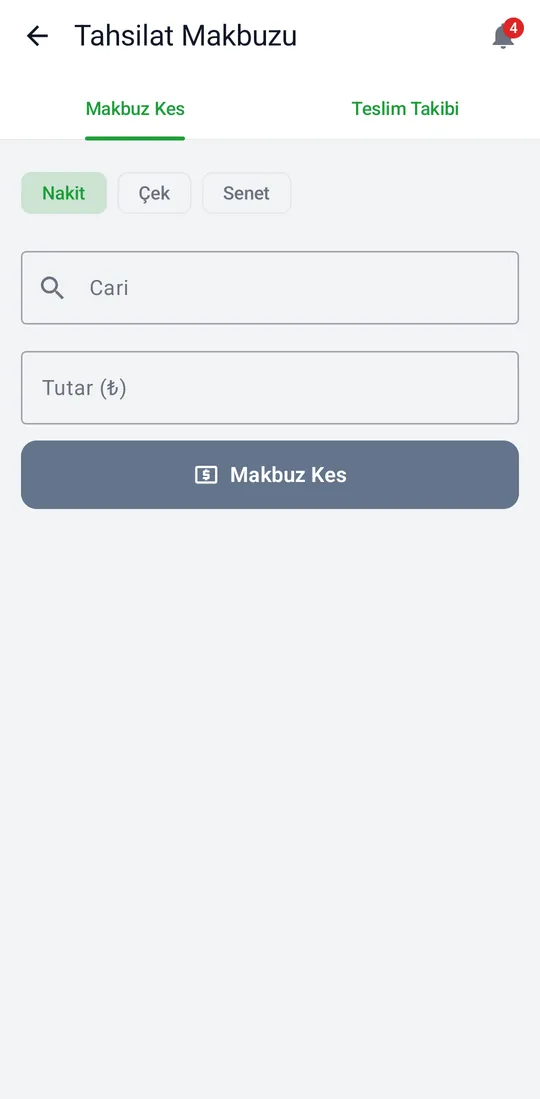

Issue cash, cheque and note receipts. The Handover tab follows what happens to the receipts you issued.
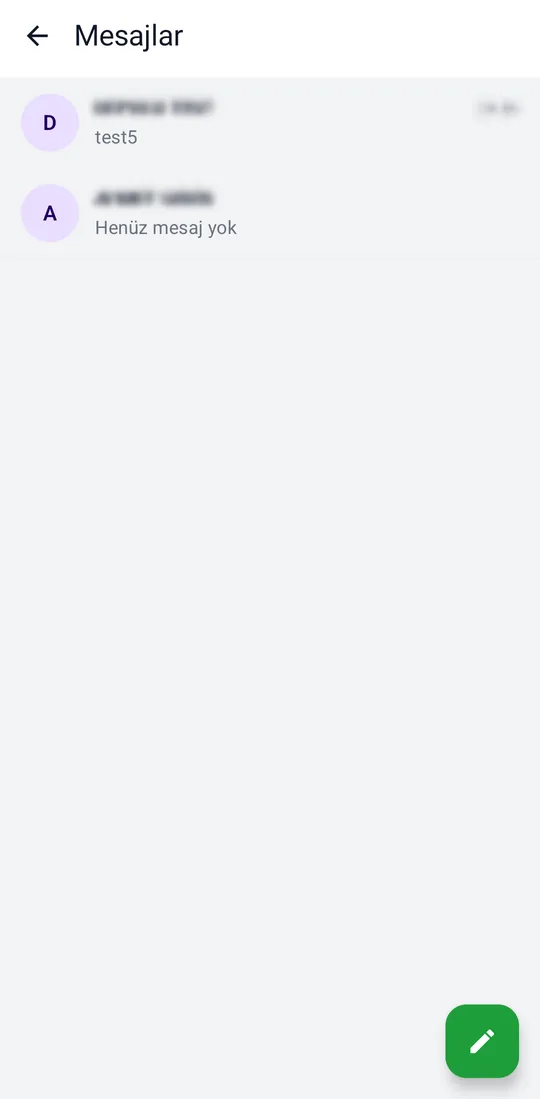

One-to-one, group and announcement messages with colleagues.
Online users, version spread and an API traffic summary.
A record of who closed, reverted or reopened which order.
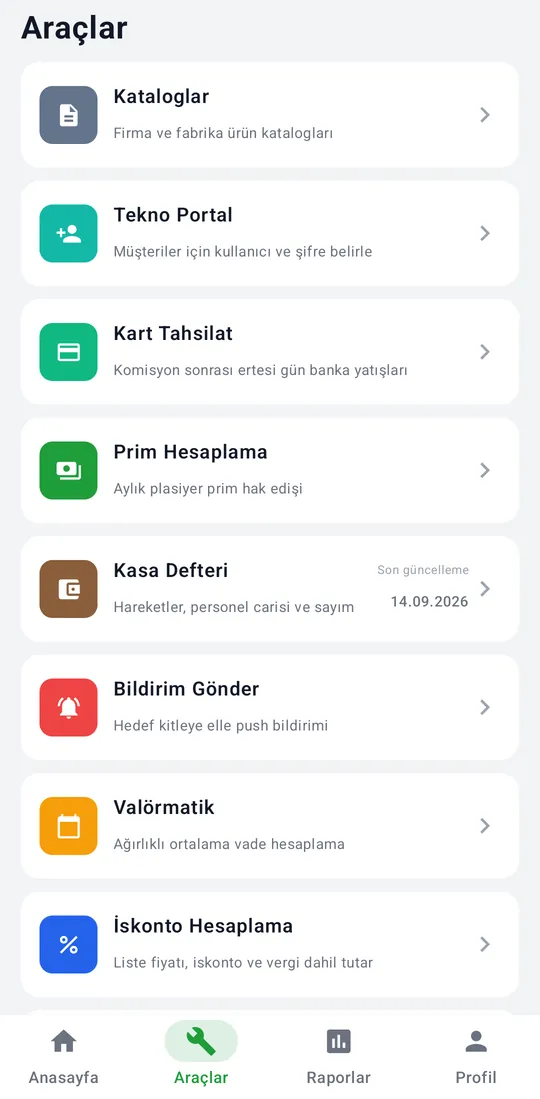
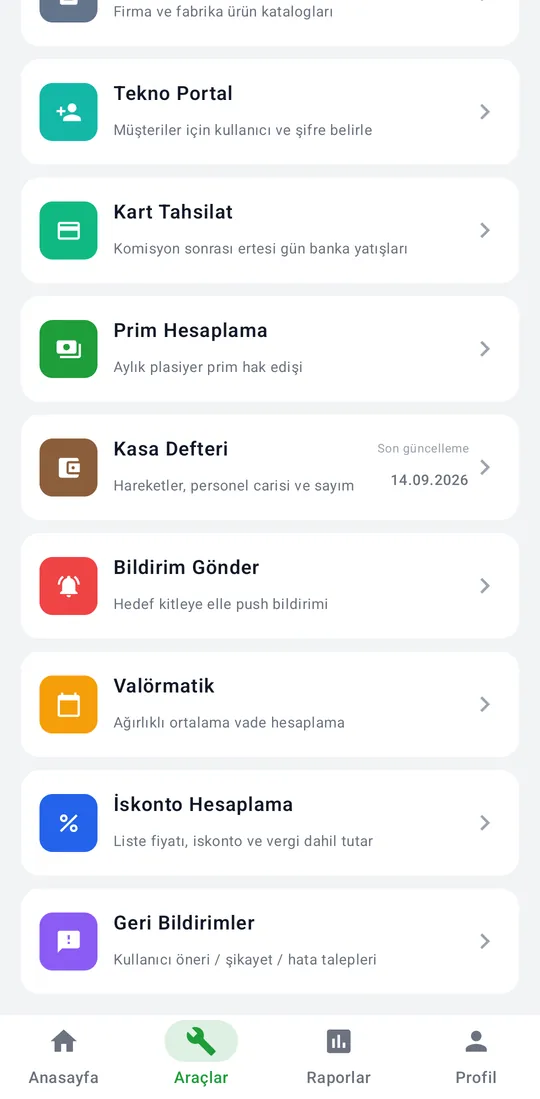
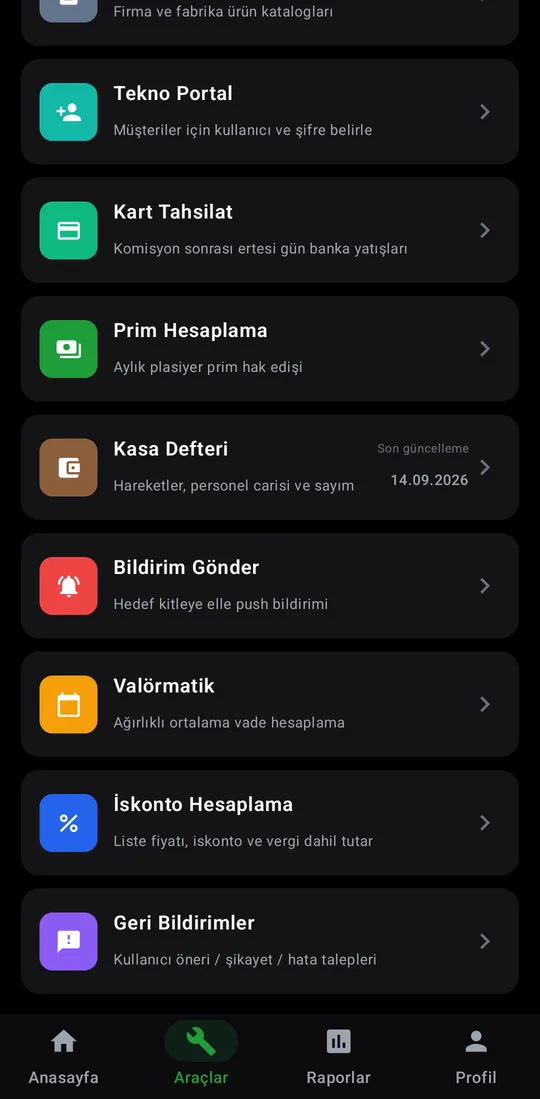
Catalogs, customer accounts, card collections, commission, cash book and calculators in one list.
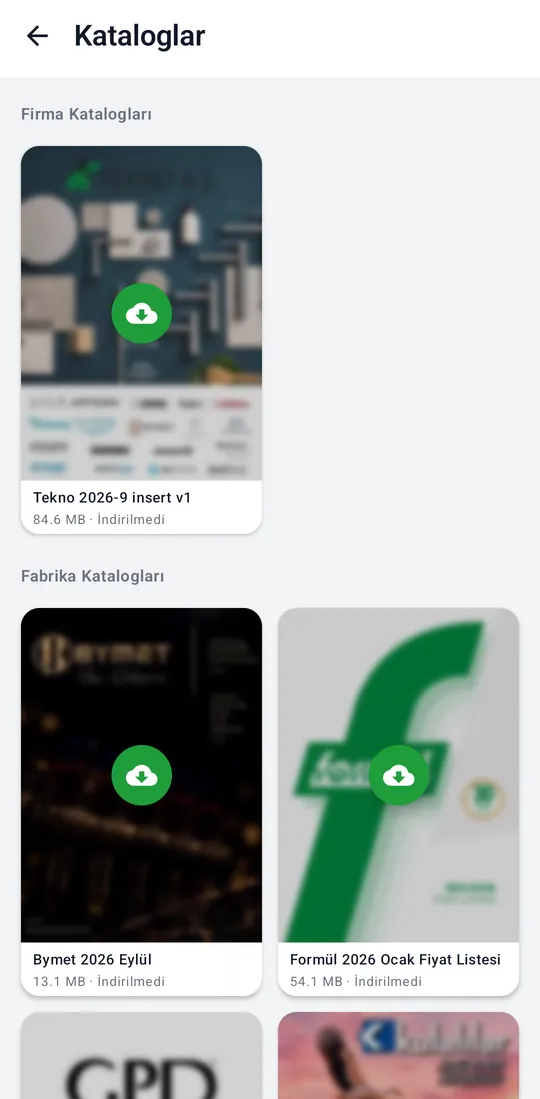
Company and manufacturer product catalogs. Download, open on the phone and share.
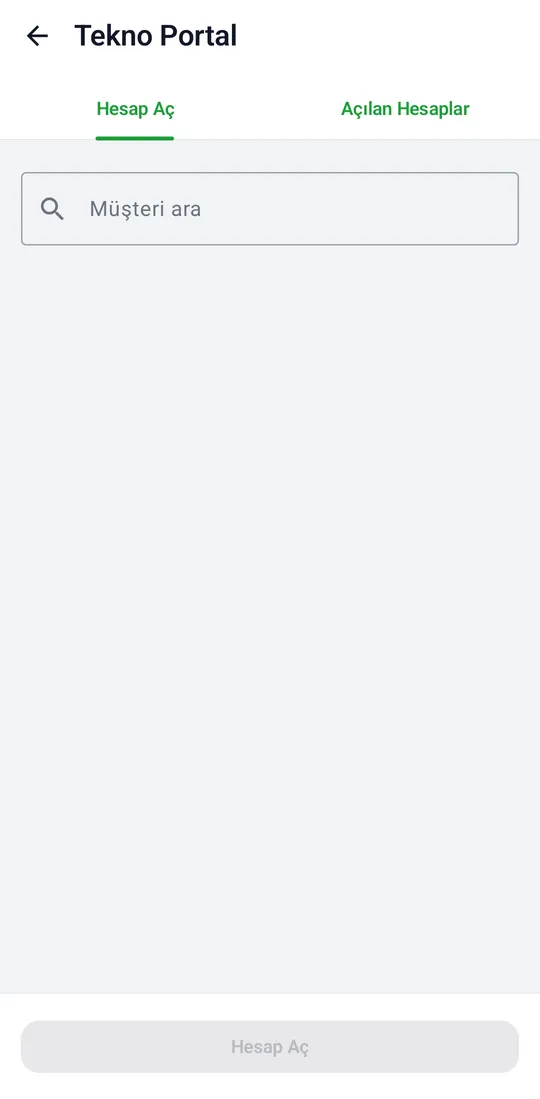

Sets the username and password a customer uses in Tekno Portal. The password is shown only once; opened accounts are on the second tab.
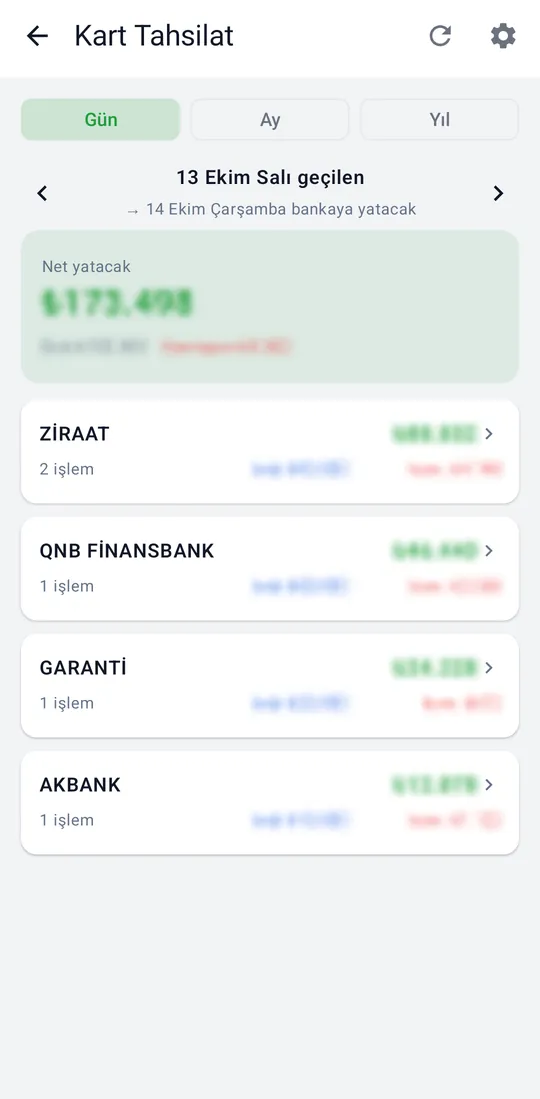

Card collections by day, month and year: net amount due, commission per bank, and the next-day bank deposit.
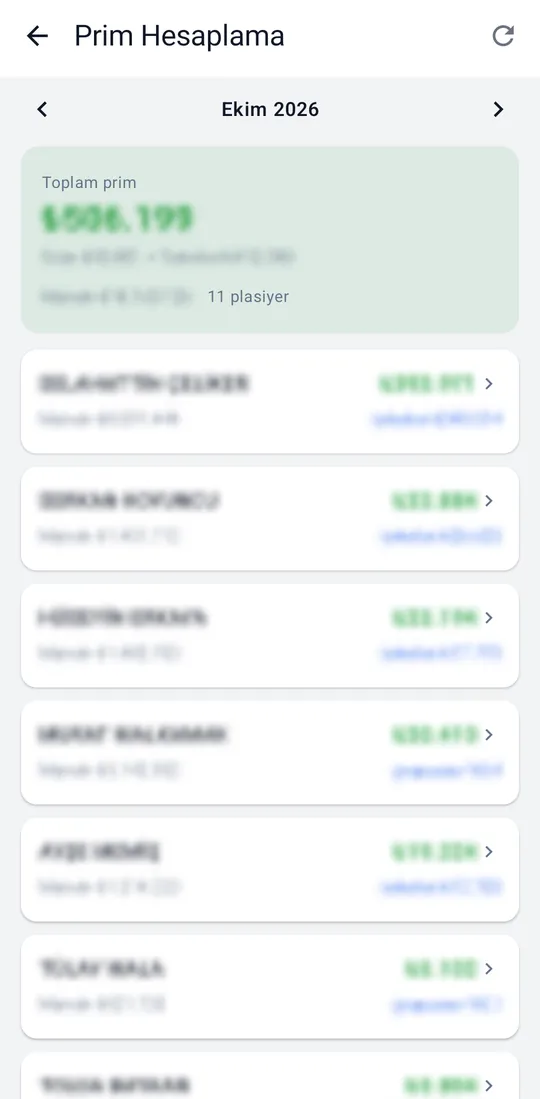
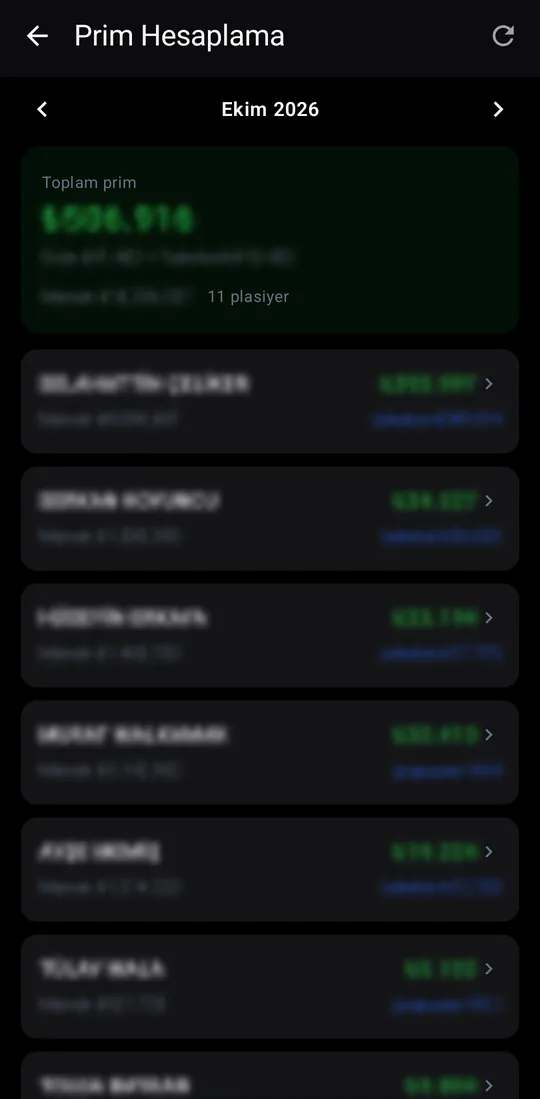
Monthly sales-rep commission: the total, its product and collection parts, and the base per rep.
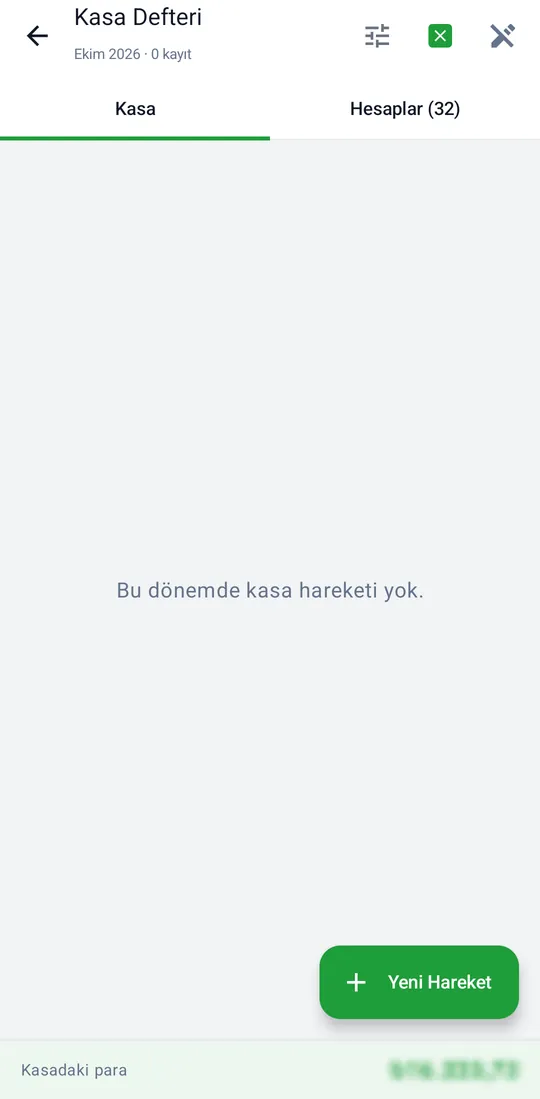

The company cash book: movements, staff accounts and cash counts. Add entries here and export to Excel.
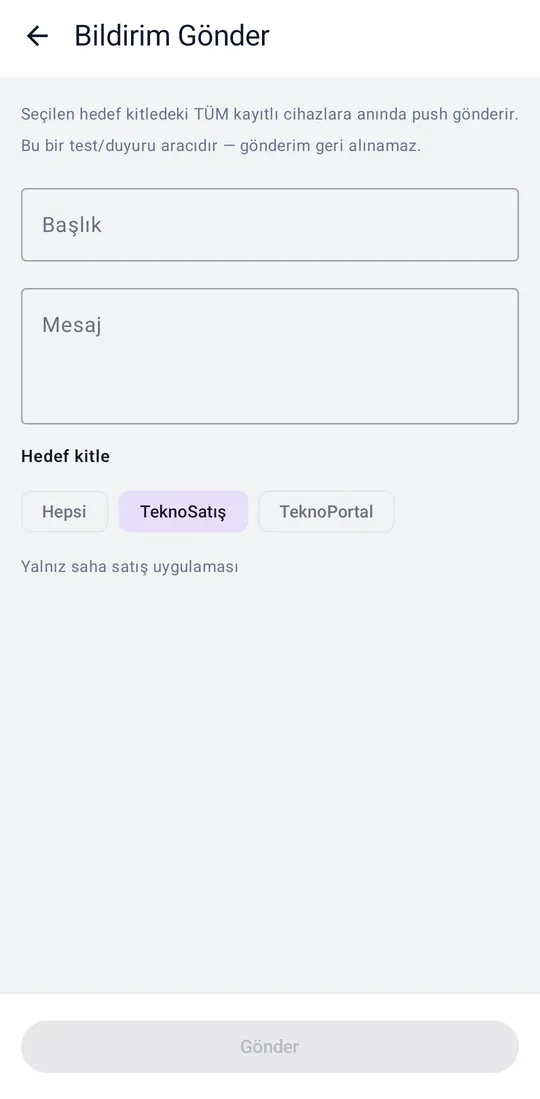

Sends a push notification to a chosen audience: title, message and target (everyone, Tekno Sales or Tekno Portal).
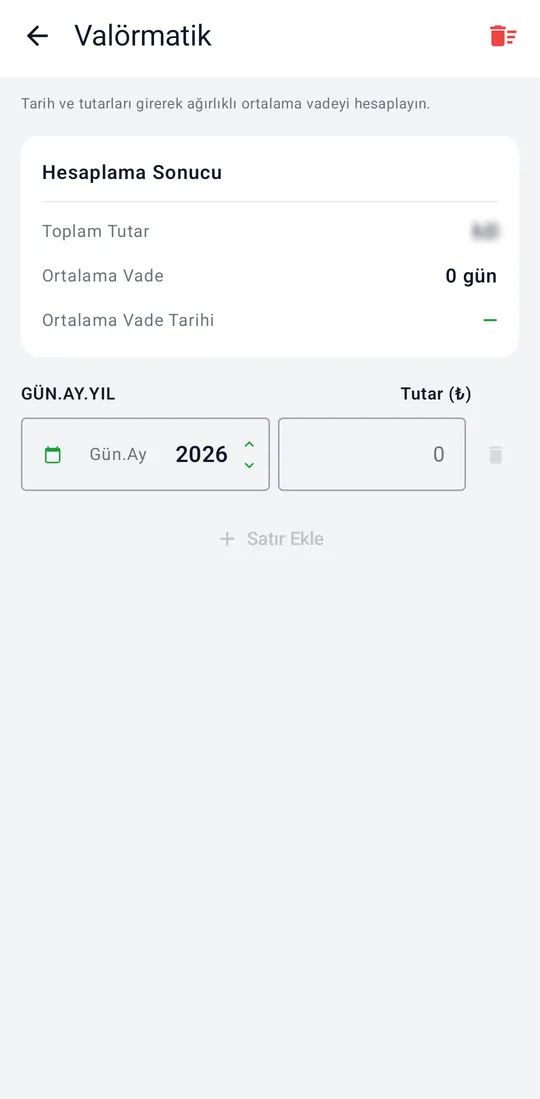

Enter dates and amounts to get the weighted average due date.
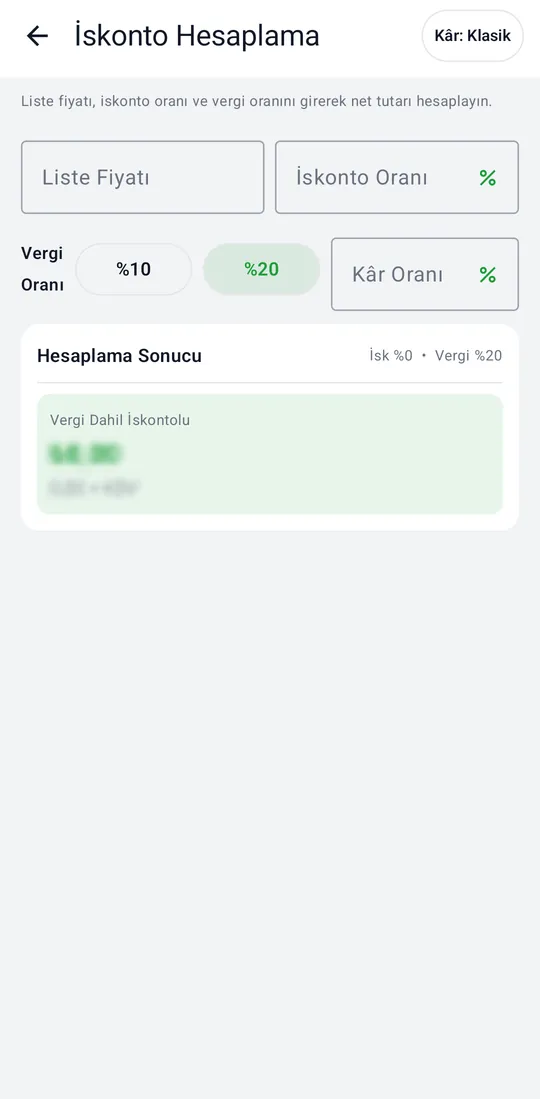

Works out the tax-inclusive price from list price, discount and tax; profit is calculated as markup or as margin.
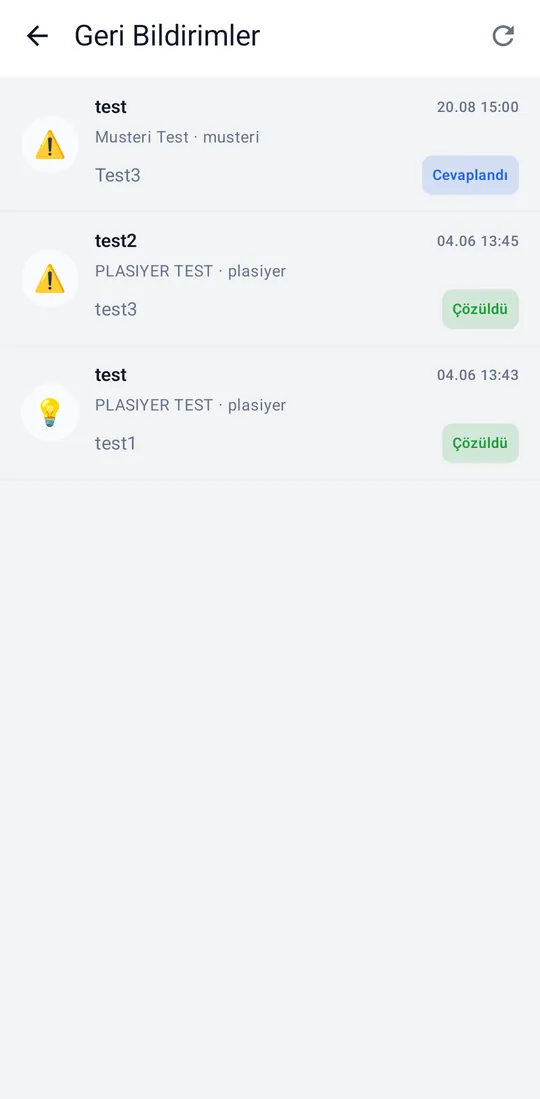

Suggestions, complaints and bug reports from users; managers reply and mark them resolved.
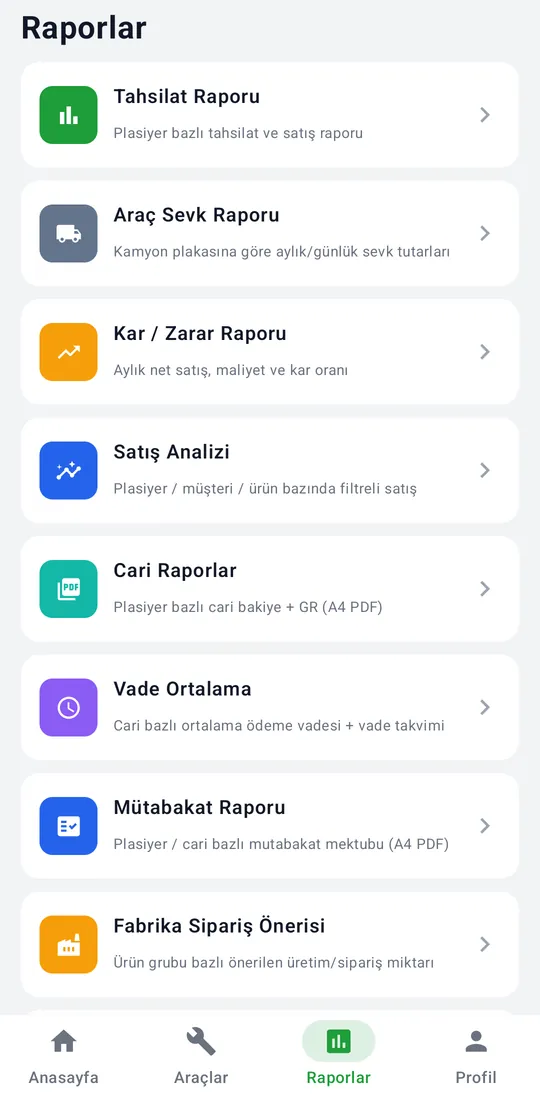
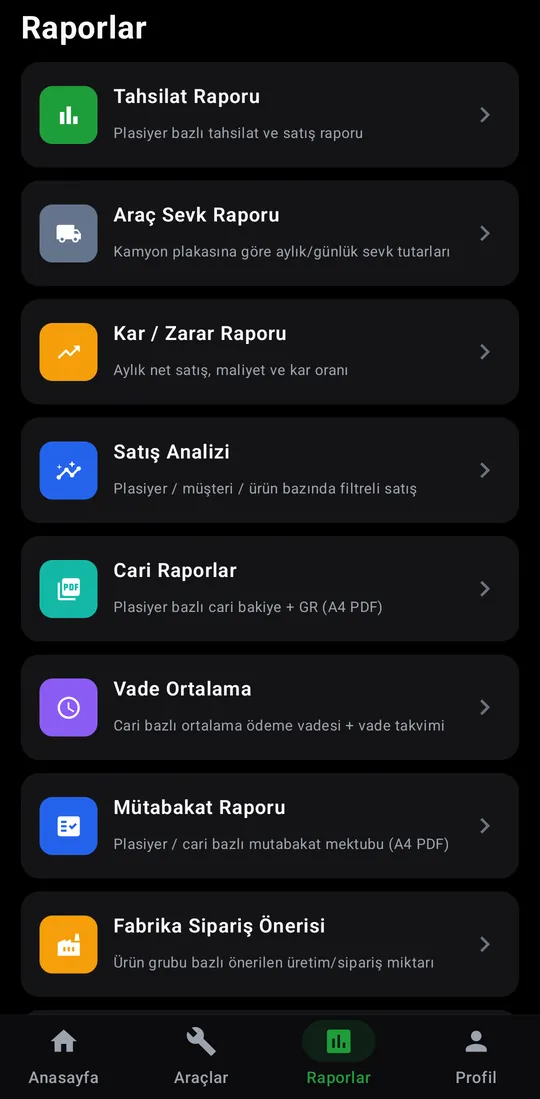
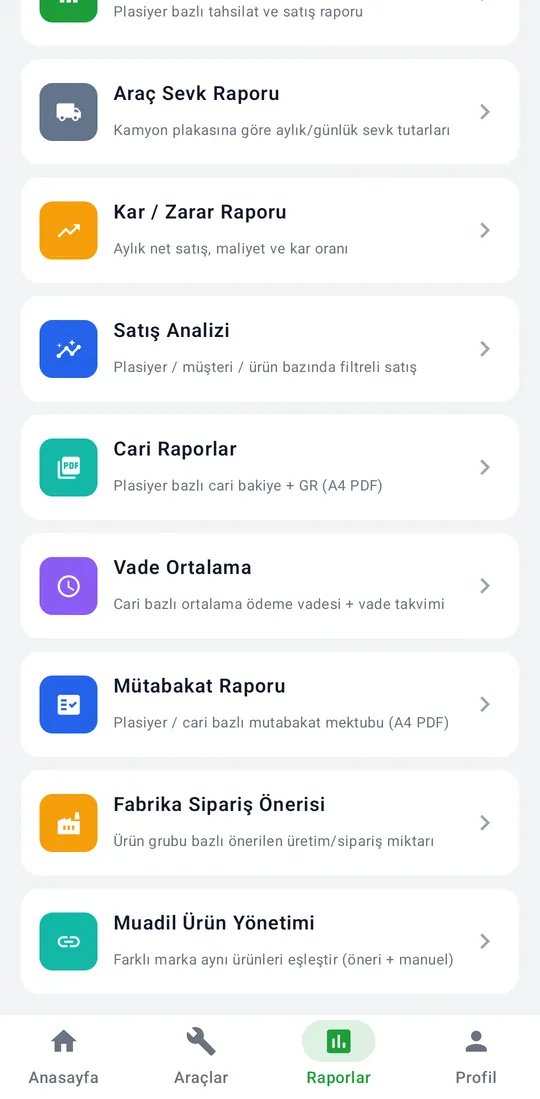
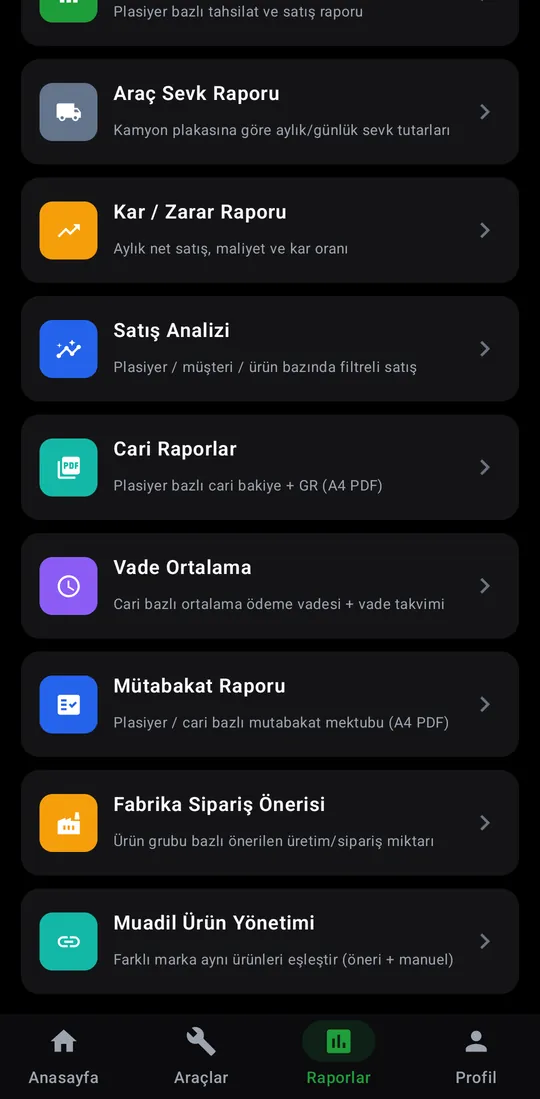
Sales, collection, profit and account reports all open from this list.
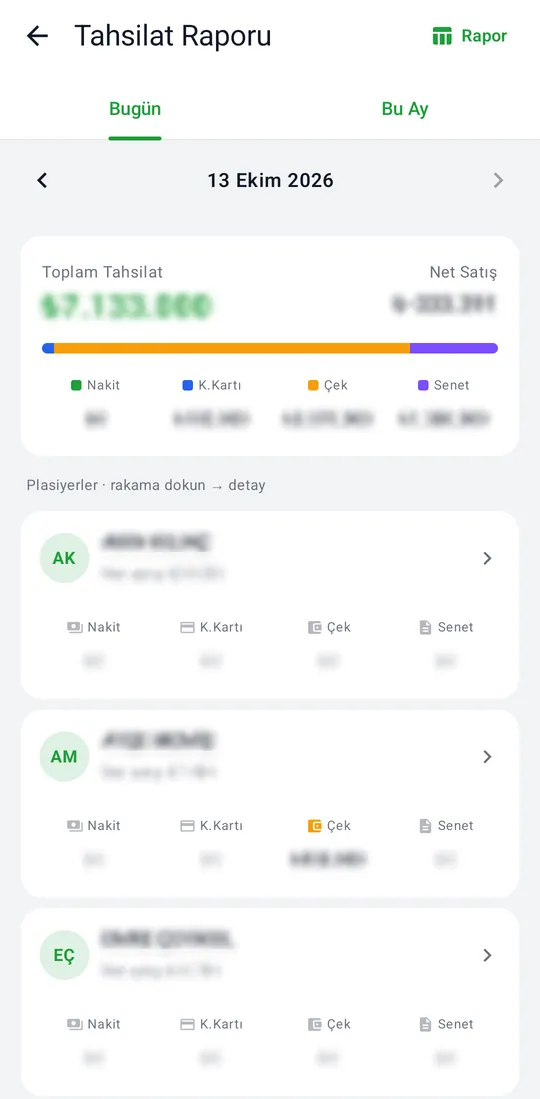
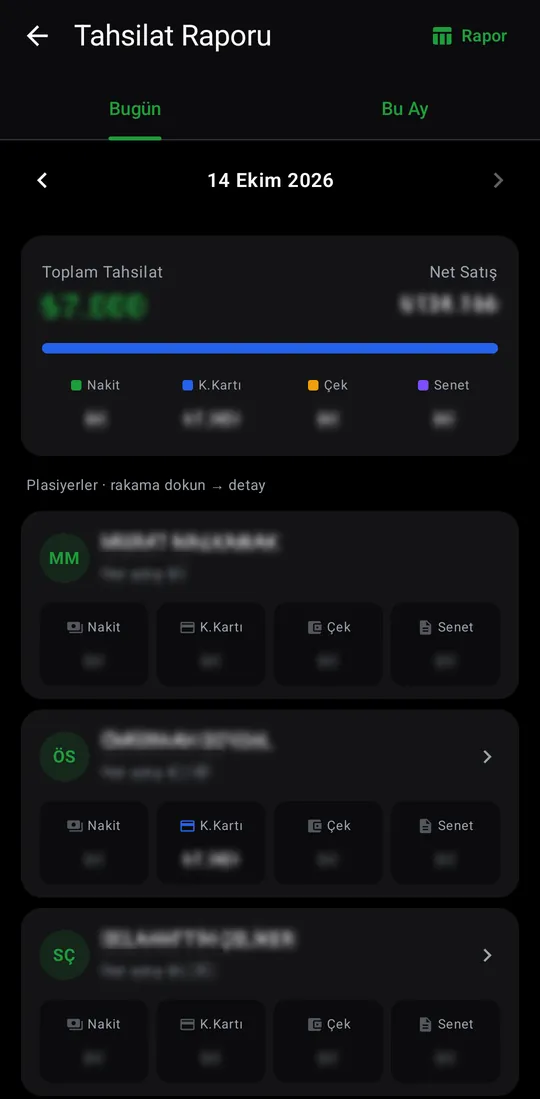
Collections and net sales per sales rep: cash, card, cheque and note split, daily and monthly.
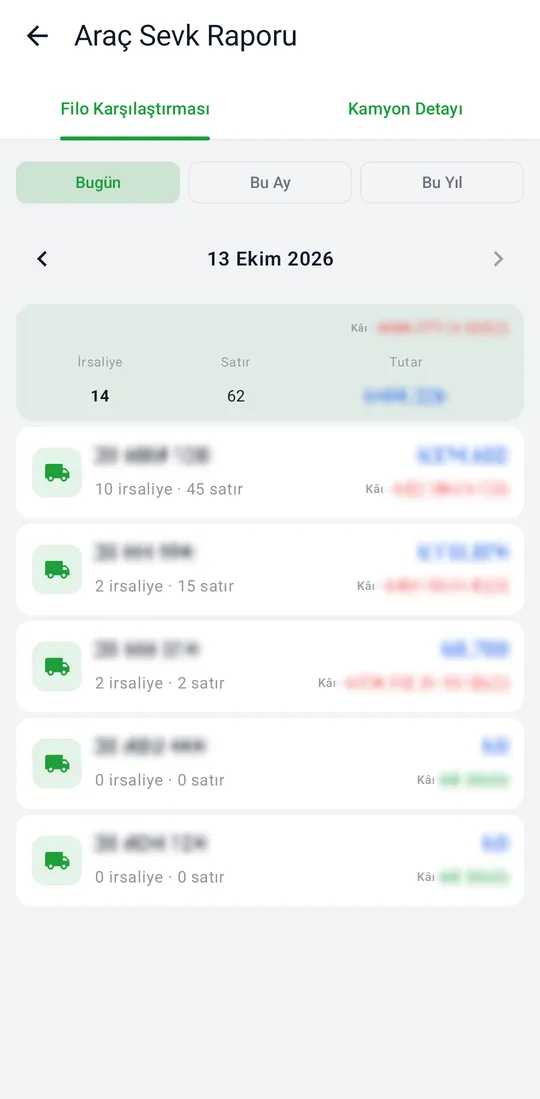
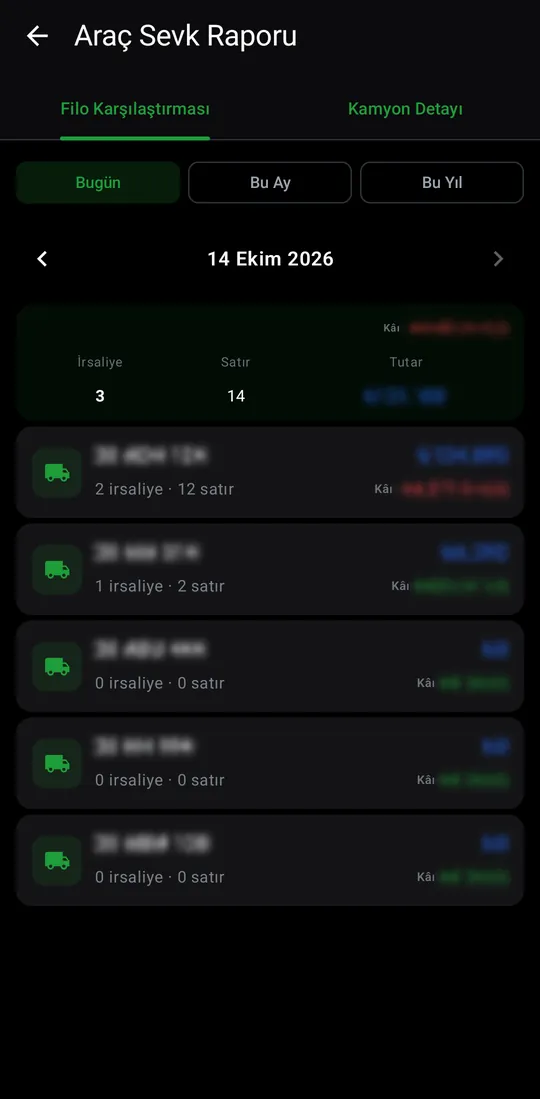
Dispatch totals by truck plate, daily, monthly and yearly, with waybill and line counts and profit.
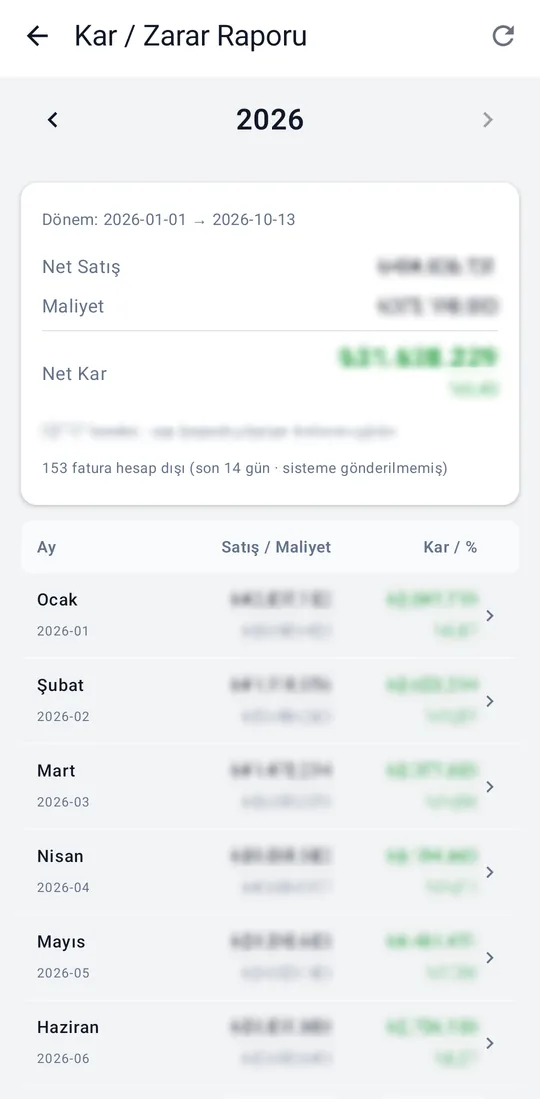
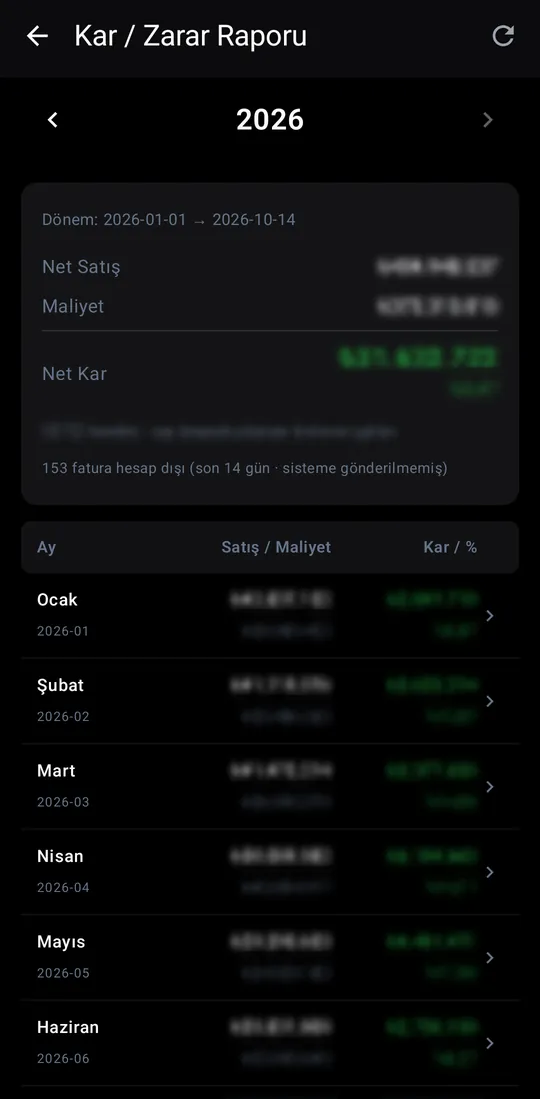
Net sales, cost and net profit for the year, with sales, cost and profit rate for every month.
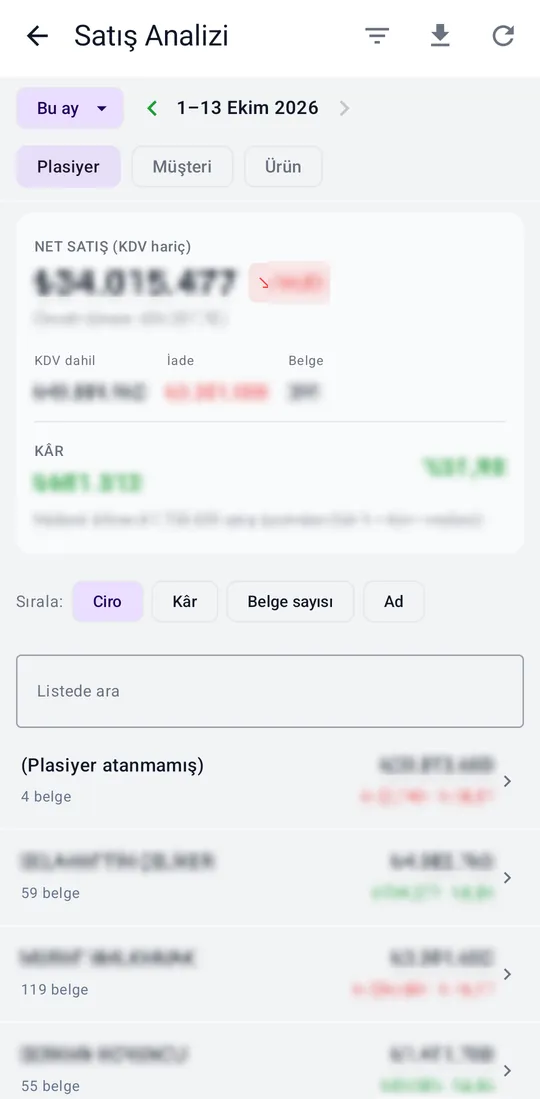
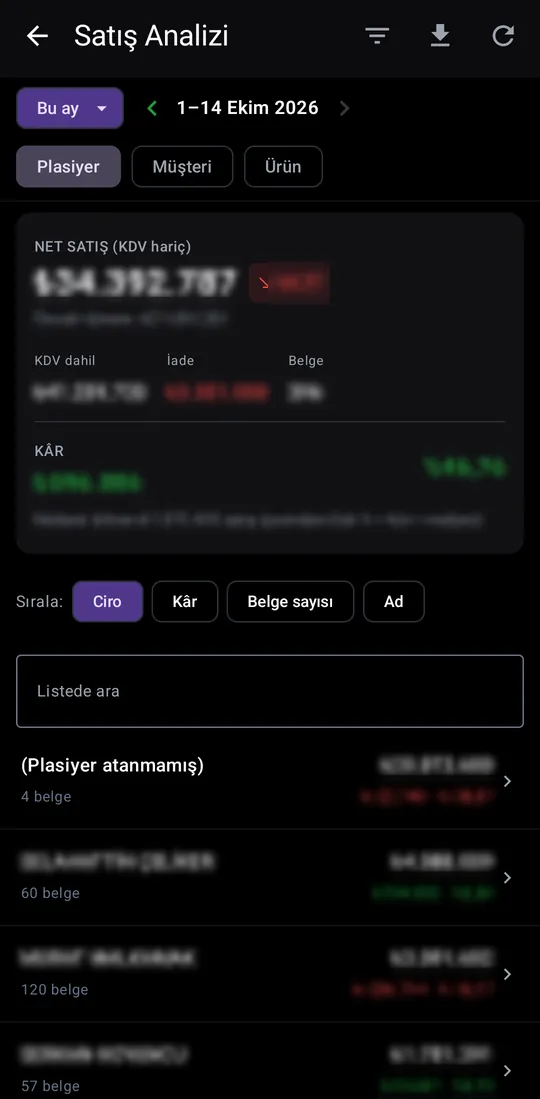
Sales by rep, customer or product: net sales, returns, document count and profit. Pick a period and change the sort.
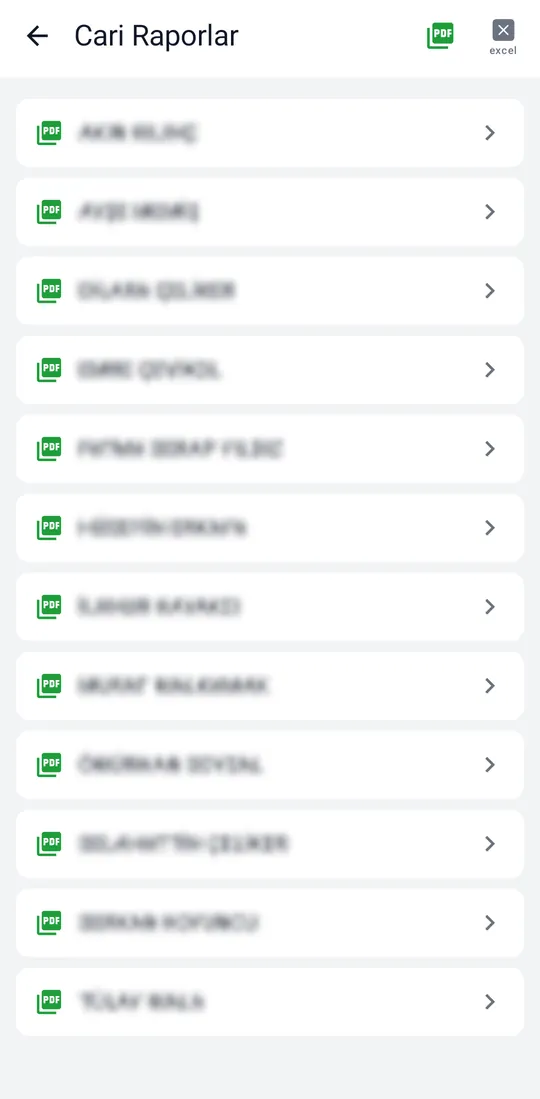
Account balance and GR report per sales rep, as A4 PDF or Excel.
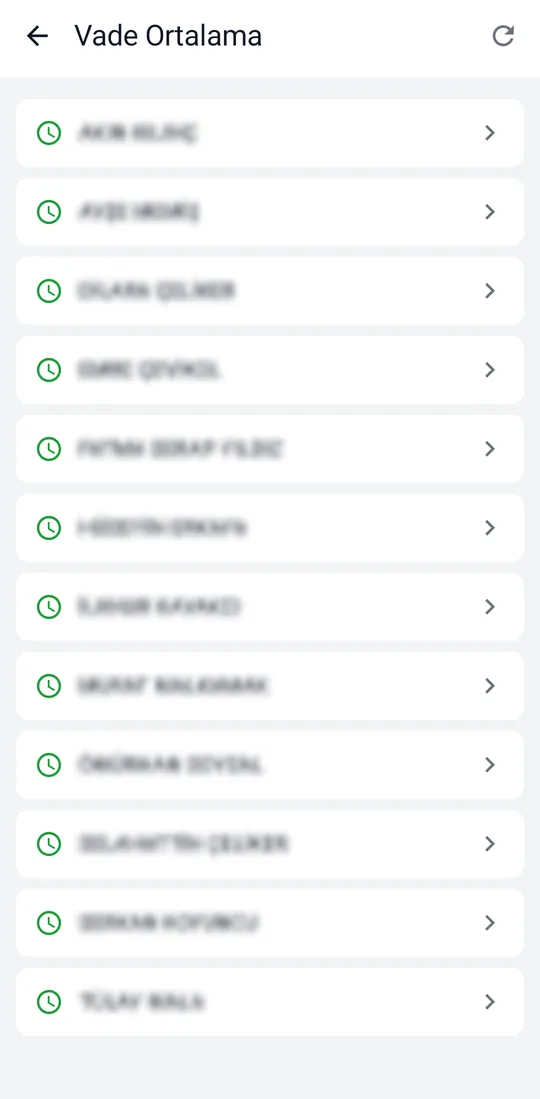
Average payment term per account, with a due-date calendar.
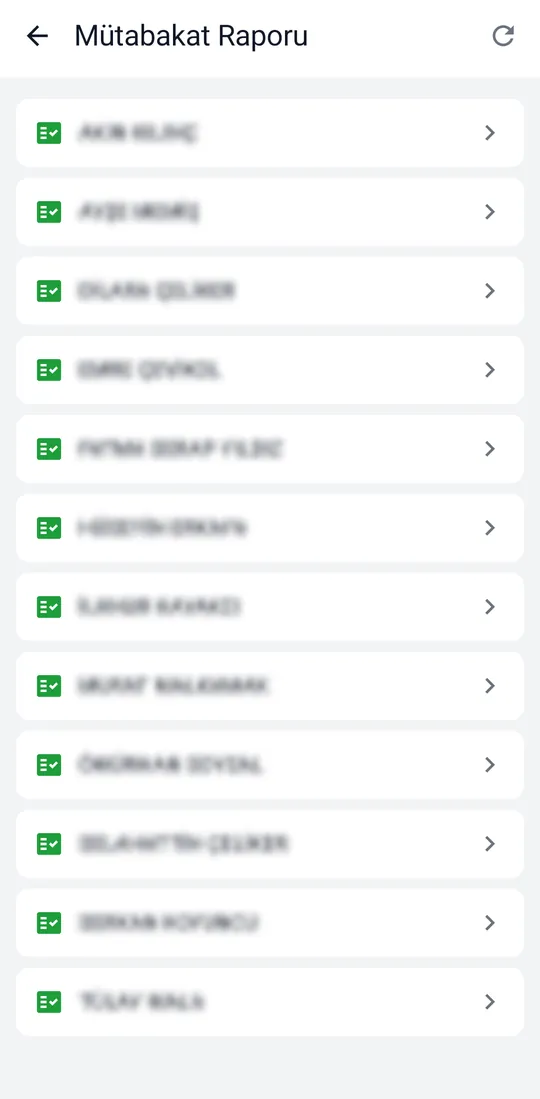
Reconciliation letters per sales rep and account, as A4 PDF.
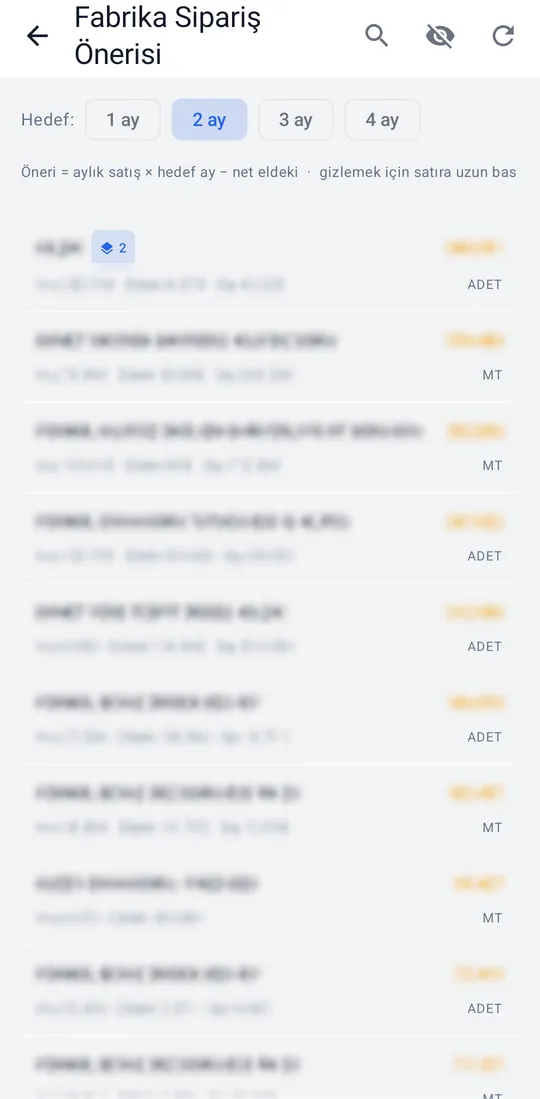
Suggested order quantity per product group from monthly sales, stock on hand and open orders. Pick a 1-4 month target.
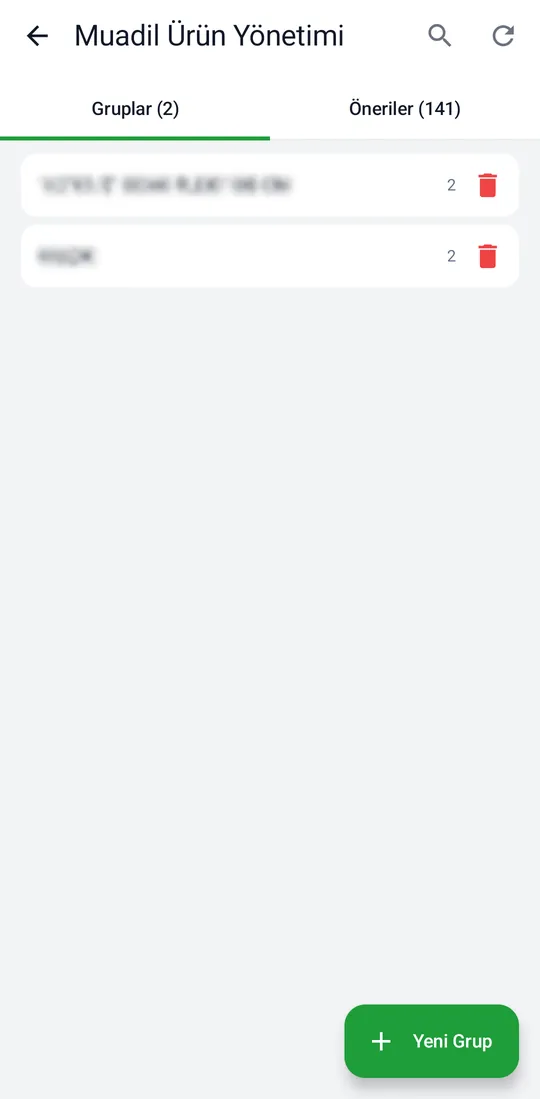
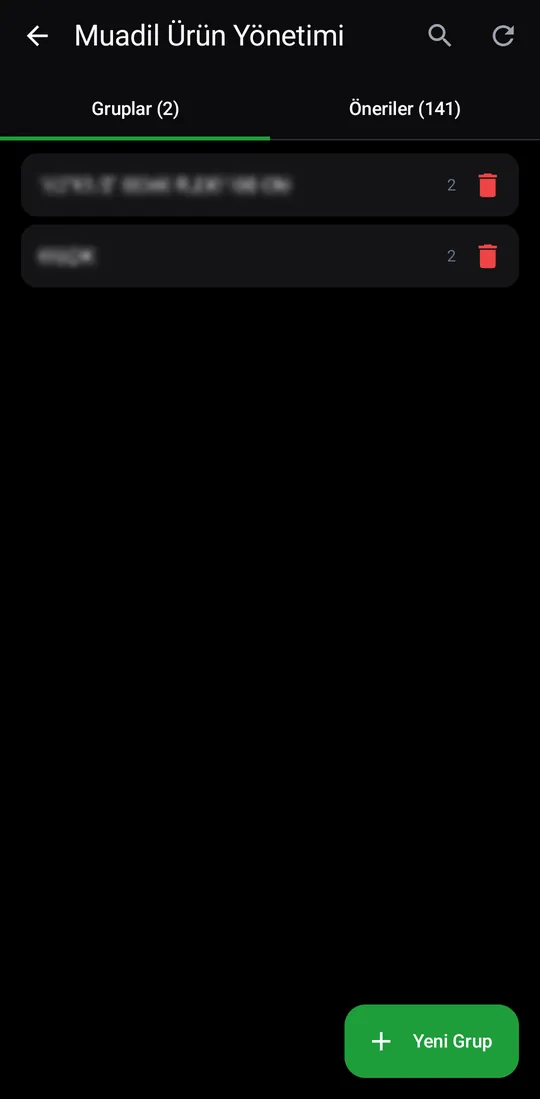
Same product, different brand: items are grouped, the system suggests matches, and you confirm or pair them by hand.
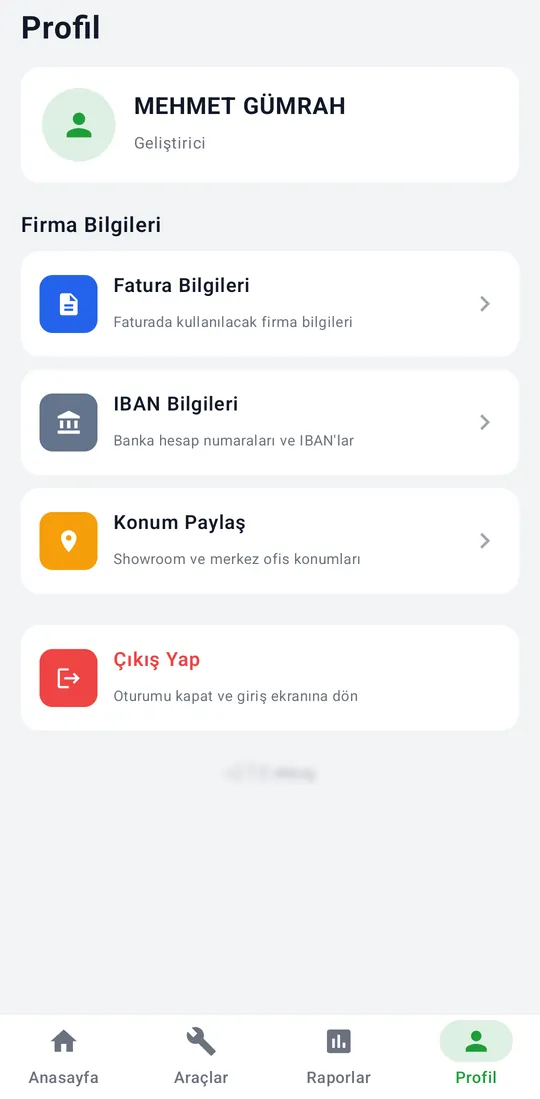
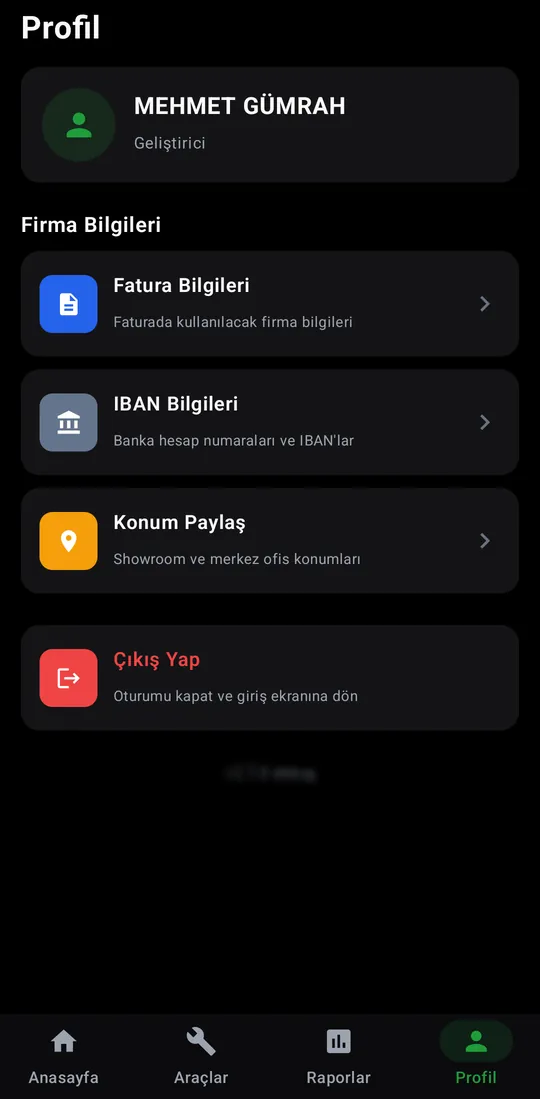
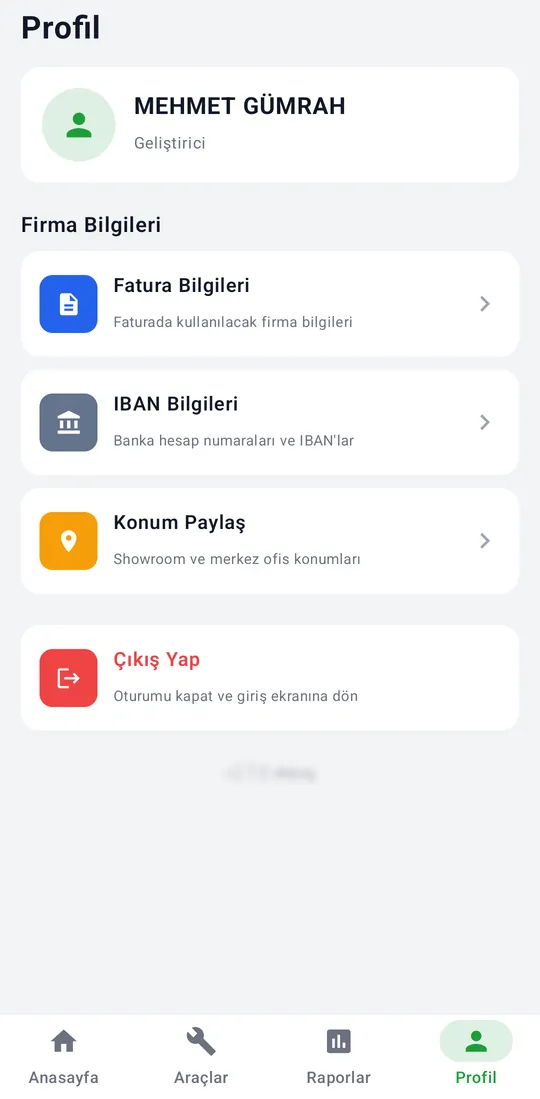
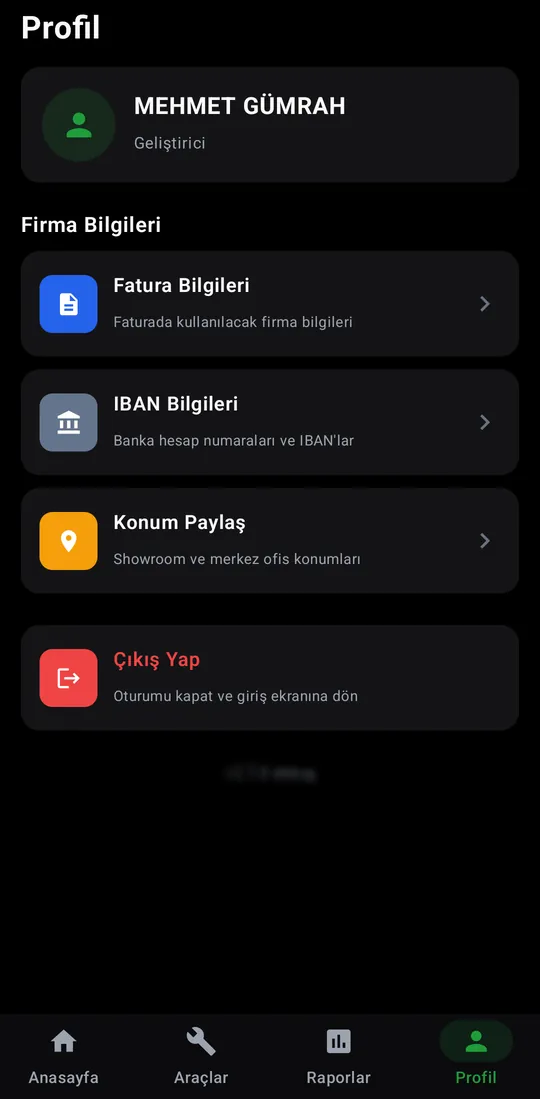
The user's name and role, shortcuts to company details, and sign-out.
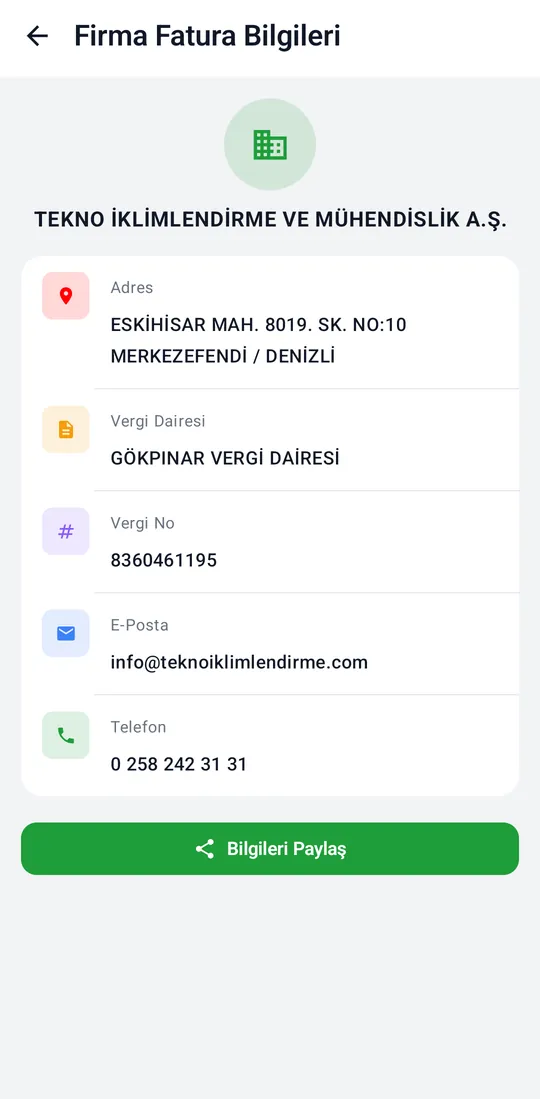
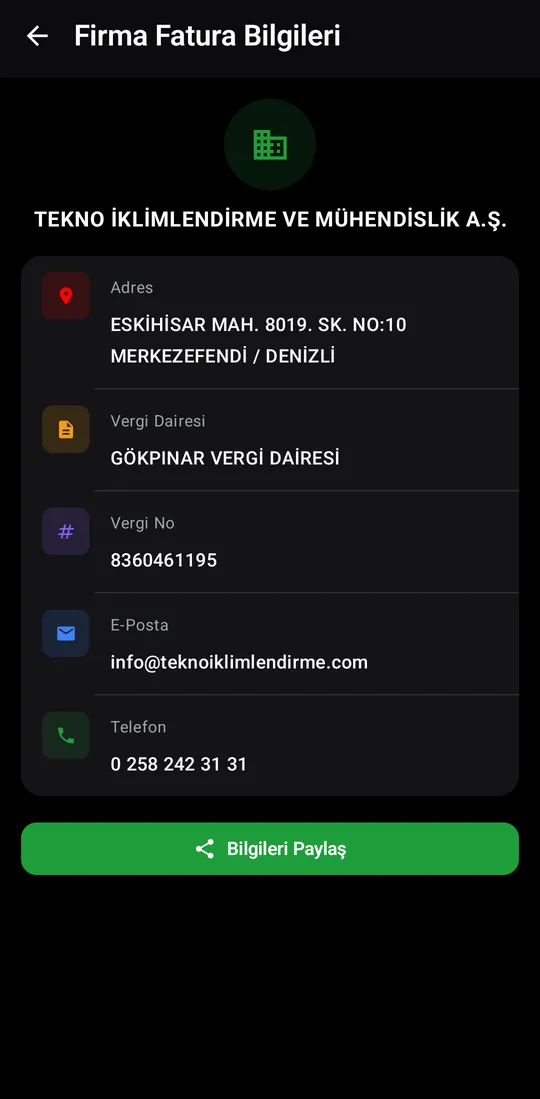
The company details used on invoices: address, tax office, tax number, email and phone. Shared in one tap.
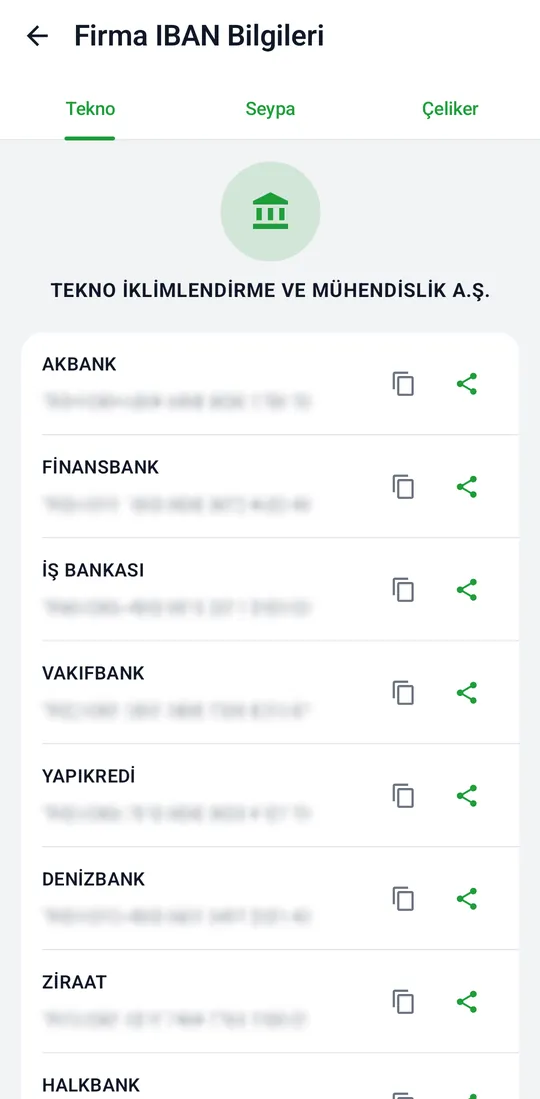
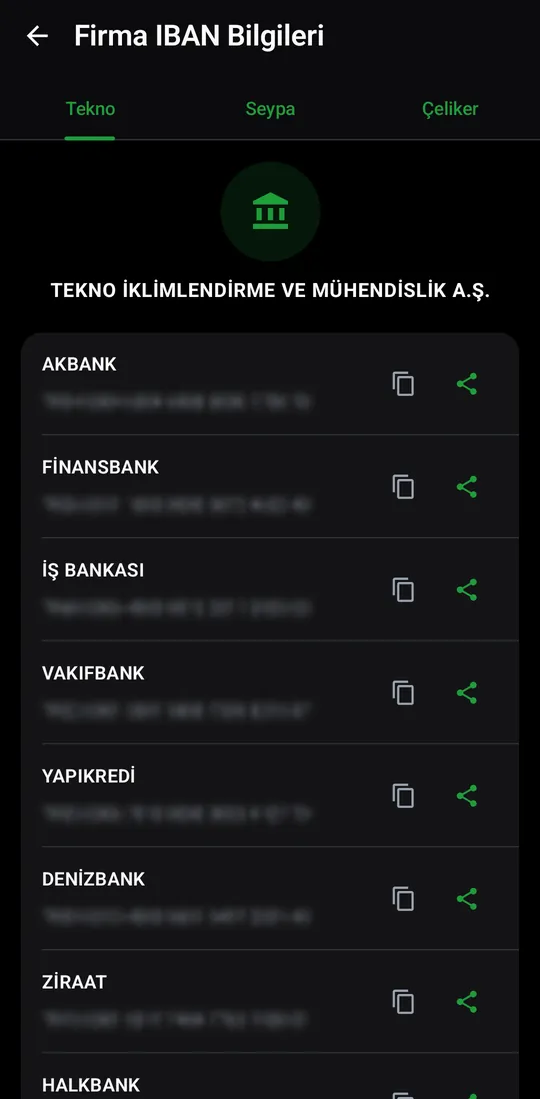
The companies' bank account numbers and IBANs, ready to copy or share.
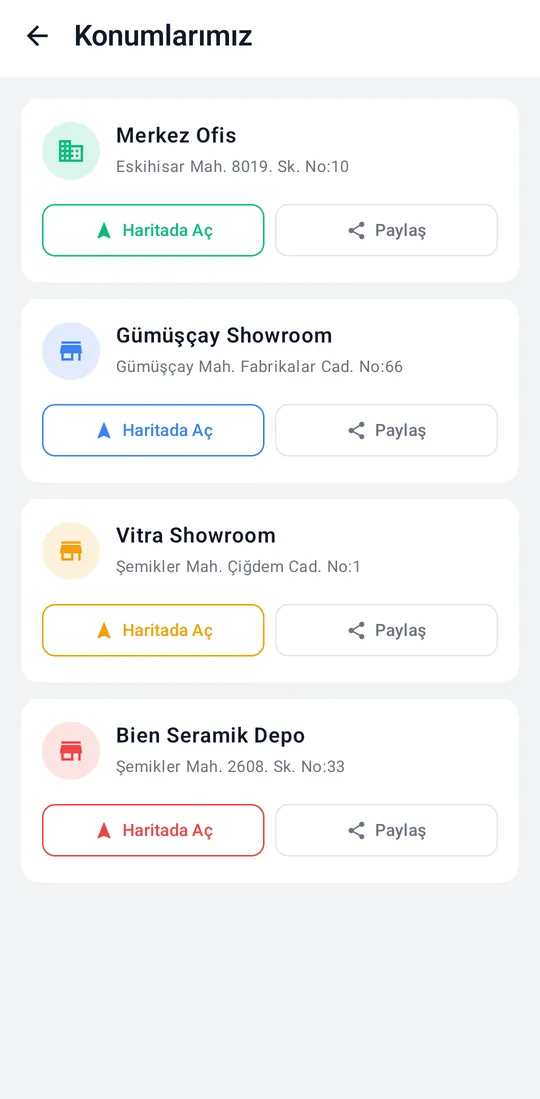
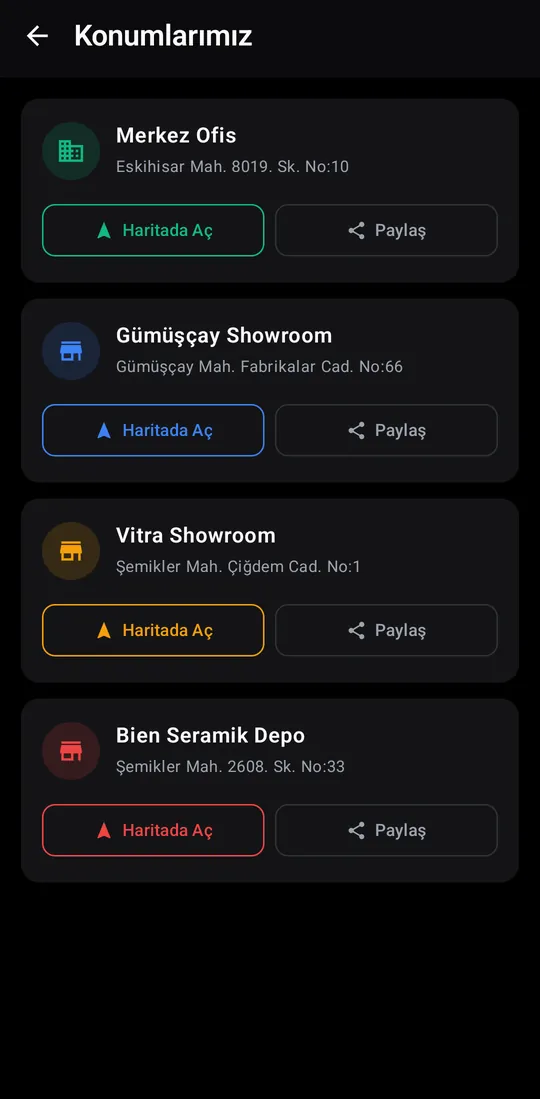
Showroom and head-office locations; open on the map or send to a customer.