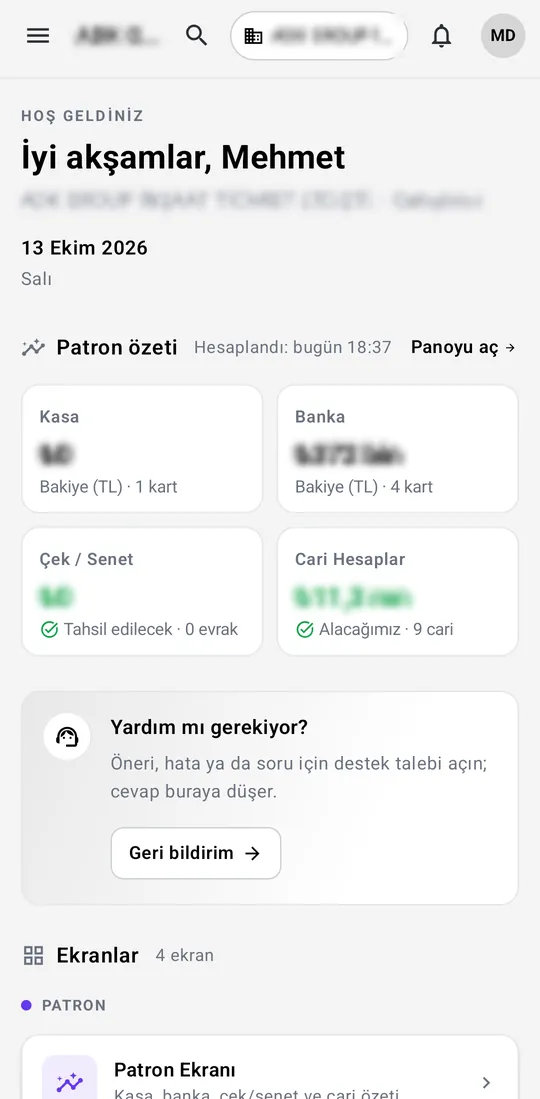
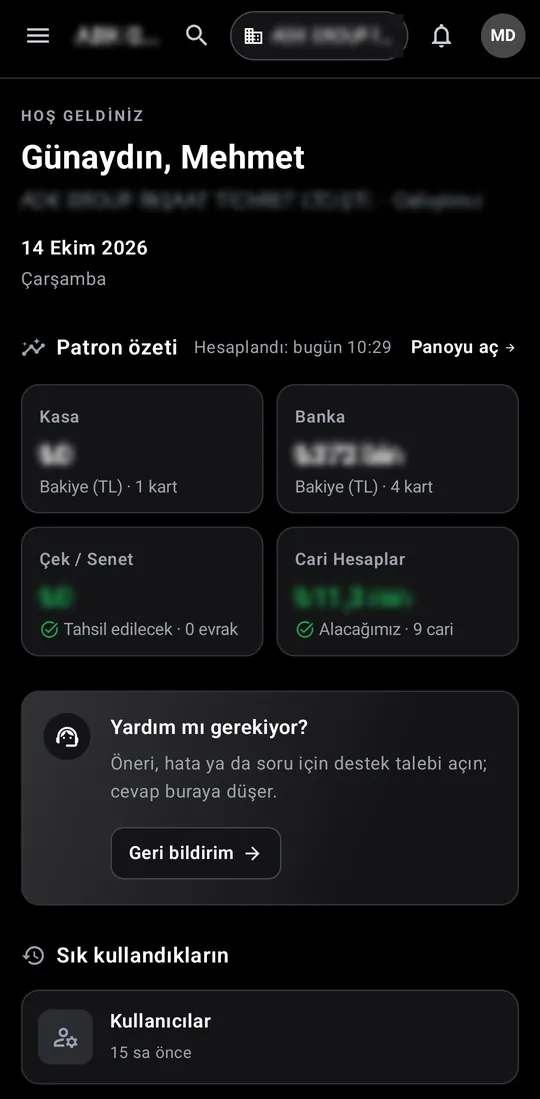
Home screen
A greeting with firm and role, the owner summary tiles, a help card and frequently used screens.

Captures are from the Android version, taken on an installation where only the Owner dashboard and Accounts screens are enabled; other screens are described in text below. Real values such as company names, amounts, ID numbers and the firm's logo are blurred.
A greeting with firm and role, the owner summary tiles, a help card and frequently used screens.
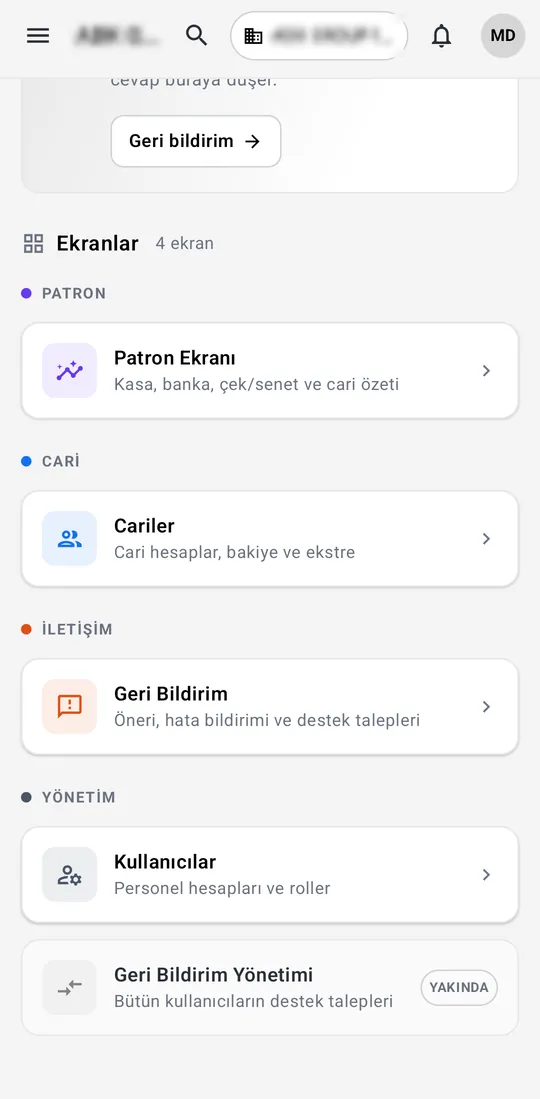
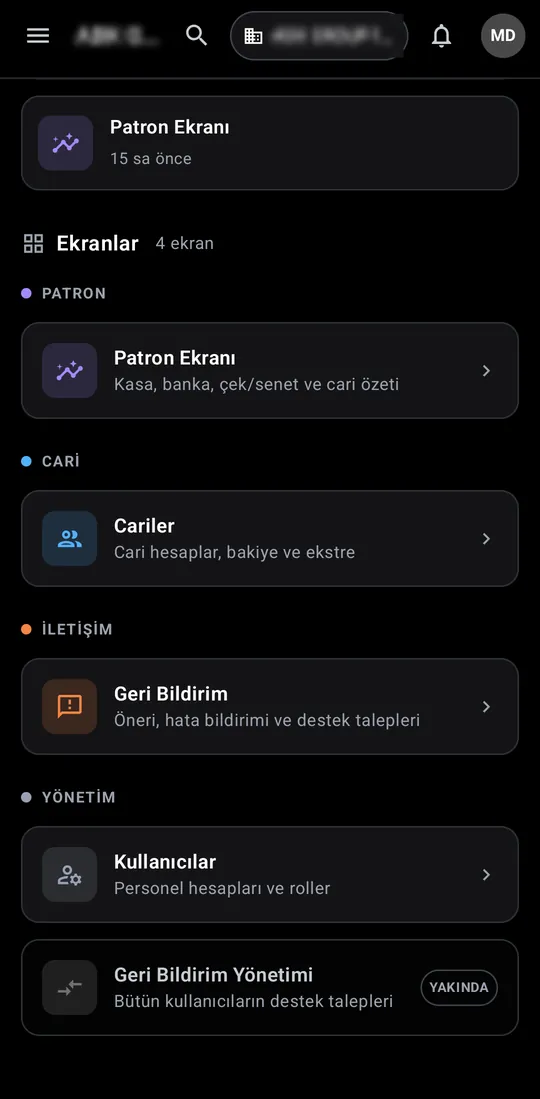
The menu is built from the screens the firm is licensed for, the firm's own settings and the user's role, and split into groups.
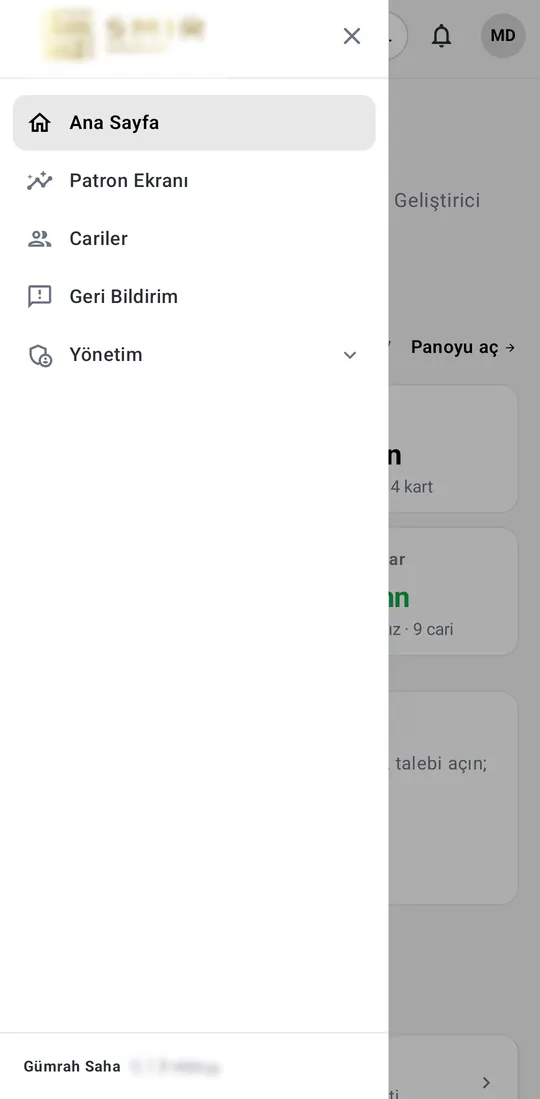
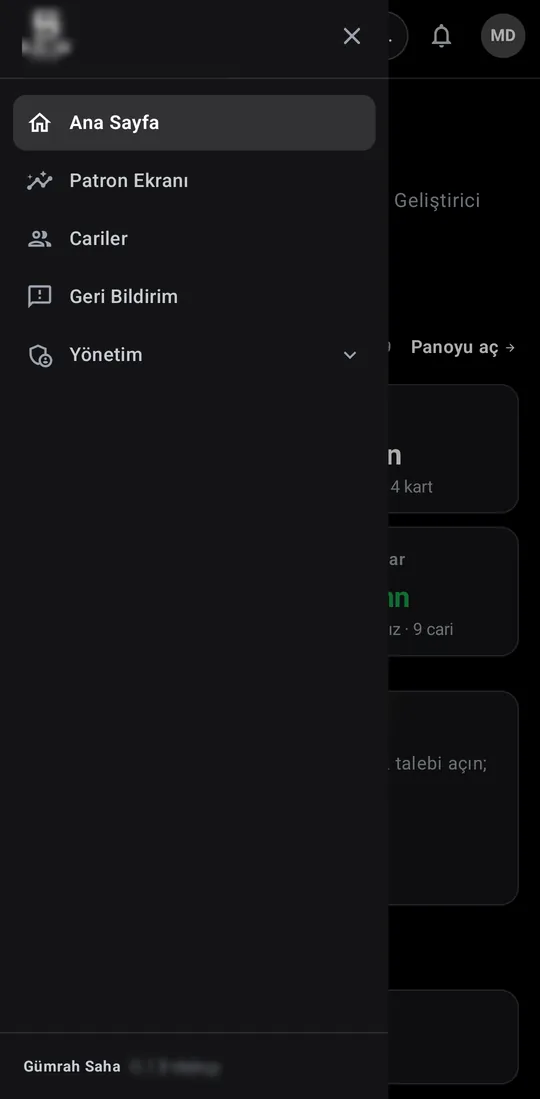
The home page and every screen in a side menu, with the firm's own logo and brand at the top.
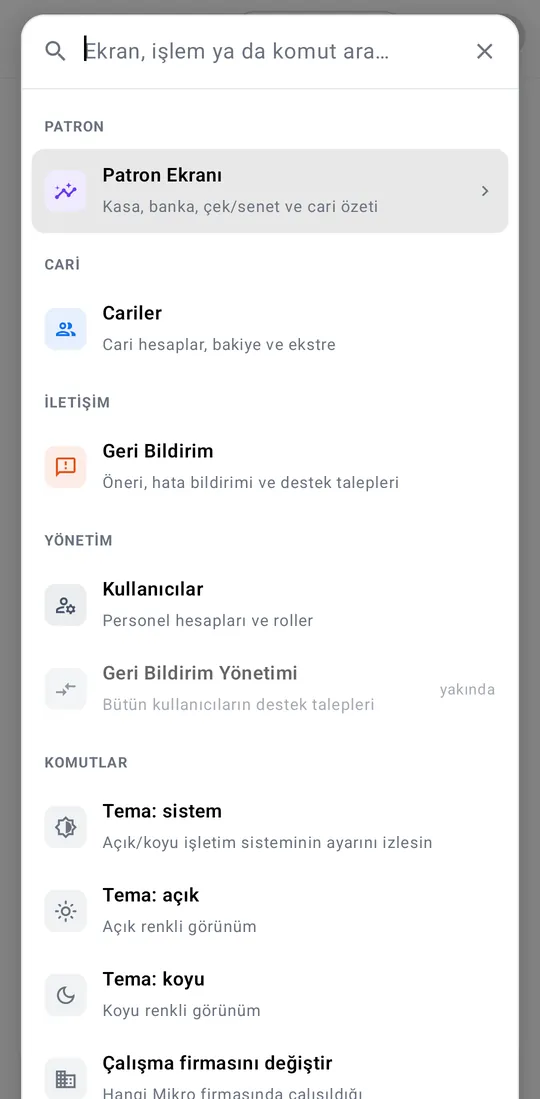
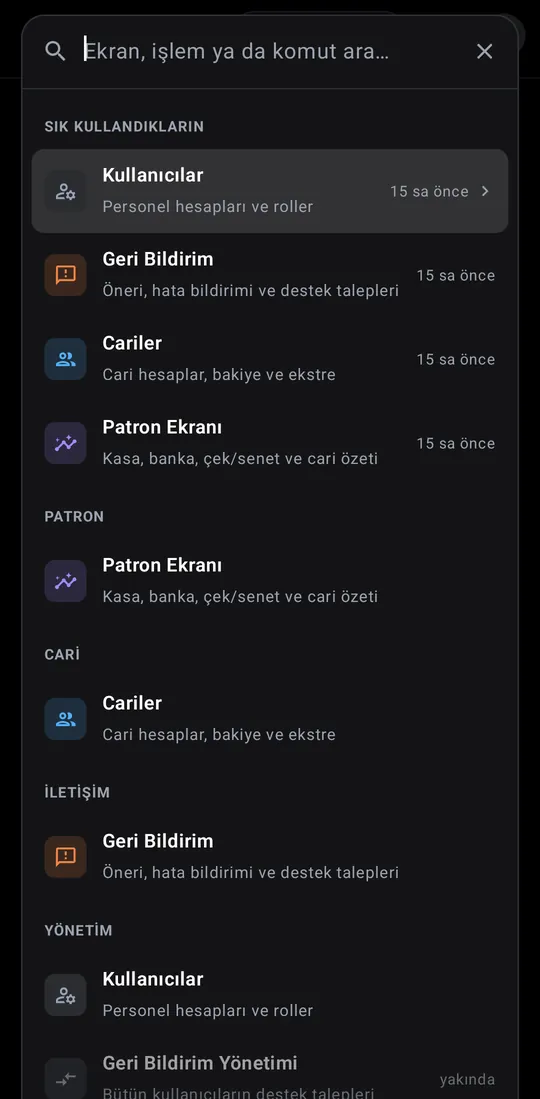
Type a screen, action or command to jump straight to it. Switching theme or working firm is here too.
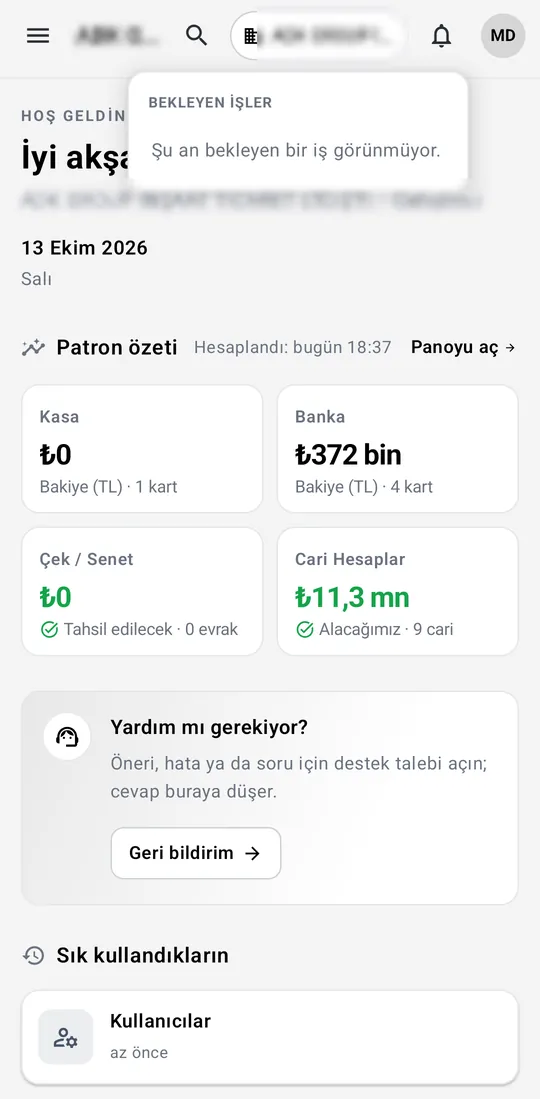
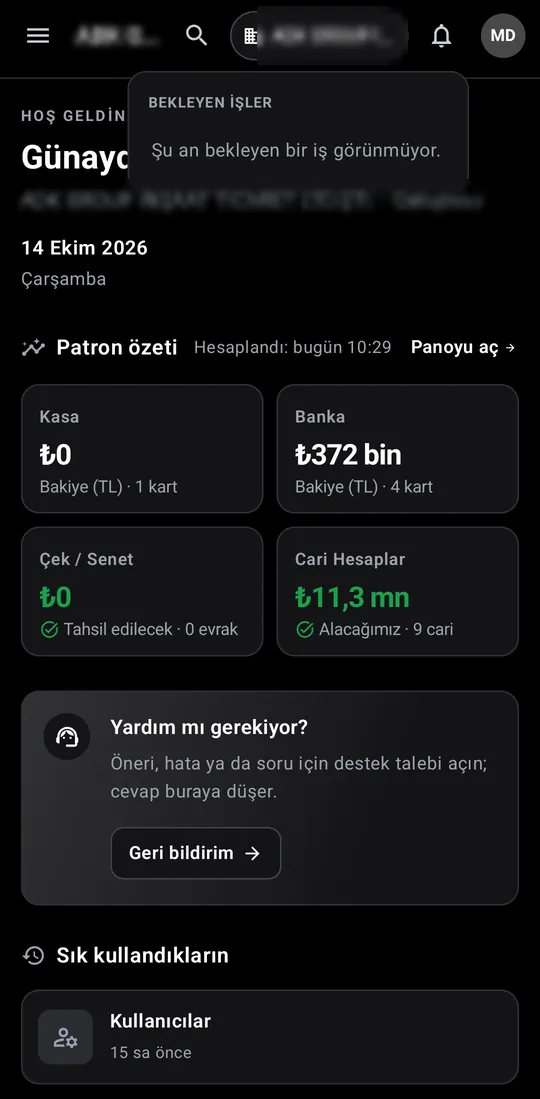
The bell gathers the user's pending items.
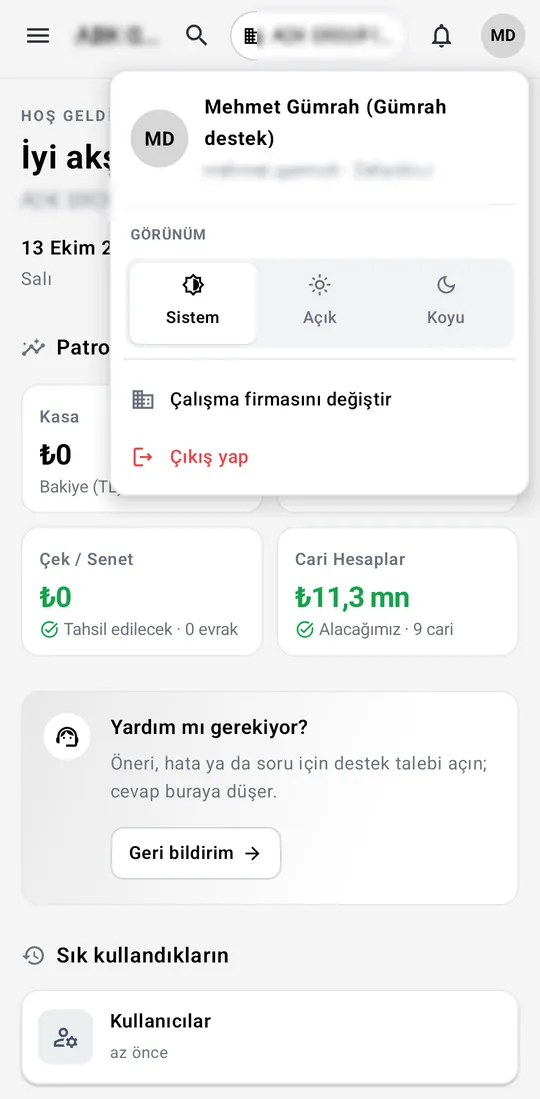
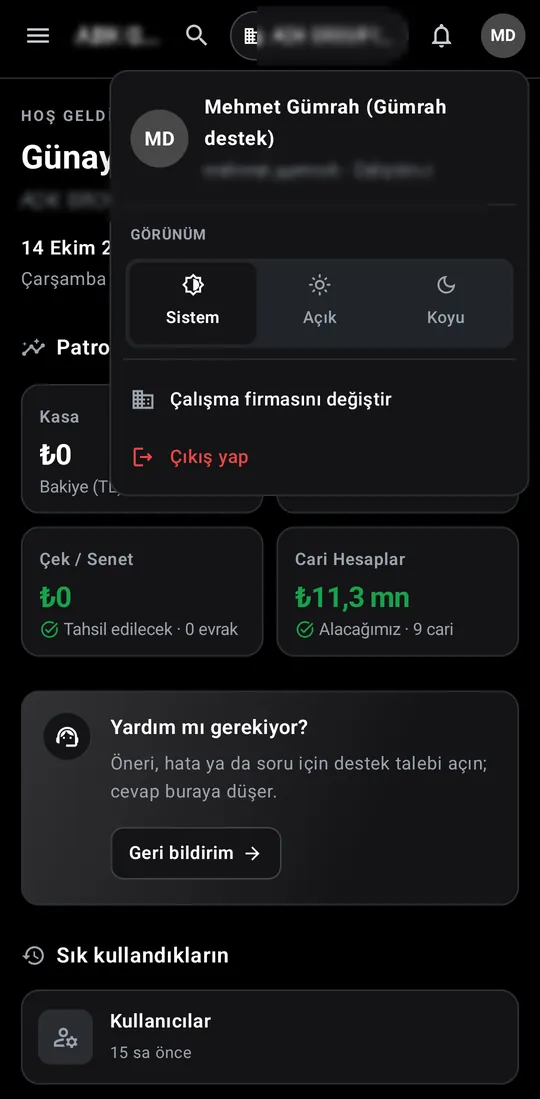
User and role, appearance (system, light, dark), switching the working firm, and sign-out.
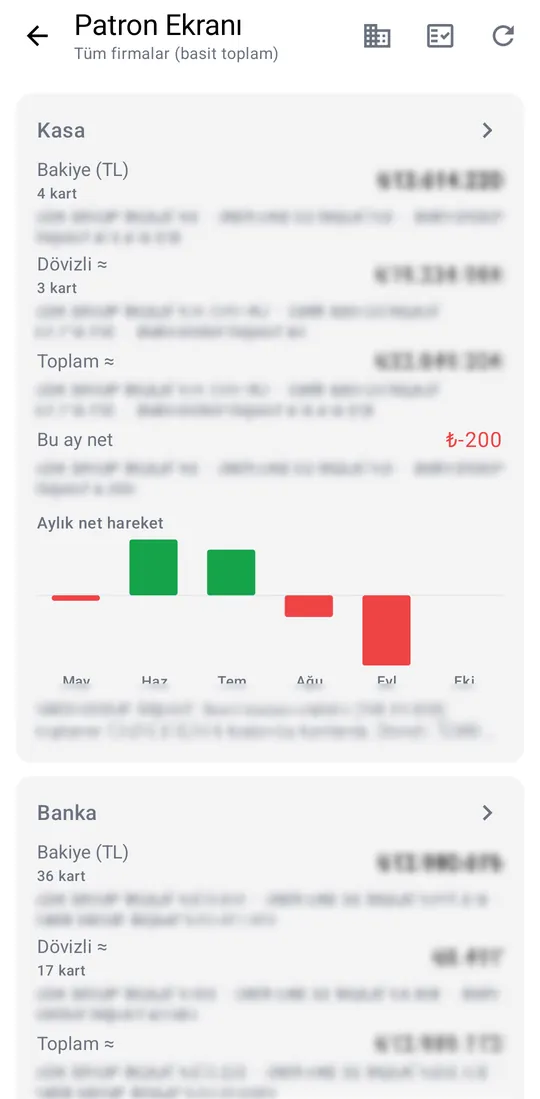
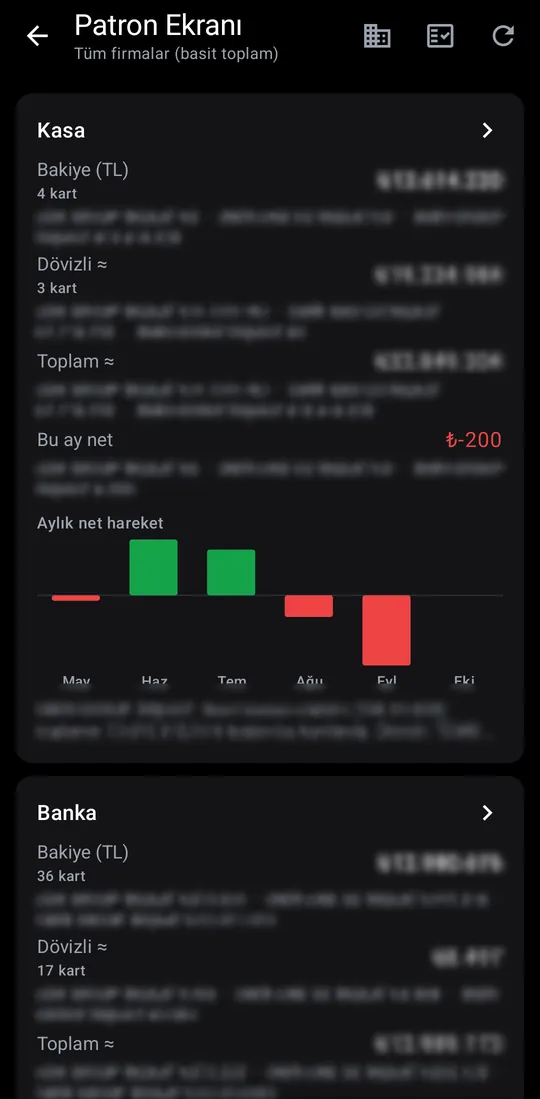
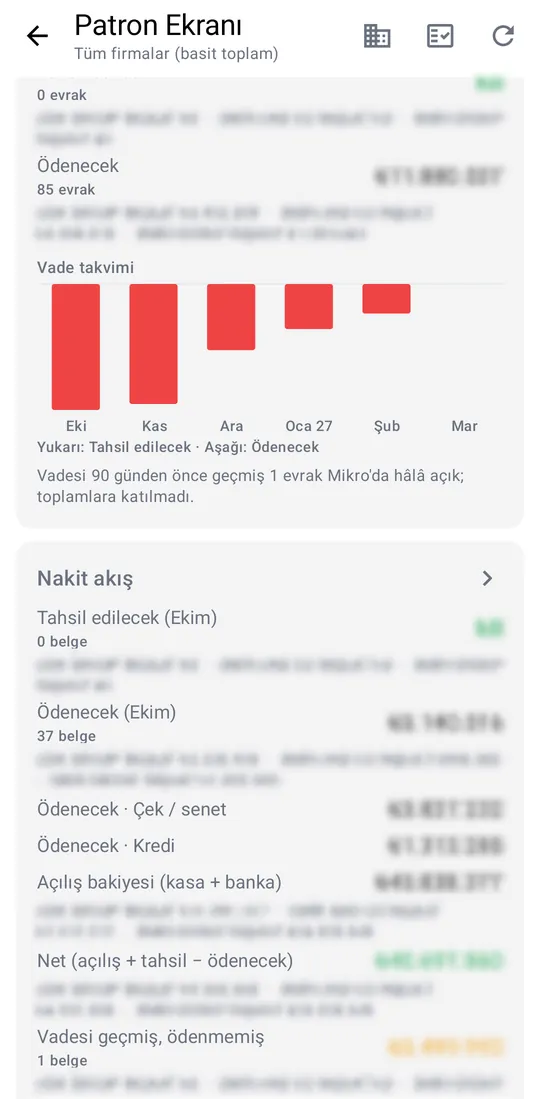
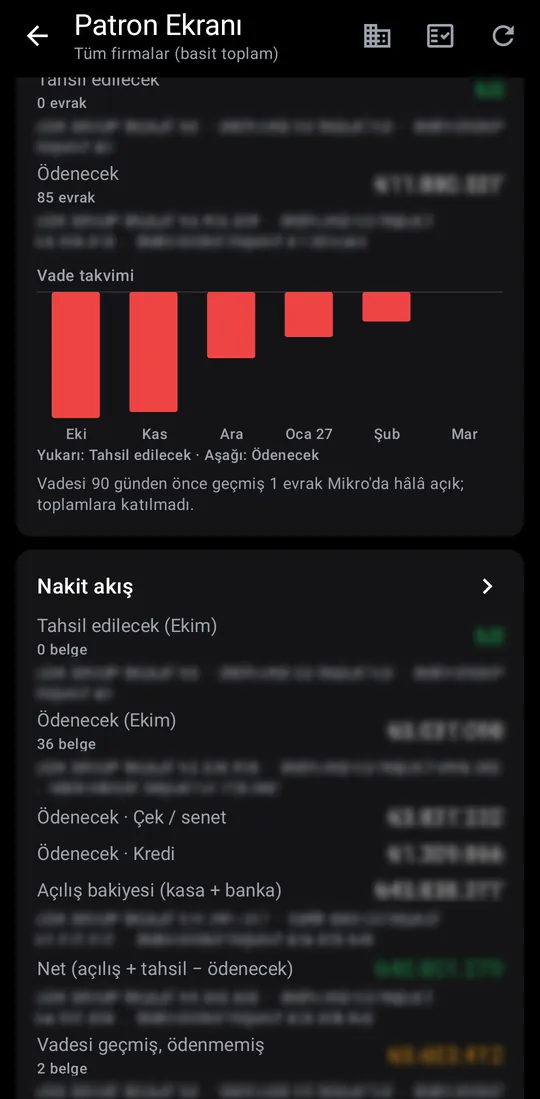
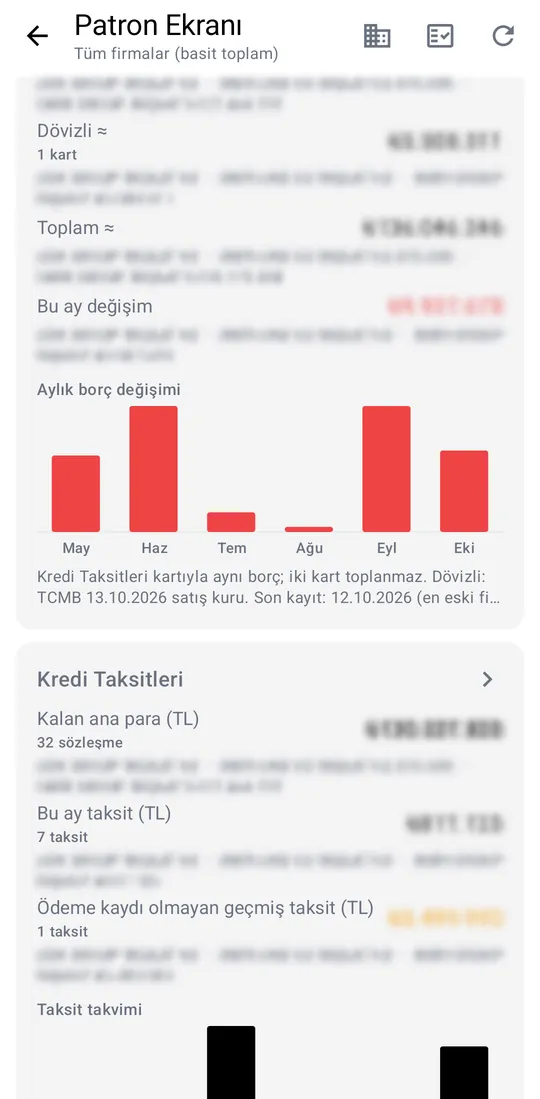
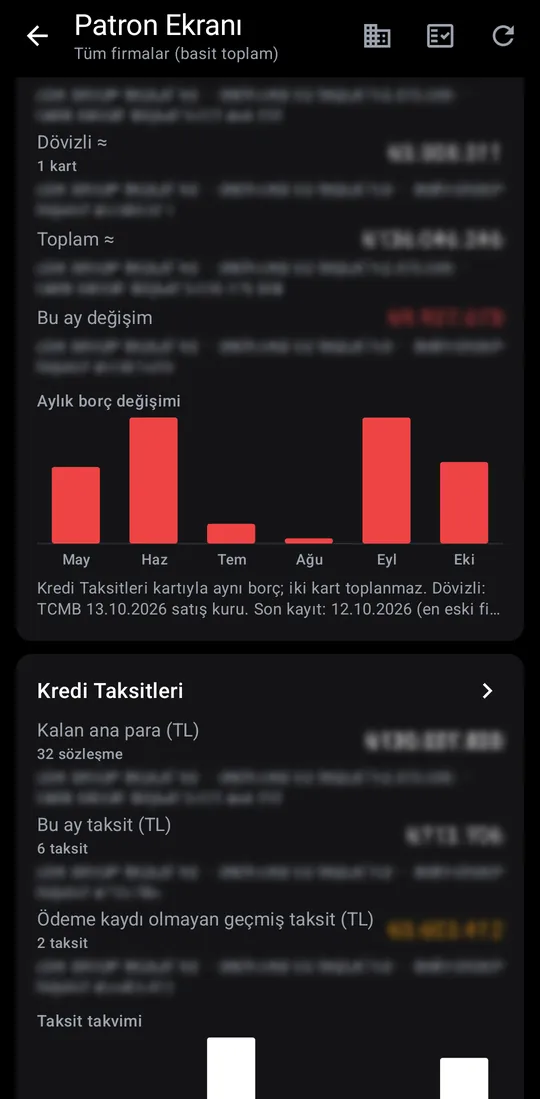
Cash, bank, cheques and notes, cash flow, bank loans and loan instalments on one board. Each card opens its detail, with a per-company breakdown and monthly charts.
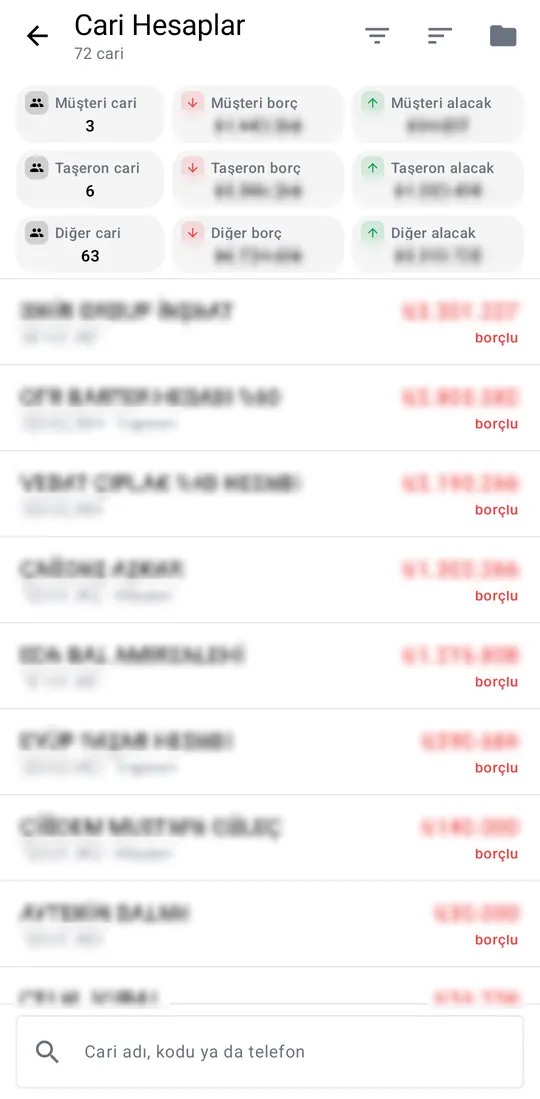
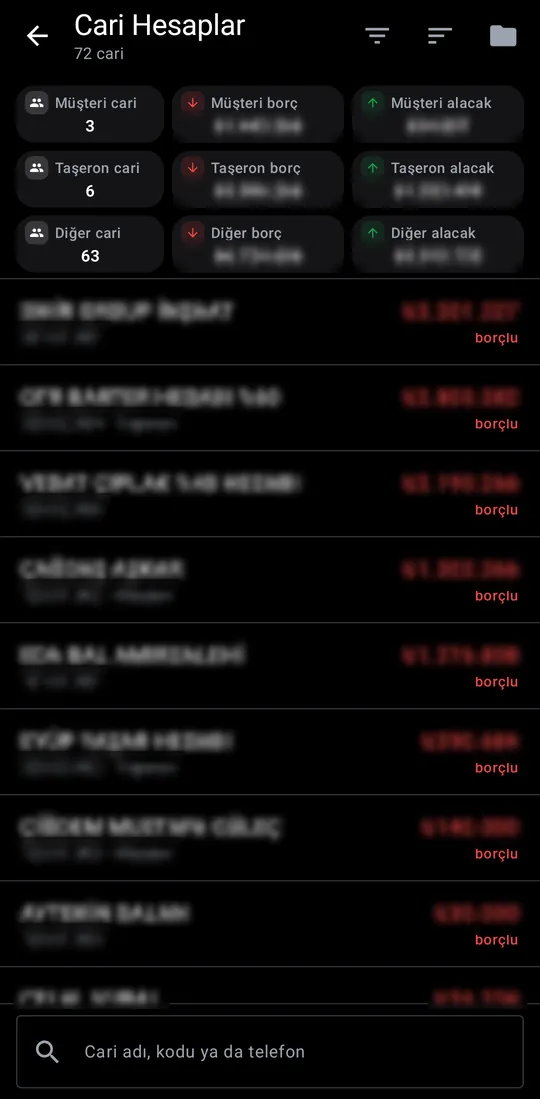
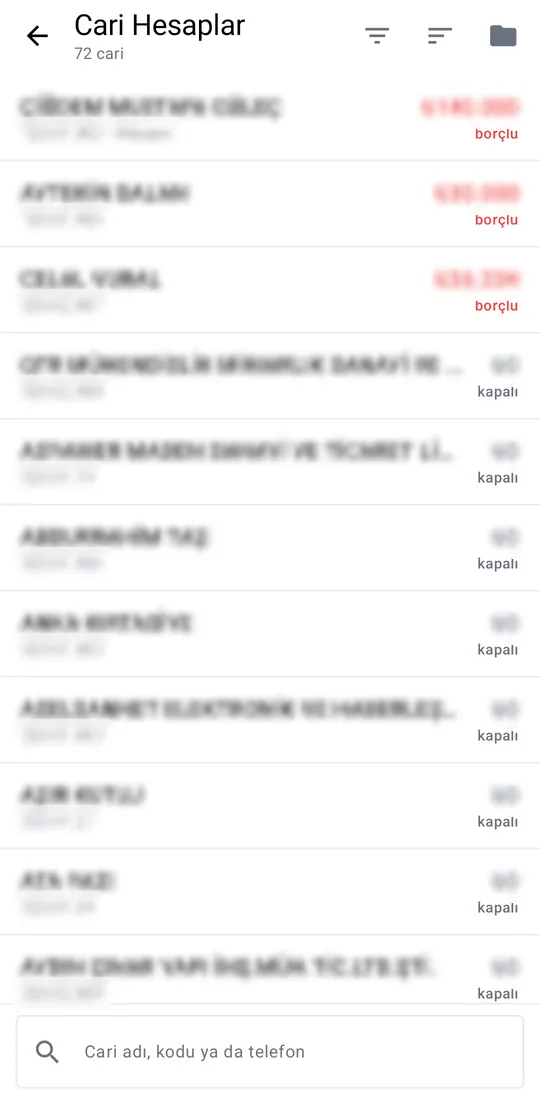
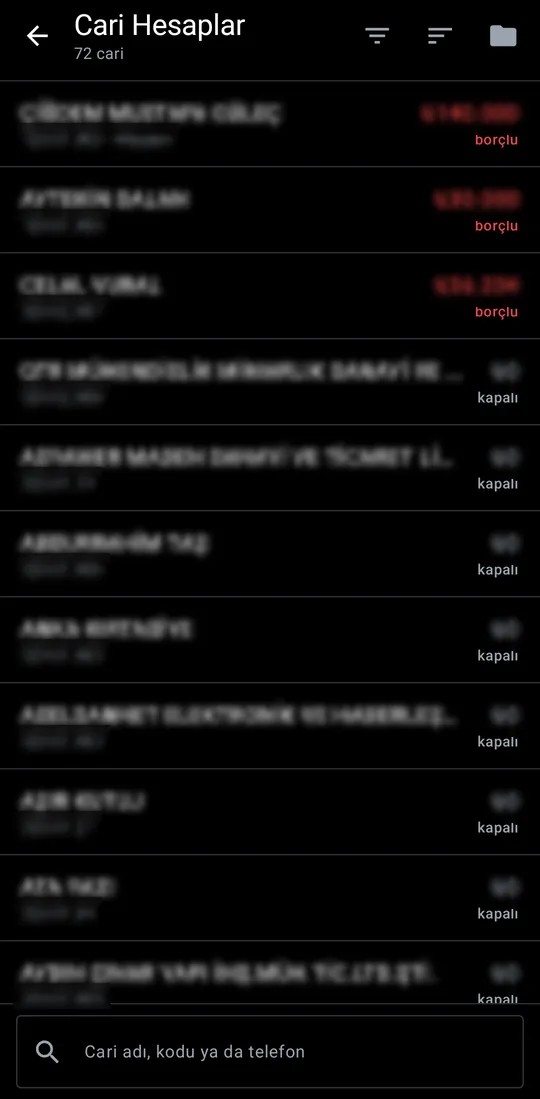
Accounts are summarised by customer, subcontractor and other groups, with one balance list underneath, search and sorting.
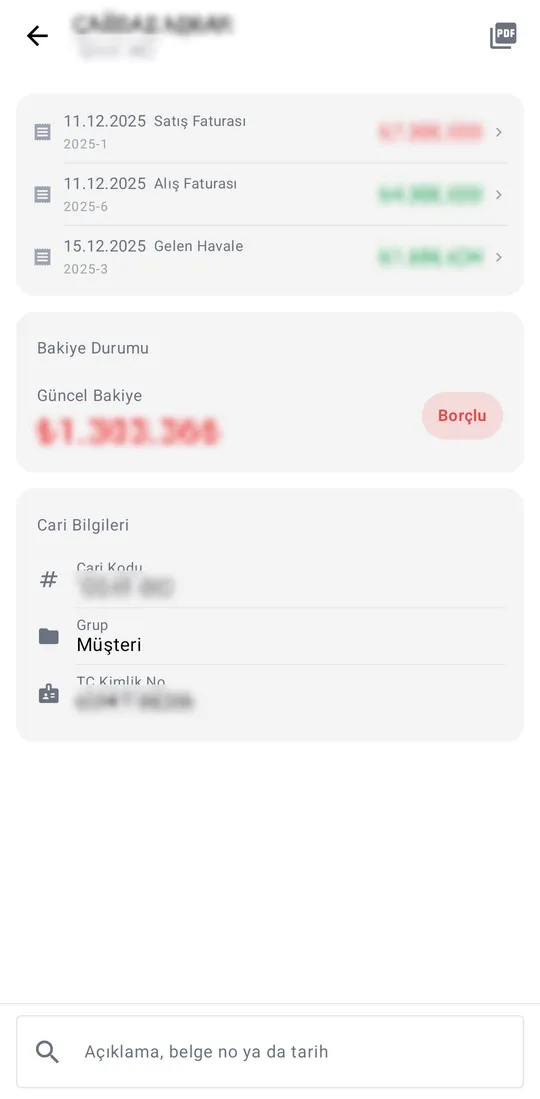
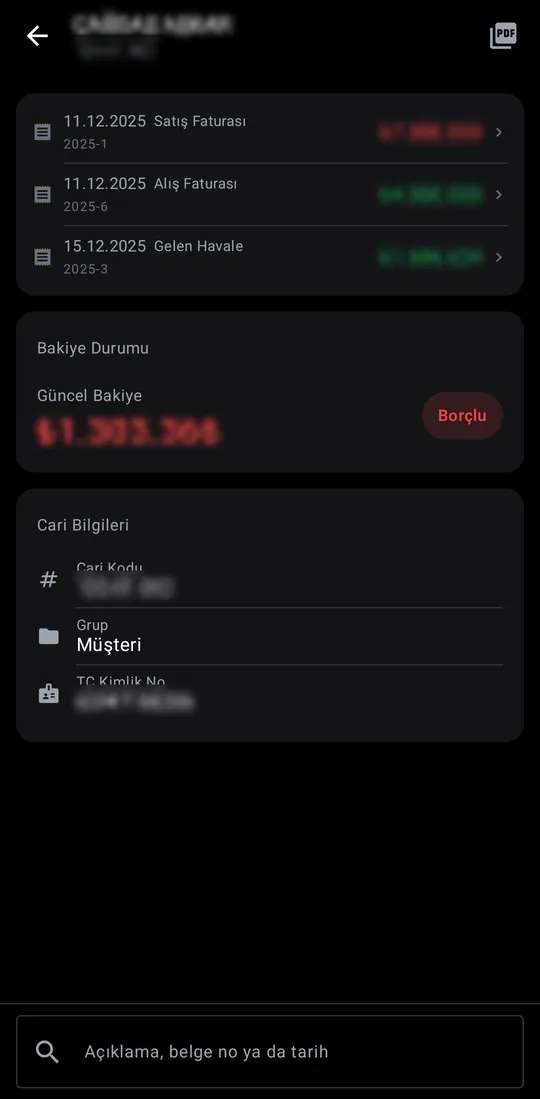
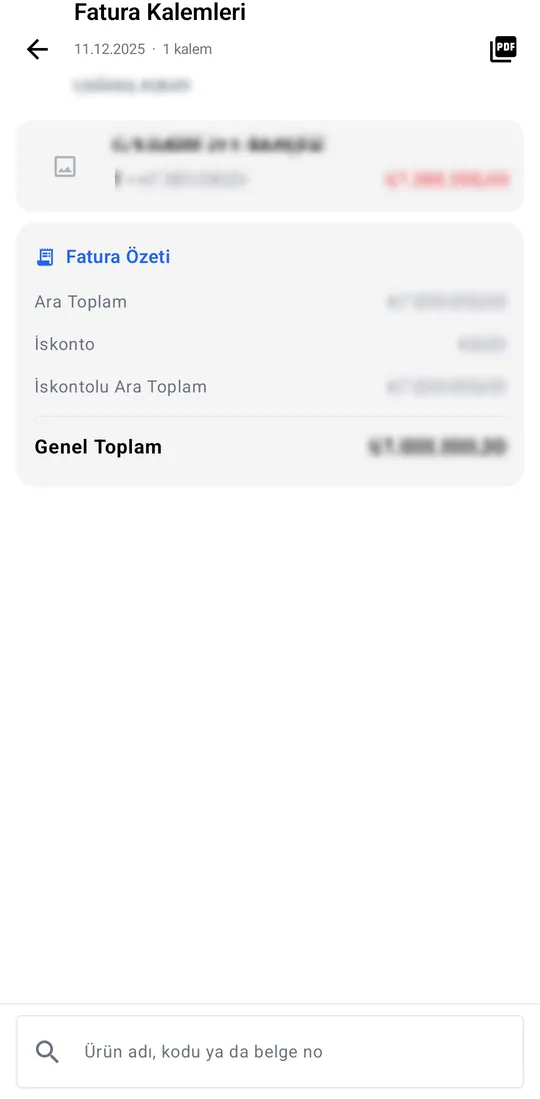
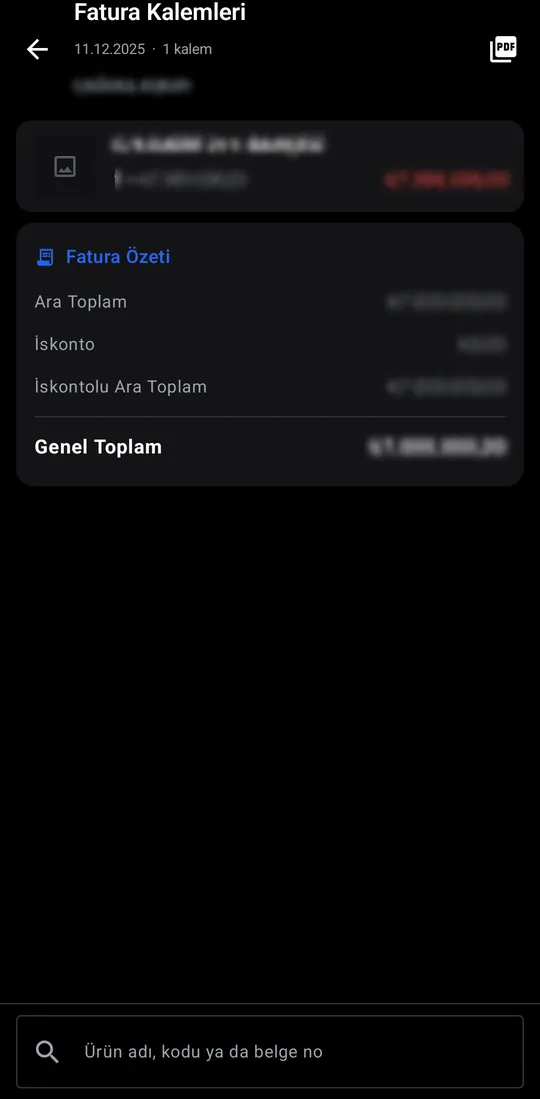
Movements, current balance and account details; the statement exports as PDF. Tap an invoice to see its lines and summary.
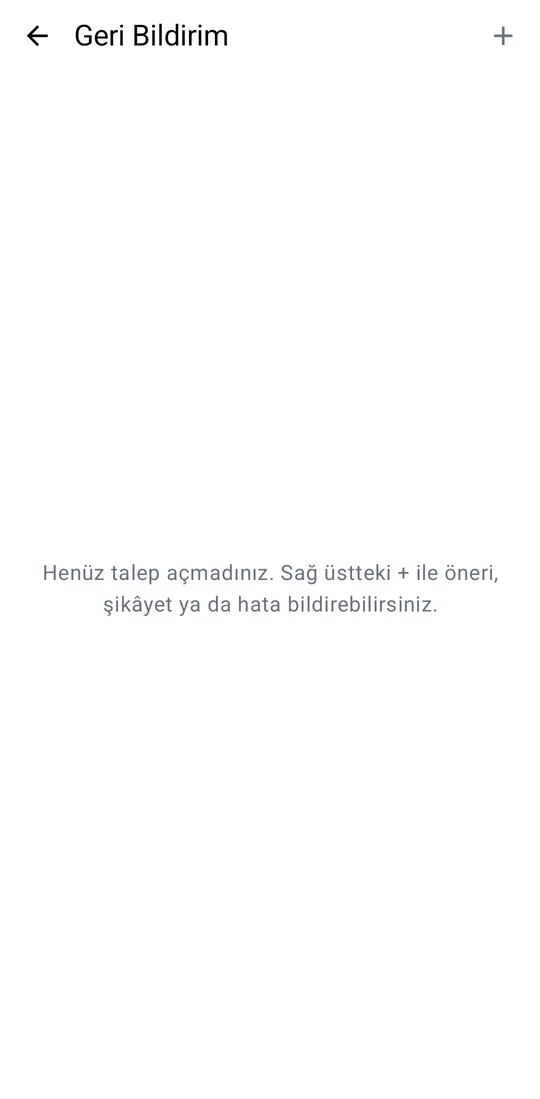
Open a support request for a suggestion, bug or question; the reply lands on the same screen.
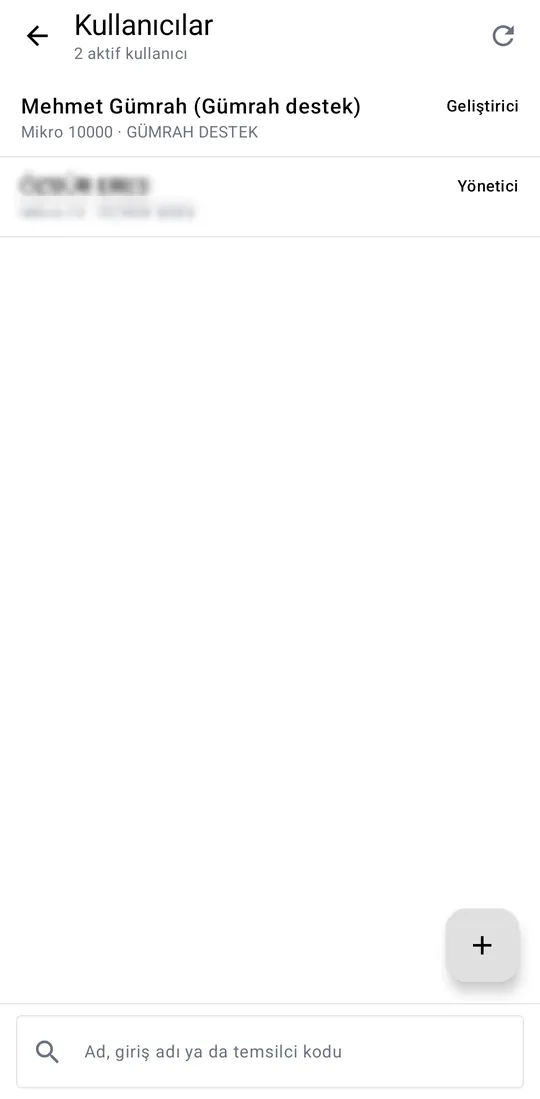
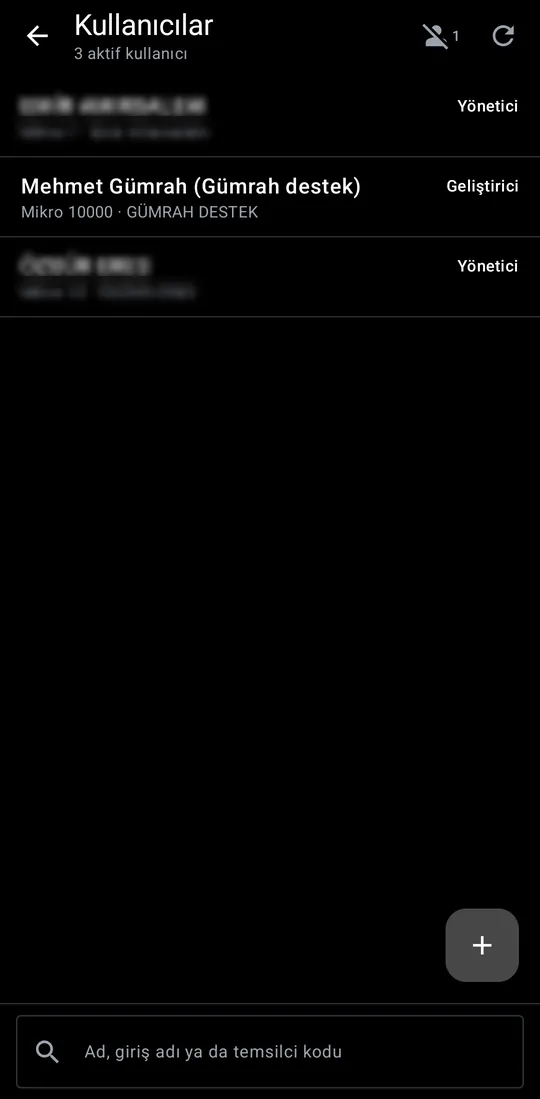
Managers handle staff accounts and roles in the app; each user is matched to their ERP user number.
These screens exist in the menu catalogue; a firm sees one only if it is licensed and the role allows it.